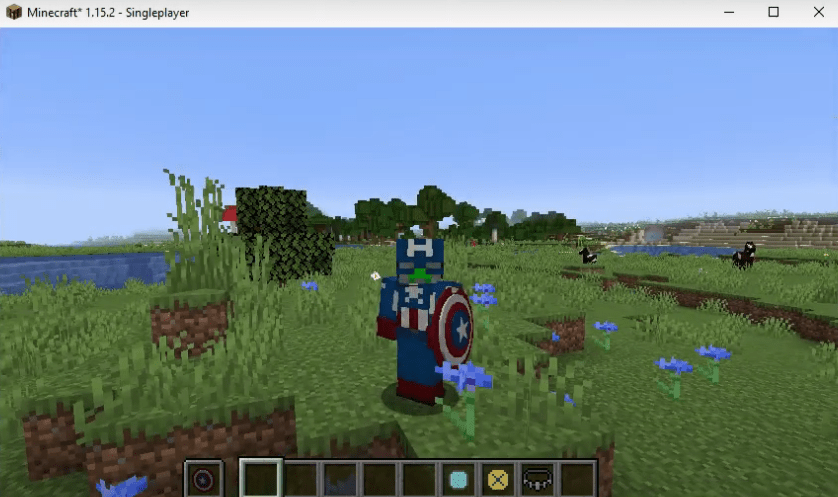
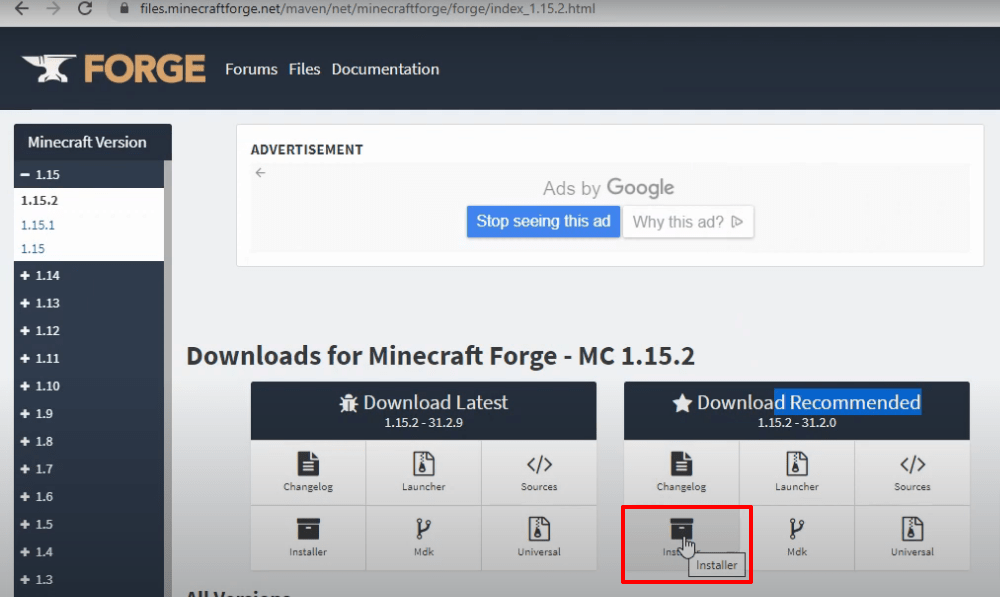
- Go to the link below and download the Minecraft Forge Software.
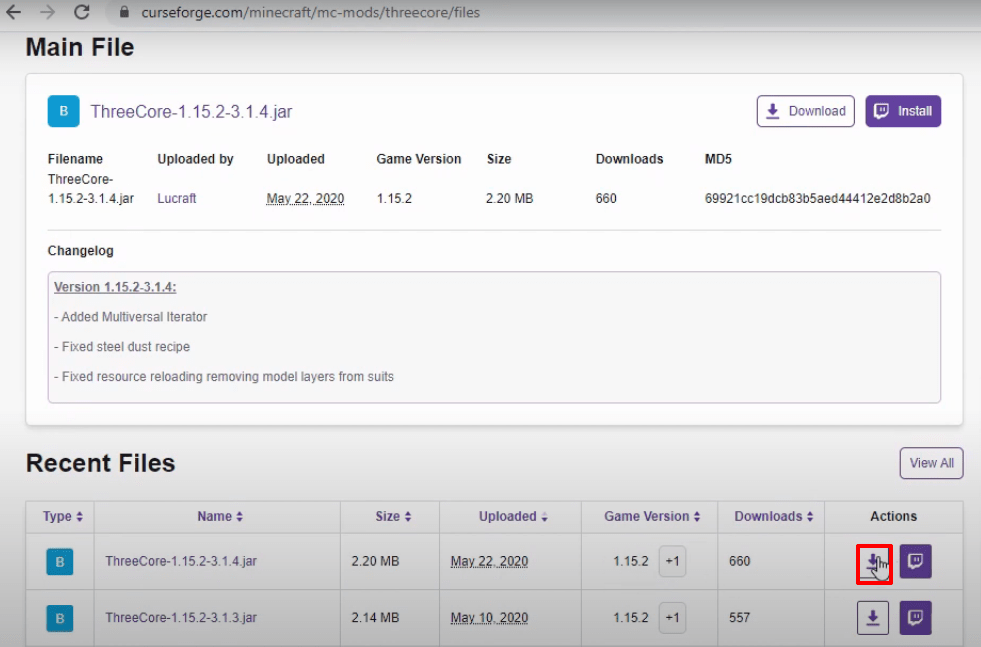
- After that, open the website below and download the ThreeCore software.
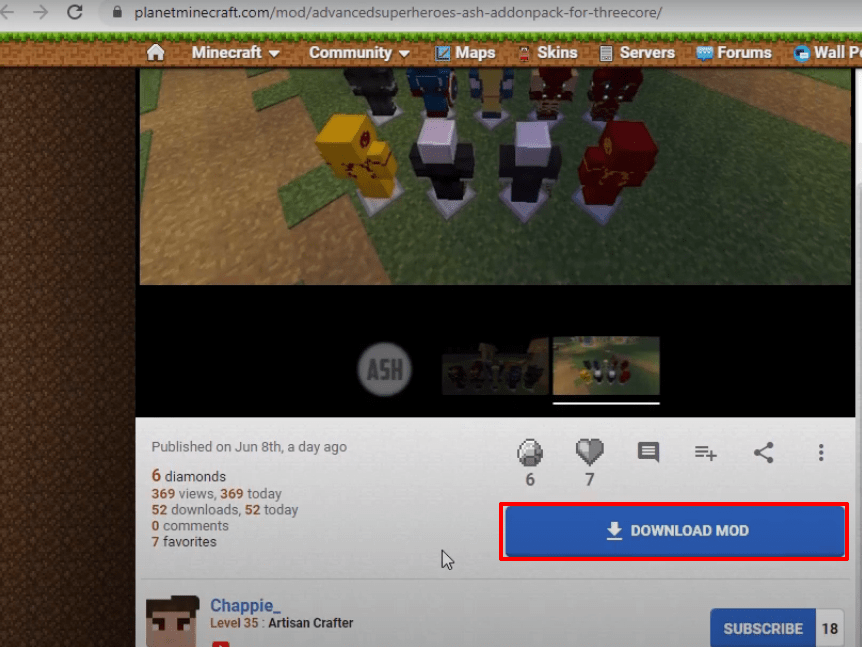
- Click the link below to download the advanced superheroes rar file.
- Now launch Minecraft launcher and click on minecraft java edition. Select the latest release and hit the PLAY button.

- Latest program will start downloading.

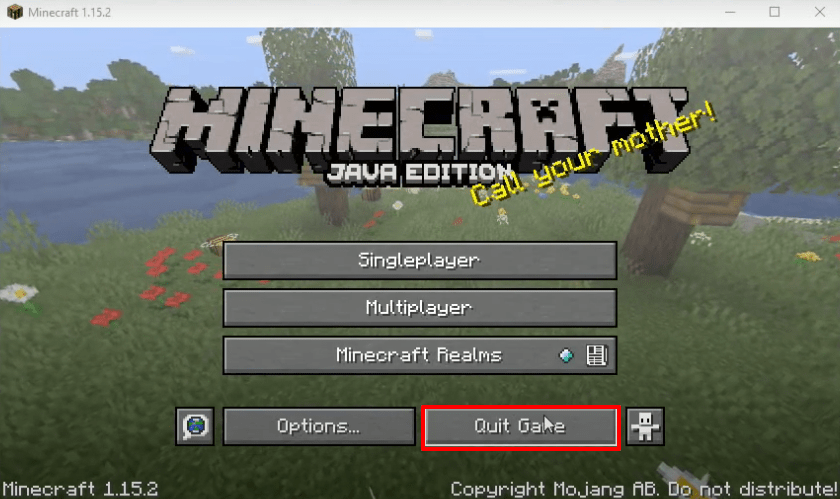
- As it gets completed, the minecraft game interface will open. You have to click on “Quit game”.
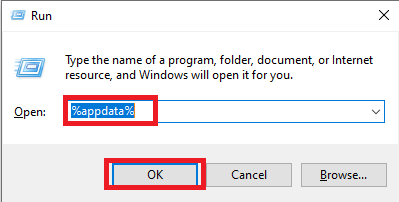
- Type windows+r to open the run dialog box, type %appdata% in it and click OK.
- After that, follow this directory “appdataroaming.minecraftversions.

- While keeping the versions folder open, double click on forge installer that was downloaded earlier and hit the Install button.
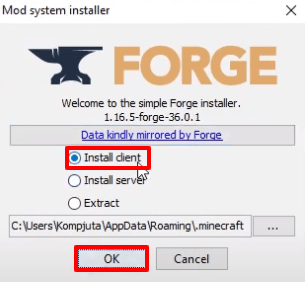
- Click on Ok.

- Now run the minecraft launcher, select forge and hit the PLAY button.

- Check the box and tap the Play button.

- The setup file will start downloading.

- As the minecraft interface appears, you will need to click on Mods.

- After that, click on forge and hit Done.

- Then click on Quit Game.

- Open the appdata folder again by typing %appdata% into the run dialog box.
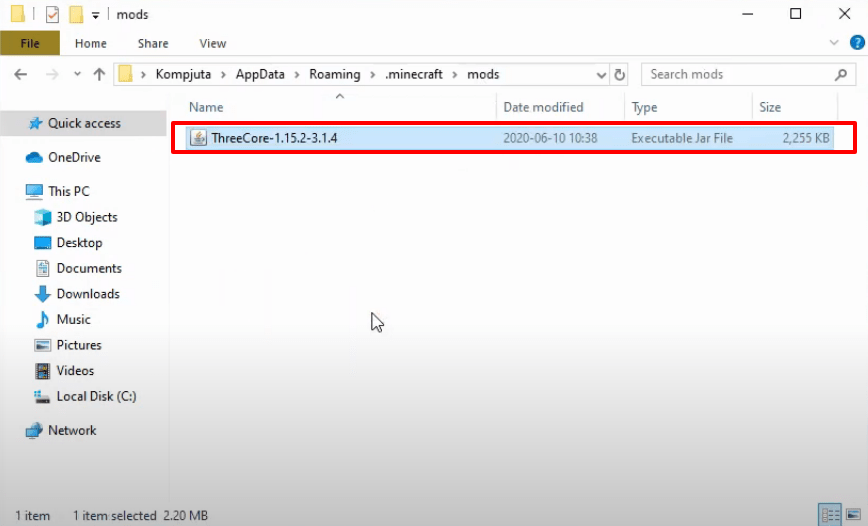
- After that, open the .minecraft folder and then mods folder. Paste the downloaded ThreeCore file.
- After that, launch the minecraft launcher, select forge and hit the PLAY button.

- As the minecraft interface appears, click on Mods.
- As you can see the both mods have been installed in the game.
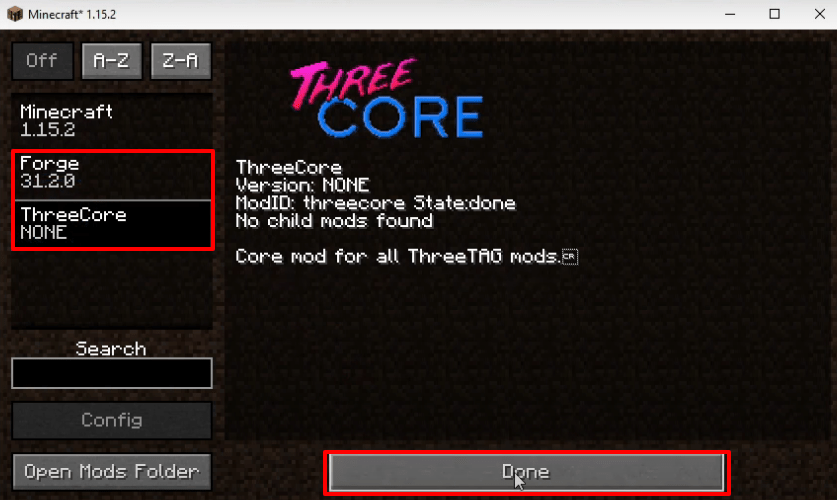
- Tap on “Quit Game”.

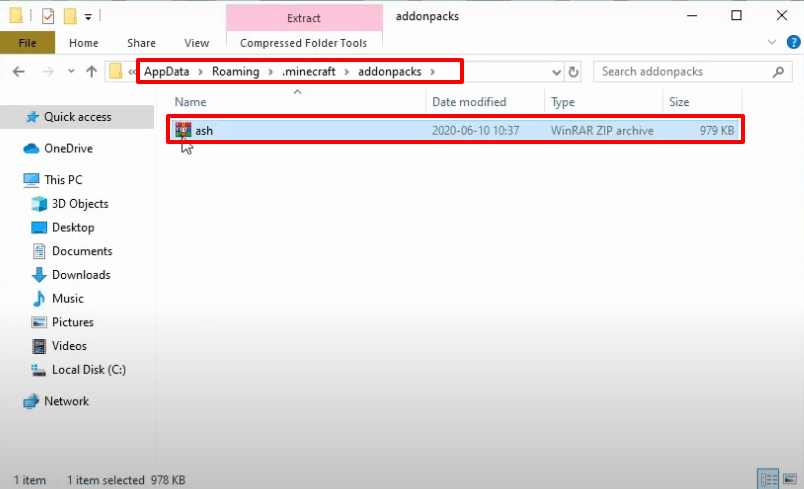
- Open the appdata folder again by navigating to the run dialog box. Go to this directory “appdataroaming.minecraftaddon packs” and paste the downloaded rar file in this folder.
- After that, launch the minecraft launcher, select forge and hit the PLAY button.
- As the minecraft game interface comes, click on Singleplayer.

- Then click on “Create new world”.

- Now you need to tap “More world options…”

- After that, turn on Allow Cheats and Bonus Chest, then press Done.

- After that, click on “Create new world”.

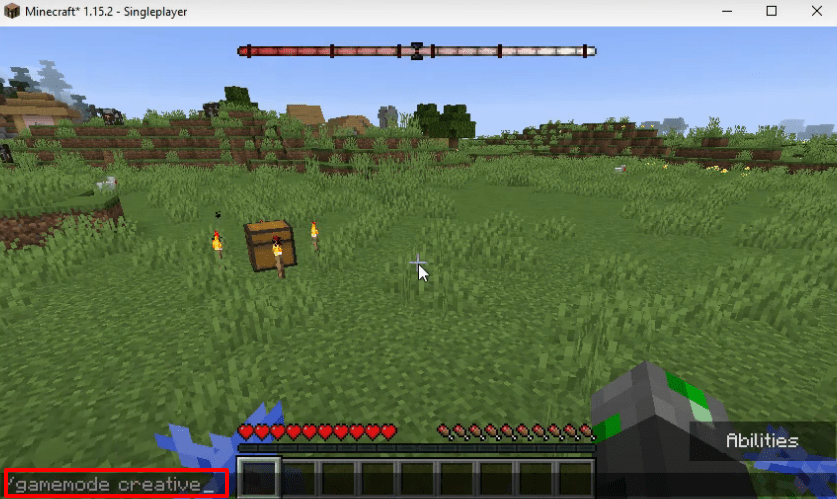
- After that, as the gameplay interface appears, type/gamemode creative.
- Select your desired one mod feature and apply.
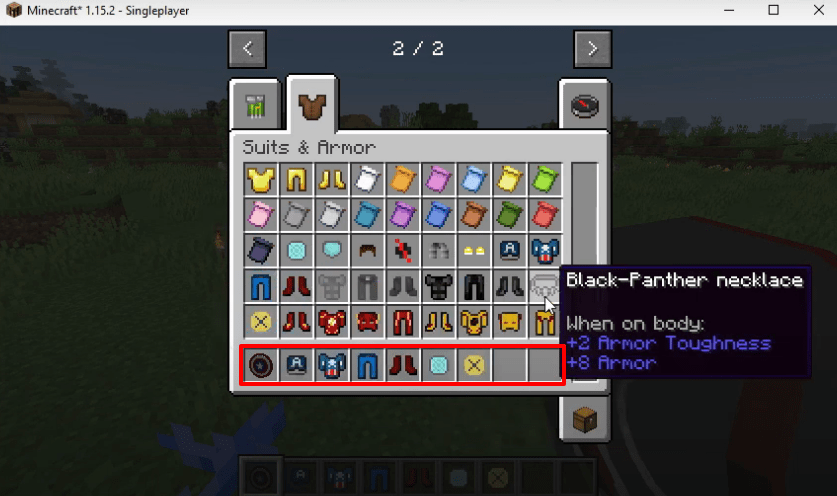
- You will see the changes in game as you apply mods.