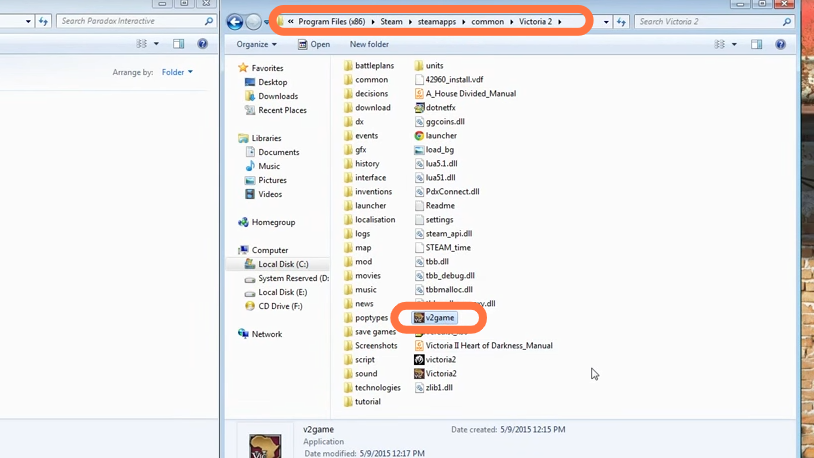
This guide will let you know how to Install Victoria 2 Mods. You have to follow the step-by-step instructions below to install it.
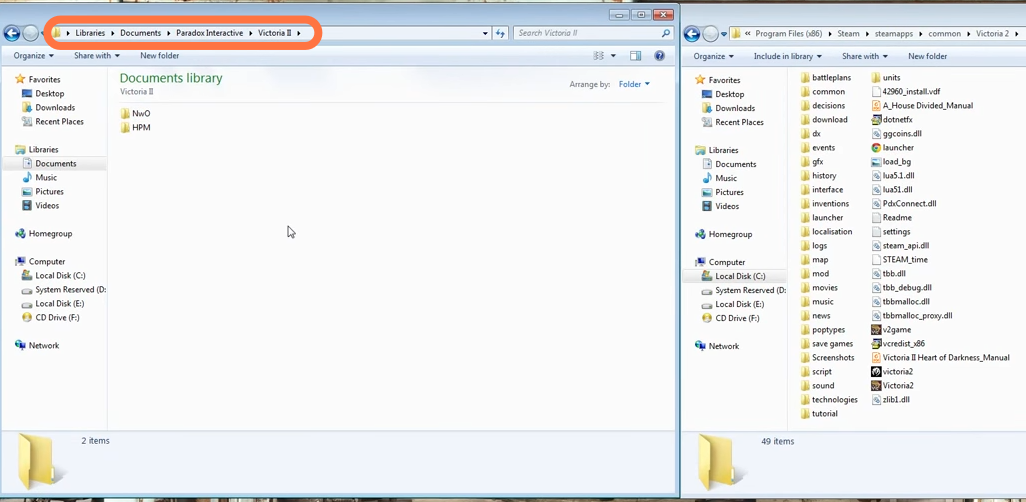
2. After that, go to Documents > Paradox Interactive > victoria II.
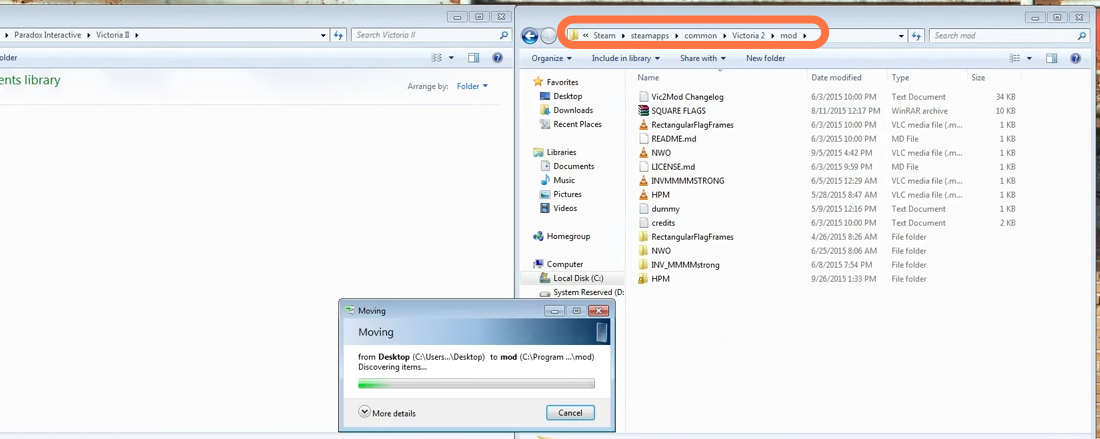
3. Now open the mods folder from the main directory of the game, if there isn’t a mods folder already, then you need to create an empty folder and give it the mods name. After that, extract the downloaded mod folder (which must have a folder and “.mod” file) into the mods folder.
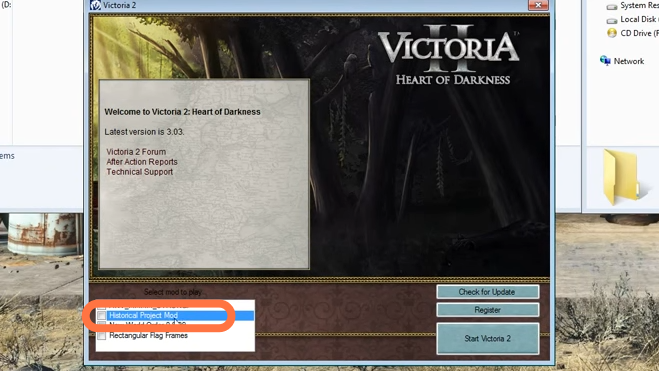
4. You have to open the Victoria 2 game to see if mods appear there or not.
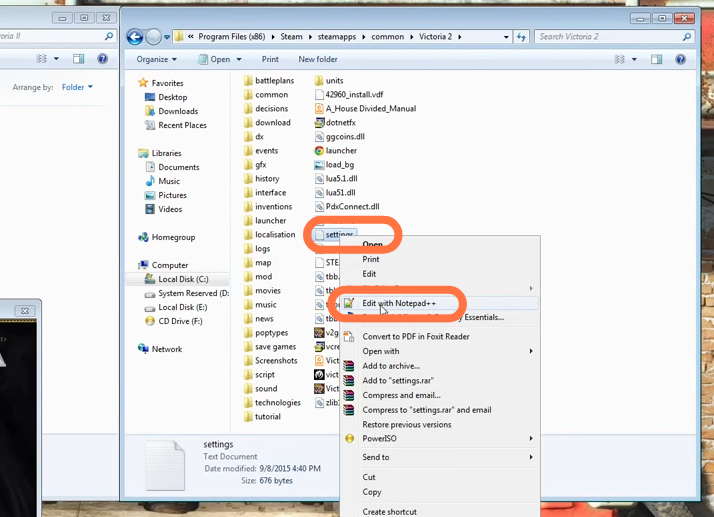
5. Sometimes when you launch a new mod, the Volume doesn’t work at all. Find the settings text file in the mods folder and edit it with notepad.
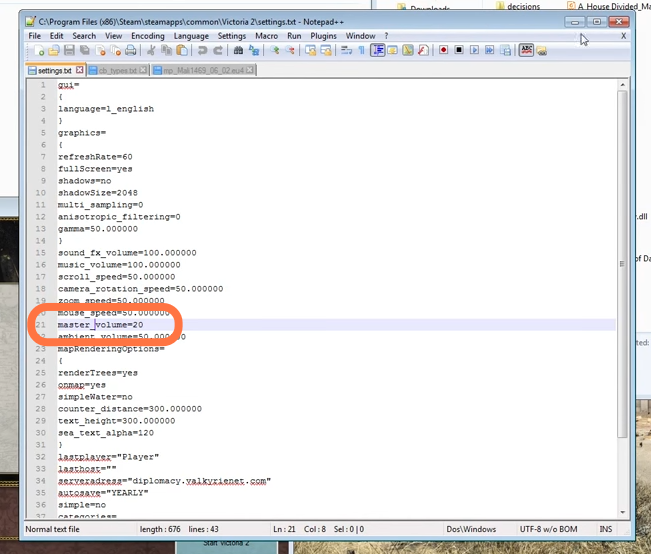
6. Now you need to change the master_volume value to at least 20.
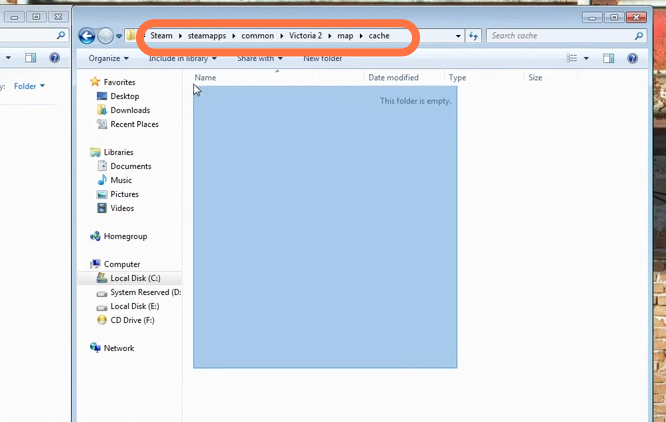
7. Next, open the map > cache folders from the main directory and delete everything from here because it may cause a crash on startup.
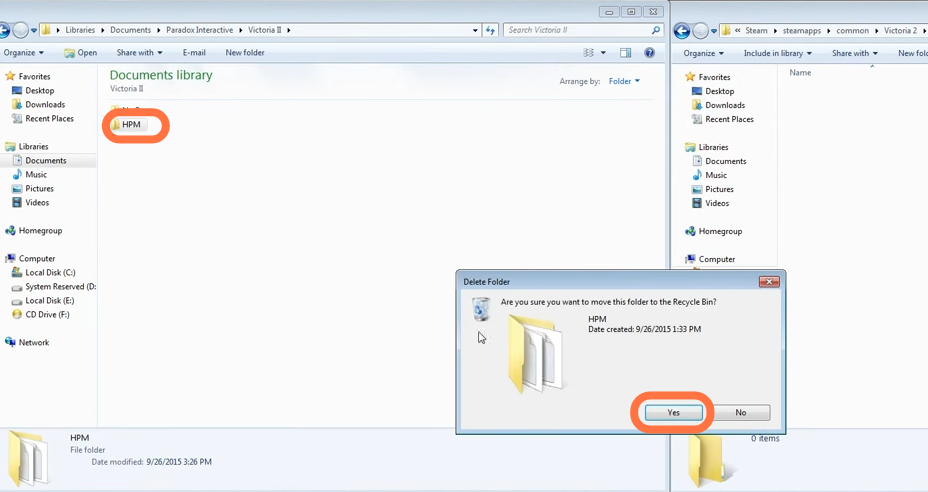
8. After that, come back to Paradox Interactive > victoria II. If you see the HPM folder there, you have to delete it because it can also cause a crash on startup.