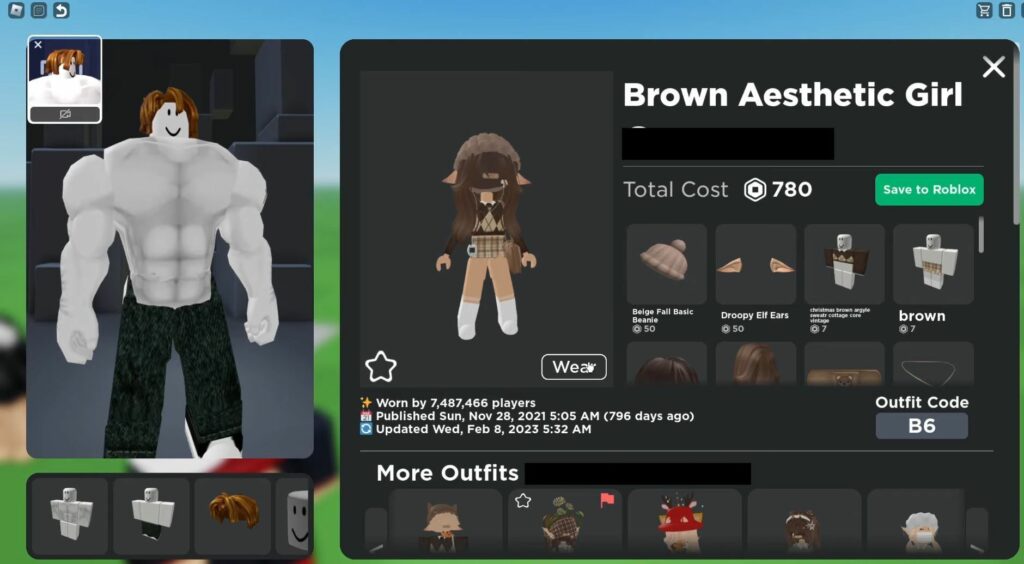
This guide will show you how to enter an outfit code in the Catalog Avatar Creator in Roblox. Simply follow the steps below to enter the codes.
- First, launch the Catalog Avatar Creator game and click on Community Outfits on the left side of the screen.
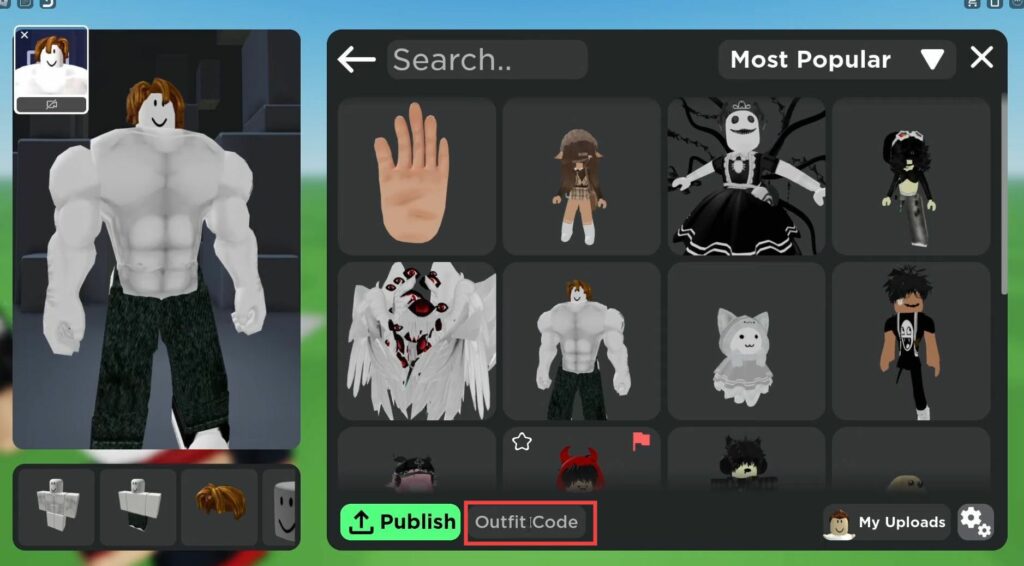
- Click on any available category, then select Outfit Code at the bottom left.
- Enter the code and press the Enter button. The outfit will load, and you can then save it to Roblox or wear it by clicking the Wear button.