This brief guide will tell you how to install the PUBG Mobile lite on your PC. Go through the guide and follow step-by-step instructions to install PUBG Mobile.
- For the installation of PUBG mobile lite on pc, android emulator must be installed on your PC.
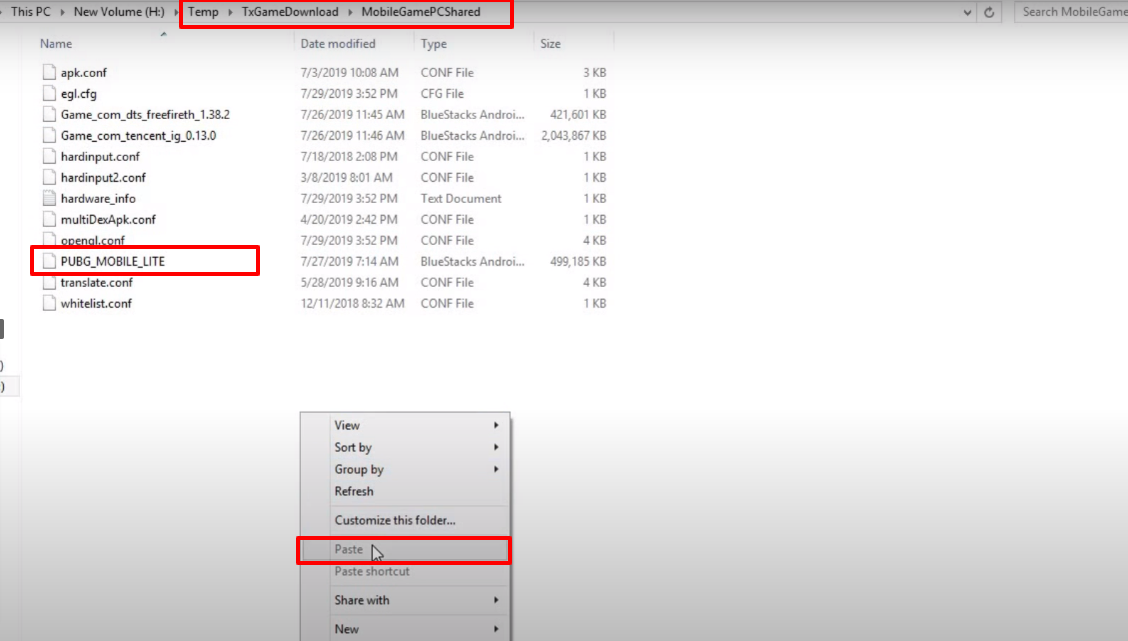
- Download the Apk file of Pubg Mobile Lite from the link below, follow the path “temp/togamedownload/mobilegamepcshared” and paste the downloaded file in the opened directory.
http://gestyy.com/w6dAX2
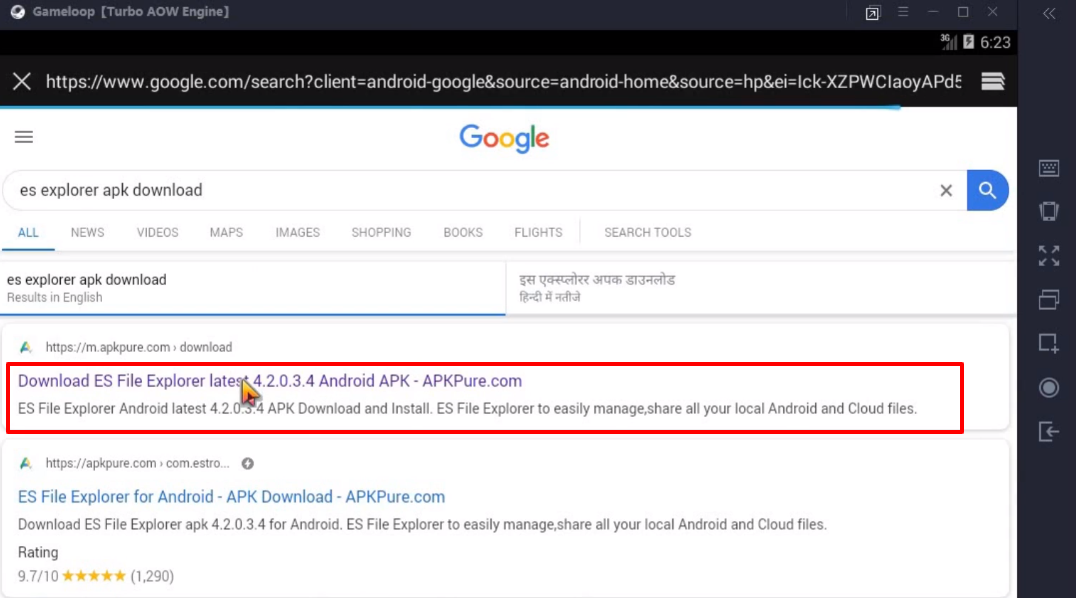
- Download the ES explorer apk file.
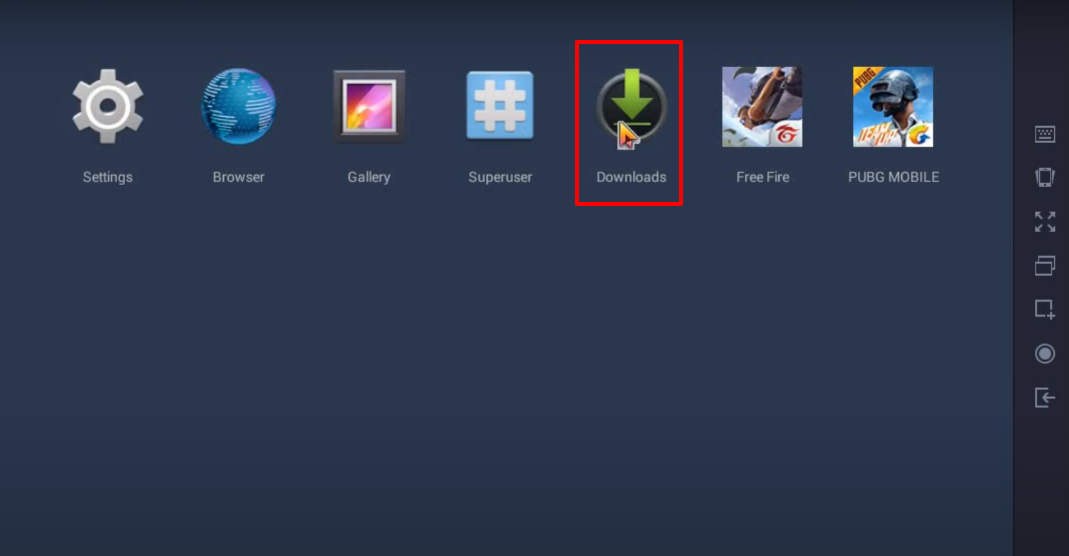
- After that, click on Downloads.
- And then click on the downloaded apk file.

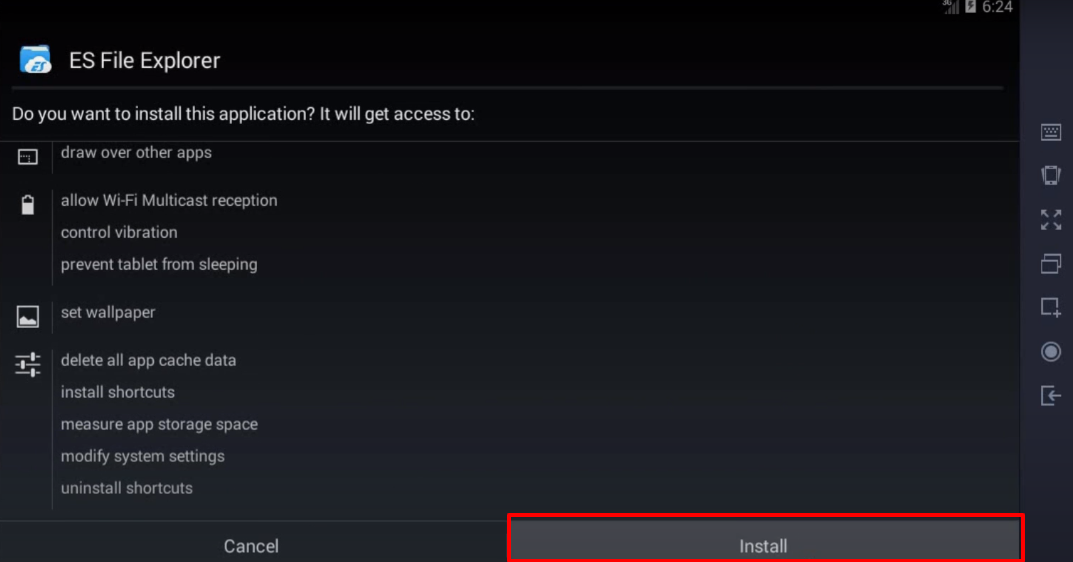
- Click on Next to install the ES File Explorer.
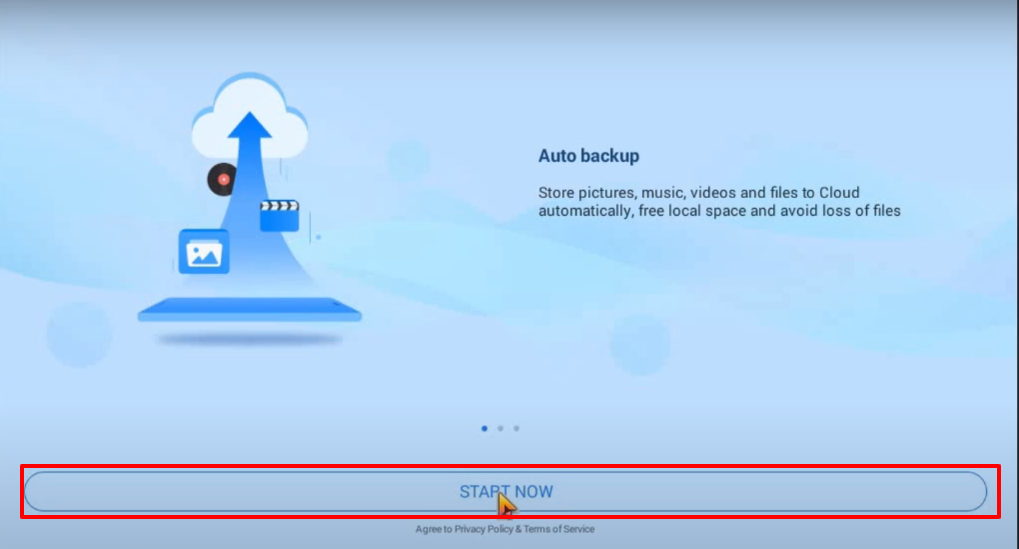
- Open the installed app and click on Start Now.
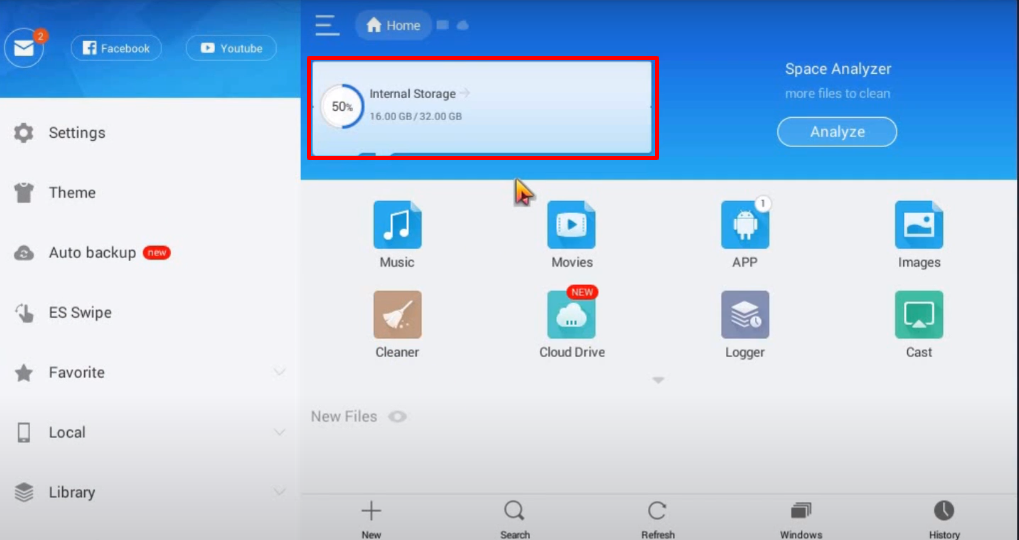
- Click on the Internal Storage.
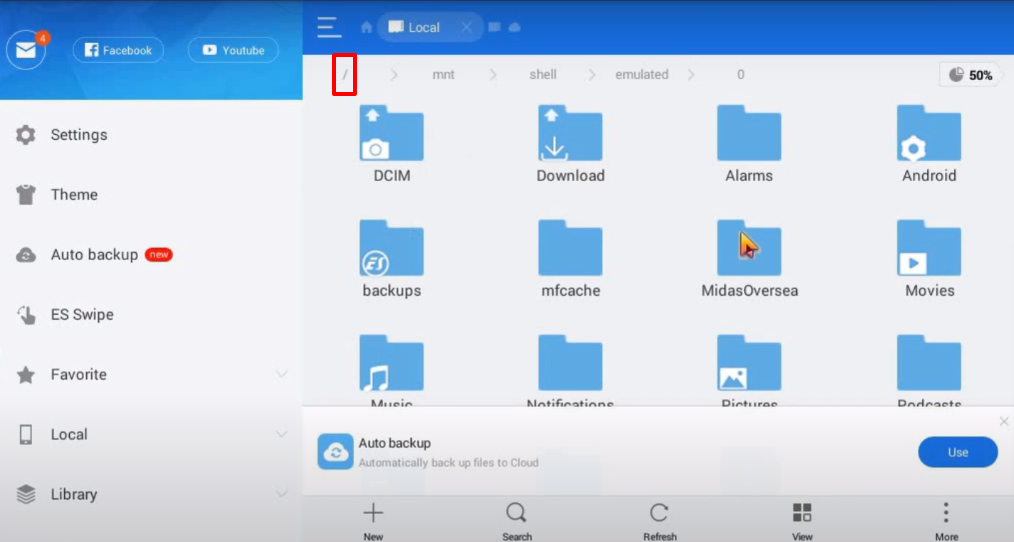
- Click on the forward slash icon.
- Click on data.
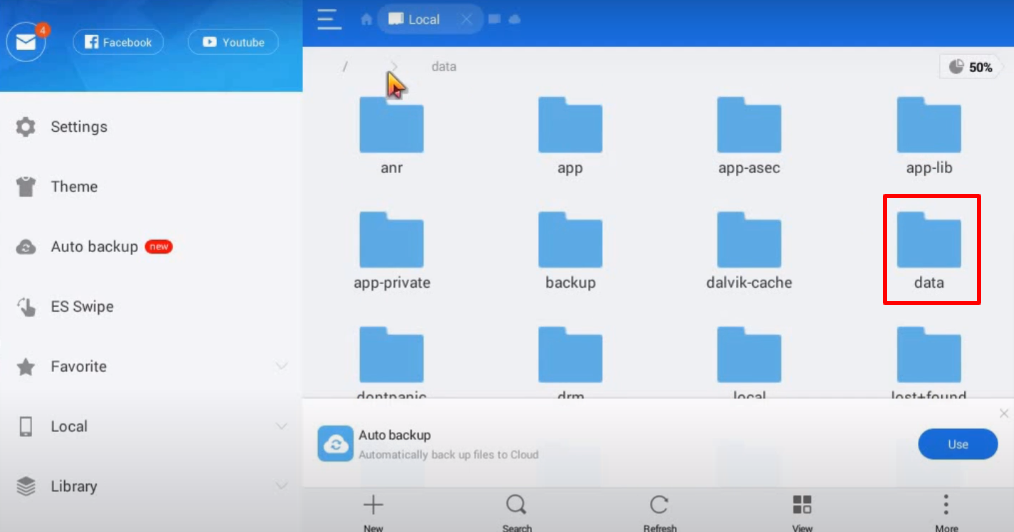
- After that, you will have to click on Share 1.
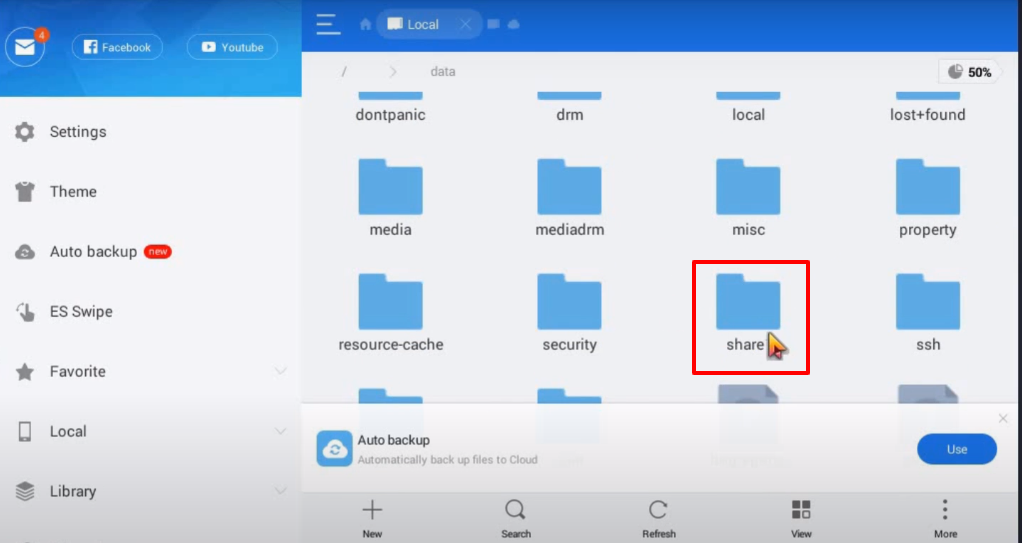
- Click on the apk file.

- Click on Install.

- Again click on Install.
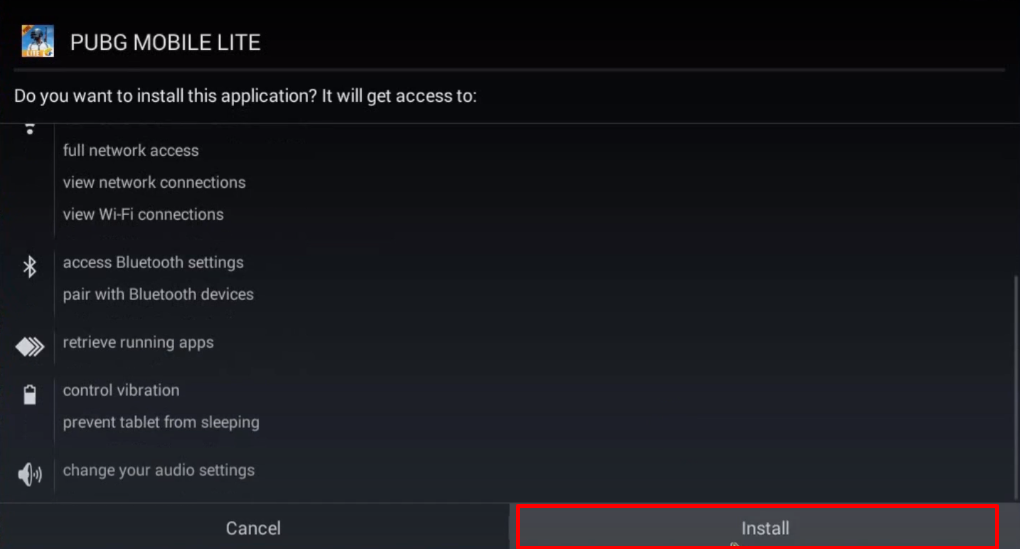
- Click on Open.

- Open the installed app.
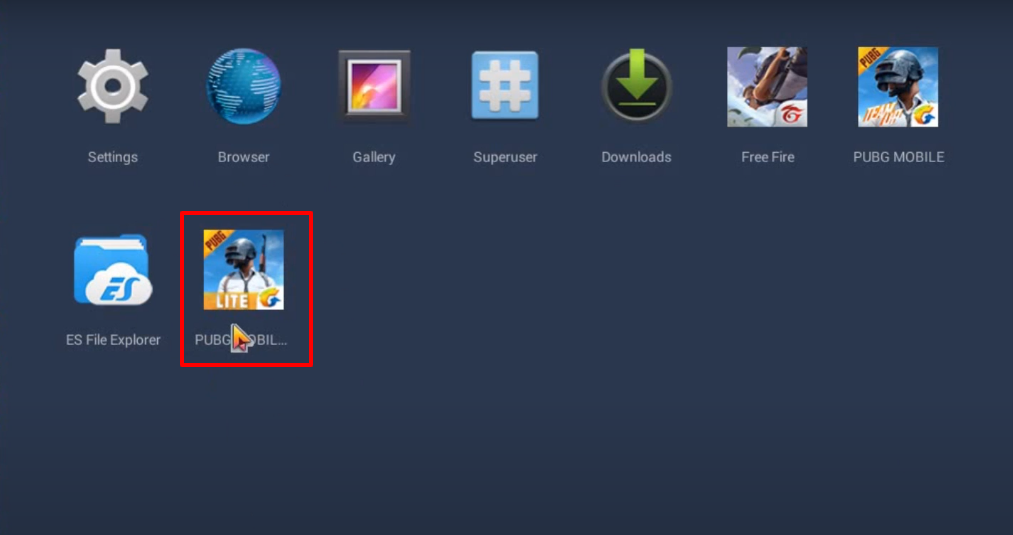
- Enjoy the game.