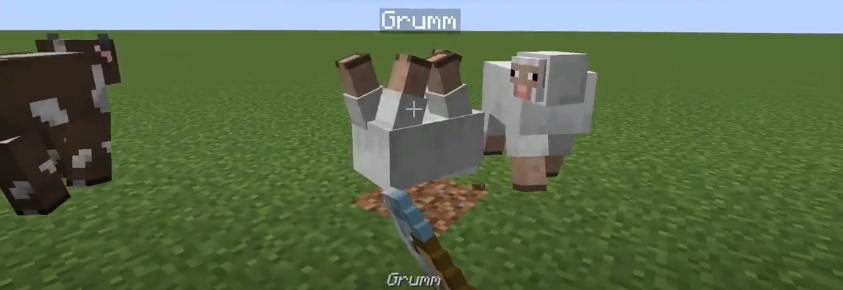
In this guide, you will come to know how to turn the mobs upside down in Minecraft. You just have to follow the simple steps to do so.
Step 1
The name tags will allow you to turn mobs upside down. “Dinnerbone” with a capital “D” is the first name.
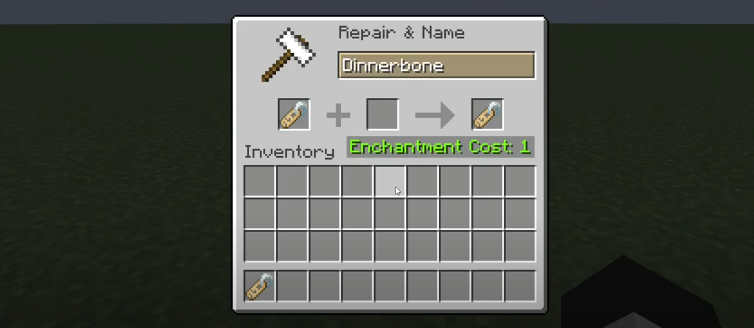
Step 2
And “Grumm” with a capital “G” is the second name.
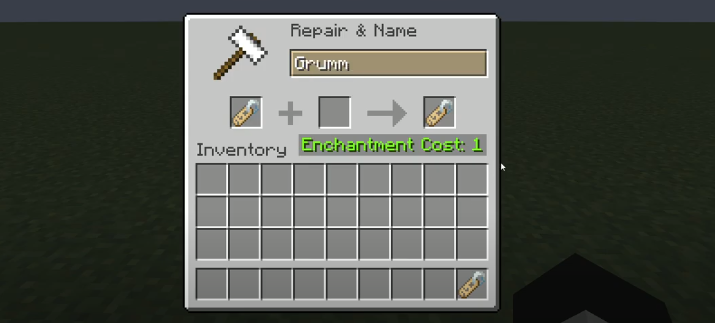
Step 3
You will need to take the name tag to the mob you want to turn upside down, and it will work on all mobs.