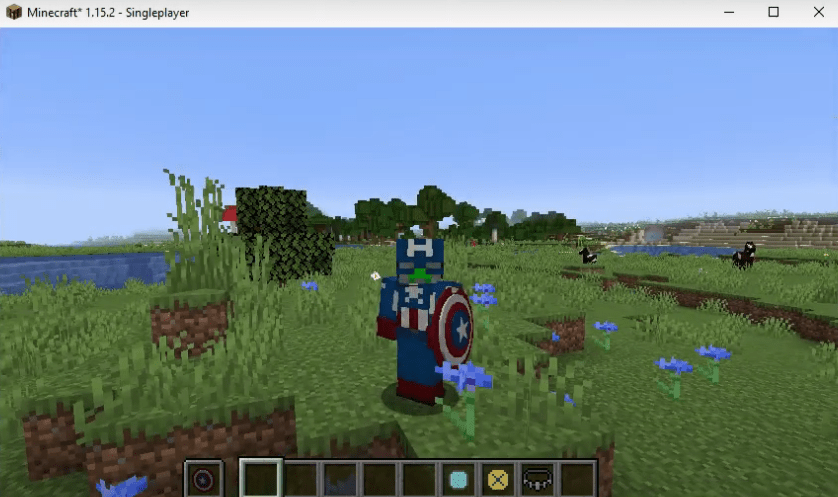
The ADVANCED SUPERHEROES MOD adds popular superheroes like Hulk, Captain America, Iron Man, and more to Minecraft.
Steps to Install Advanced Superheroes Mod 1.15.2
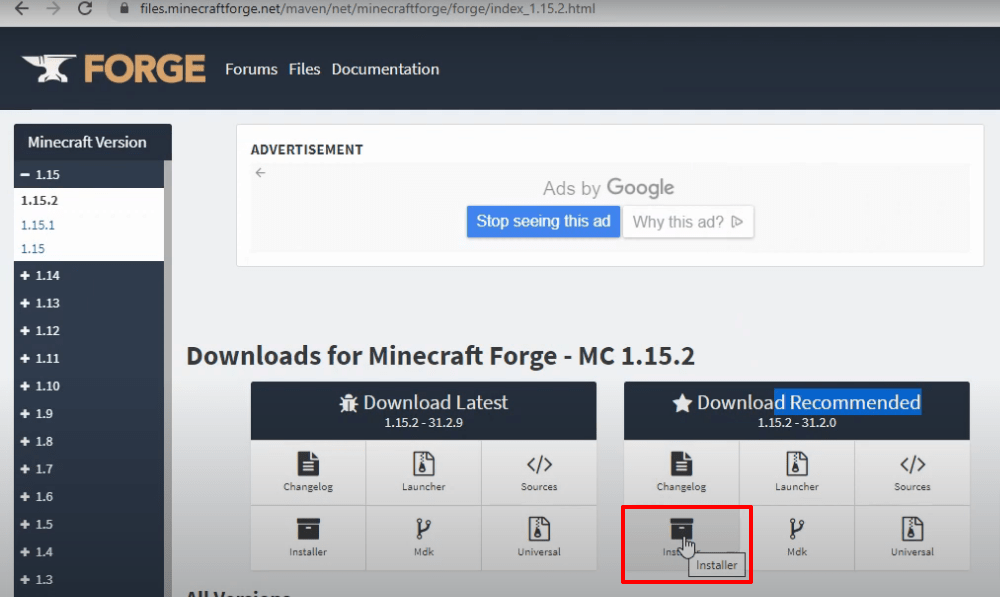
- Download Minecraft Forge 1.15.2.
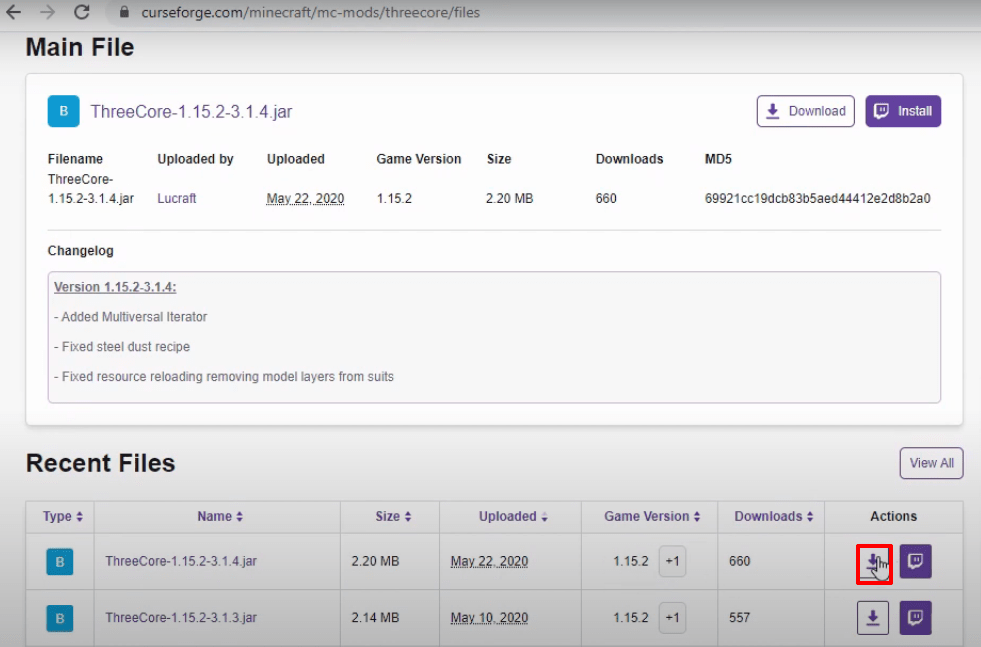
- Download ThreeCore Software.
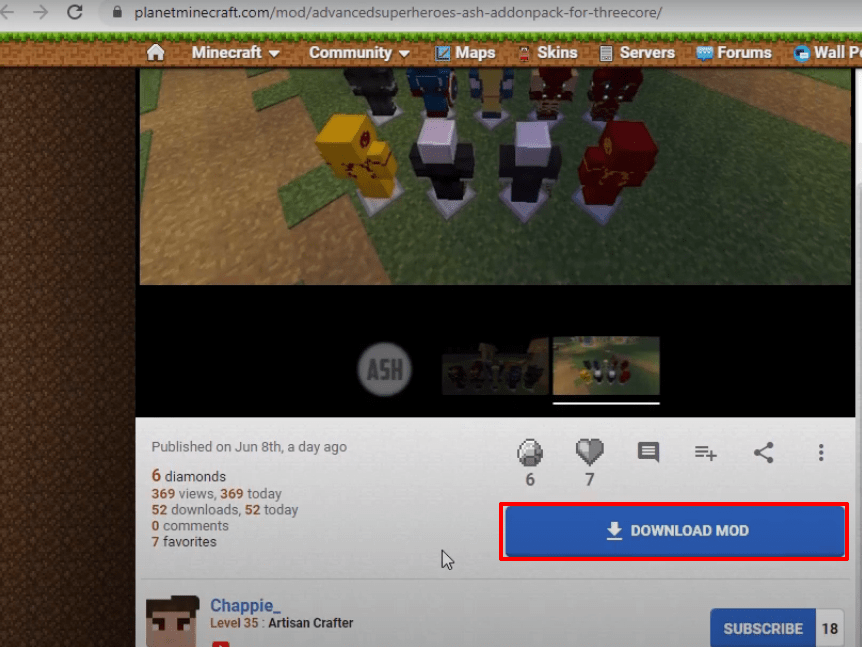
- Download the Advanced Superheroes Mod RAR.
- Launch Minecraft Launcher → Select Minecraft Java Edition → Latest Release → Click PLAY.

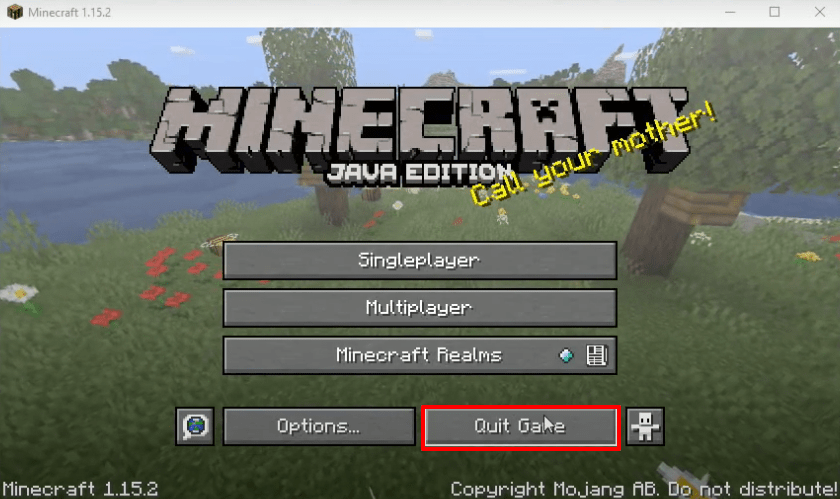
- Once the program loads, click Quit Game.
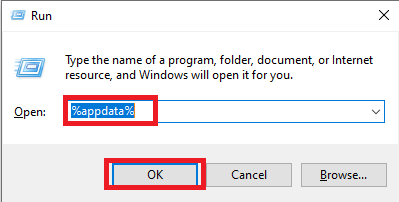
- Press Windows + R, type
%appdata%, and click OK.
- Navigate to
appdata\roaming\.minecraft\versions.

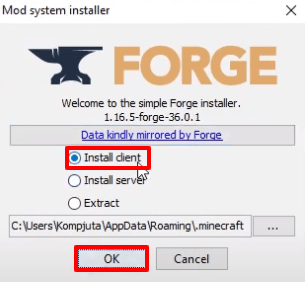
- Double-click the Forge installer → Select Install Client → Click OK.
- Run Minecraft Launcher → Select Forge → Click PLAY.

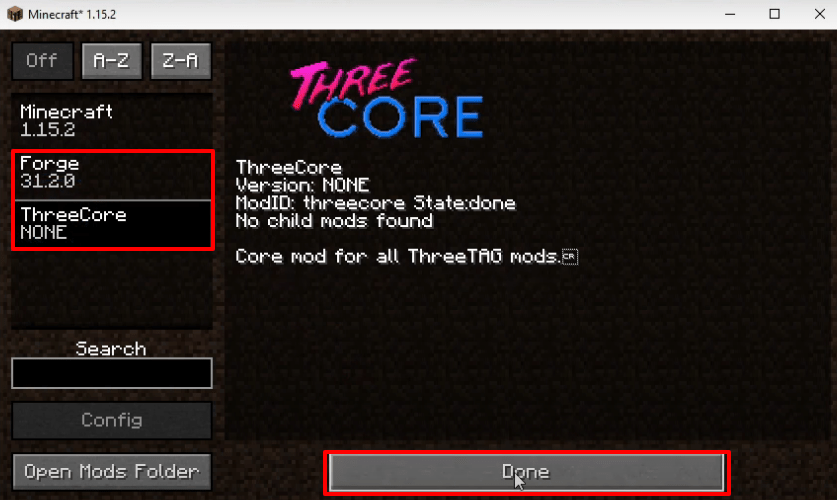
- Click Mods → Verify Forge and ThreeCore are installed → Click Done.
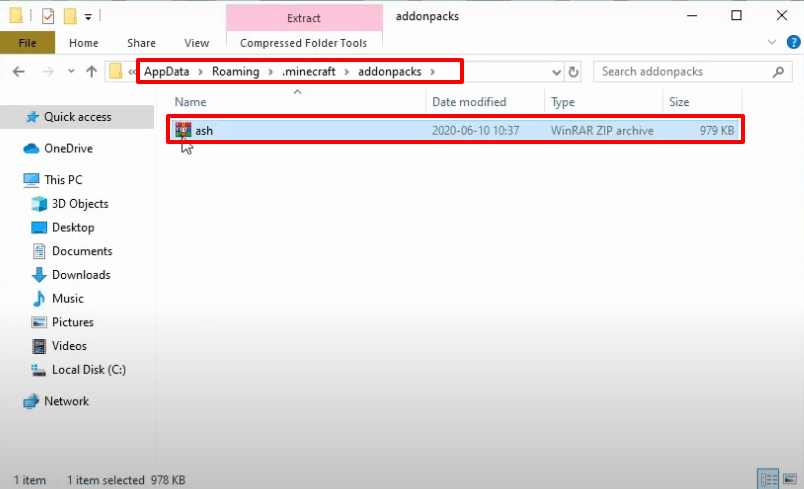
- Click Quit Game again and navigate to
appdata\roaming\.minecraft\addon packs. Paste the downloaded Advanced Superheroes RAR file.
- Launch Minecraft Launcher → Select Forge → Click PLAY again.
- Click Singleplayer → Create New World → More World Options… → Turn on Allow Cheats and Bonus Chest → Click Done.

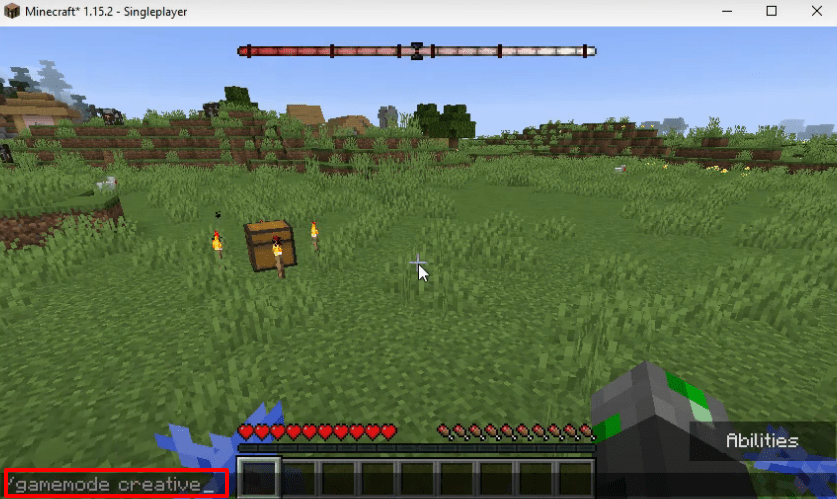
- Click Create New World again and type
/gamemode creativein-game.
- Select your desired superhero mod features and apply them.
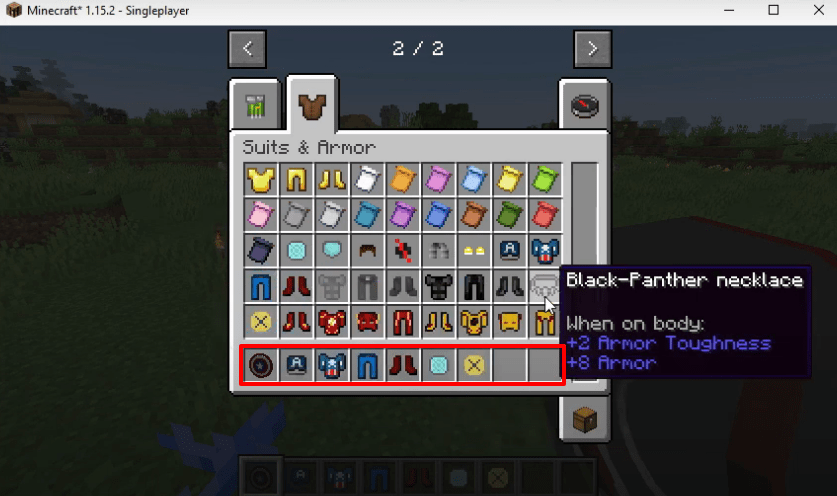
- Enjoy your new superheroes in Minecraft!