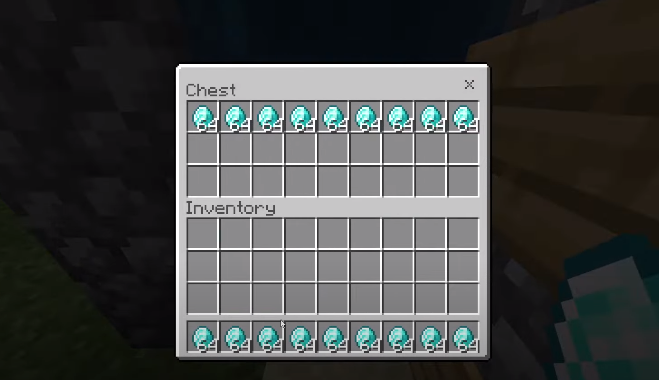
All Item Duplication Glitch 1.17.34 - Minecraft Bedrock
This guide explains how to perform the Duplication Glitch 1.17.34 in Minecraft Bedrock Edition. Follow the step-by-step instructions carefully to duplicate items successfully.
You can use this duplication glitch very easily in Minecraft Bedrock Edition. This method works across multiple platforms, including Minecraft PE, PS4, Xbox, and Windows 10, whether you are playing on mobile, tablet, or console.
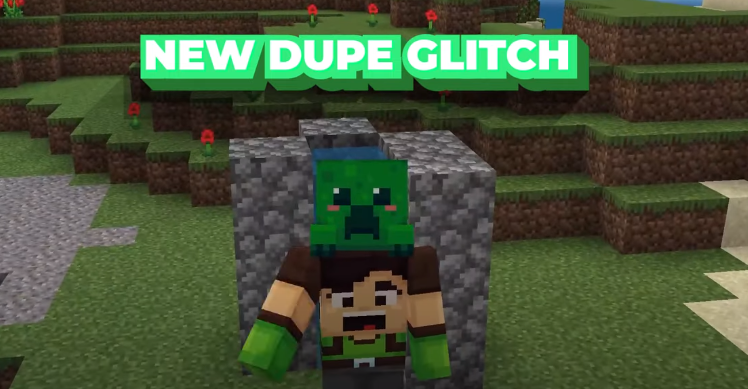
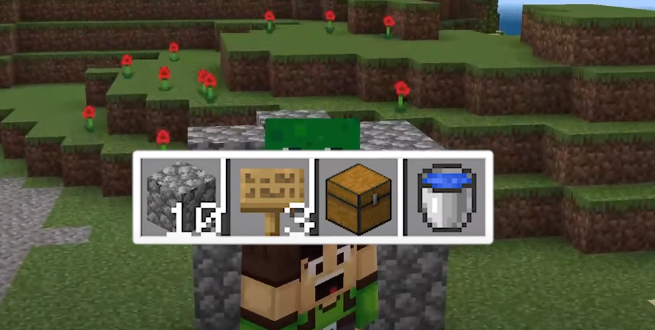
The items required for this glitch are: Cobblestone, a Water Bucket, a Chest, and Oak Signs.
Build three blocks upward in a U shape. Extend one side of the structure by one additional block, as shown in the image below.
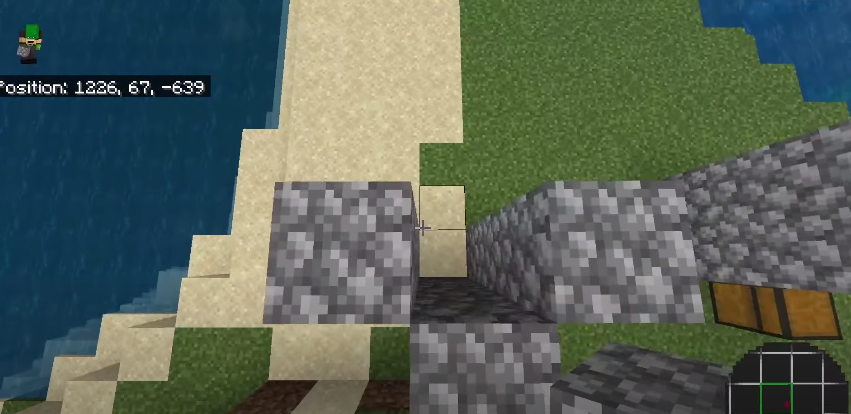
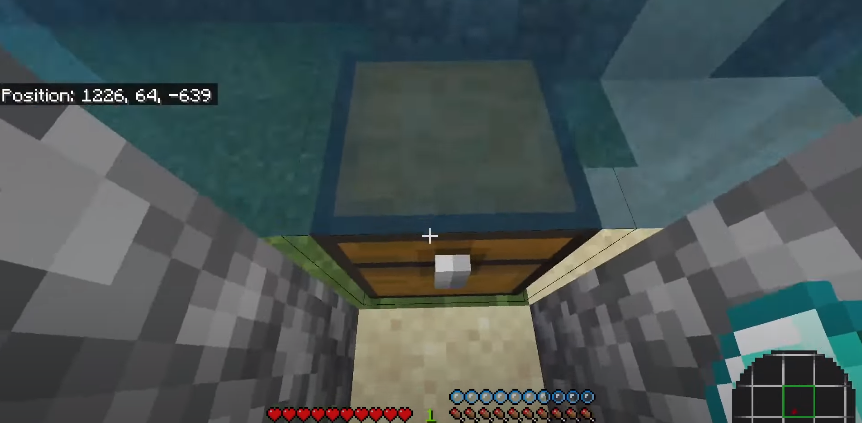
Break the two middle blocks on the ground and place a chest in that space. There should be a gap between the chest and the third block, as shown below.
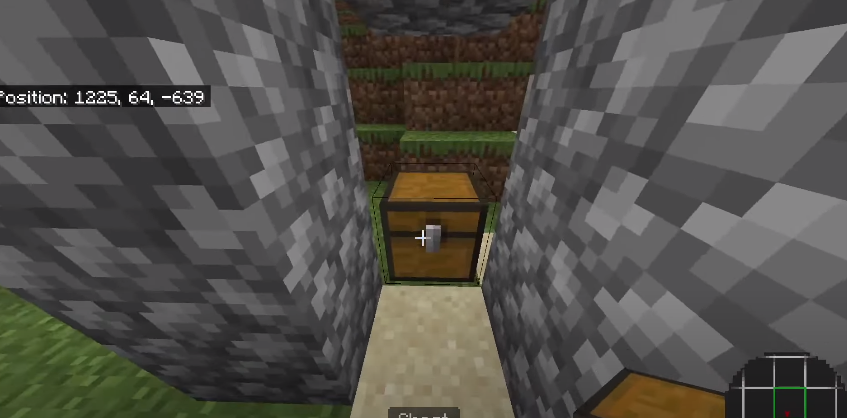
Place Oak Signs on the extended side of the block. Then pour water between the blocks using the Water Bucket. The setup is now ready for item duplication.
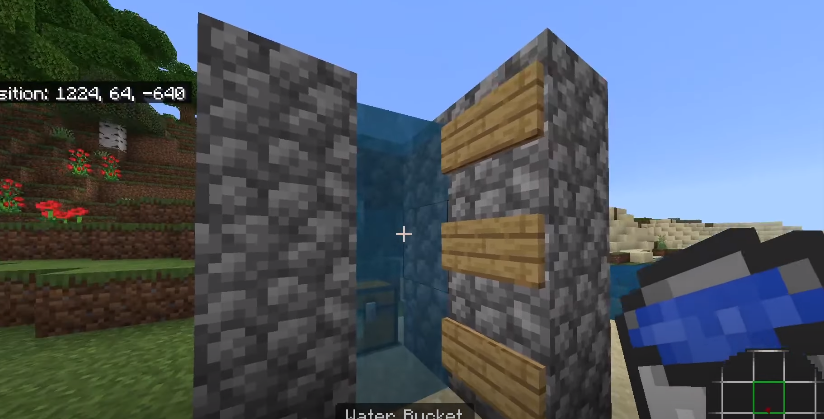
It is recommended to perform this glitch in Creative Mode. You can duplicate up to nine items at once. Position your player as shown in the image below.
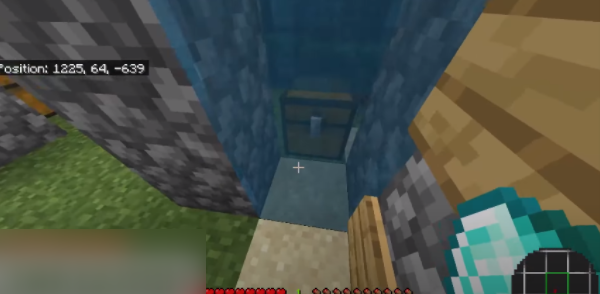
Open the Pause menu and select the Save & Quit option.
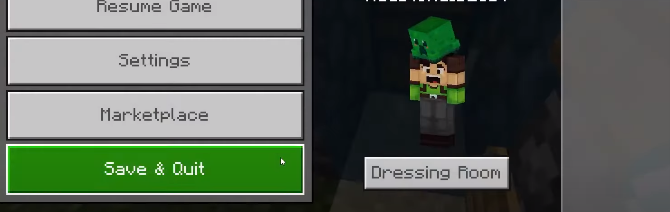
Re-enter your world, pick up the item you want to duplicate, and stand inside the water. Place the item into the chest. When the air bubbles start going down and you lose about two hearts of health, immediately exit the game by pressing Alt + F4 on PC or the close button on your device.
If you are playing on a console, return to the home screen and close the game application as quickly as possible.
After restarting the game and loading back into your world, you will see that your item has been successfully duplicated.