How to Age Up A Toddler, a Child or a Sim (Cheat) - Sims 4
This brief guide will show you how you can age up your toddler, child, or a Sim in Sims 4. Go through the guide and follow the steps to do it very quickly.
Step 1
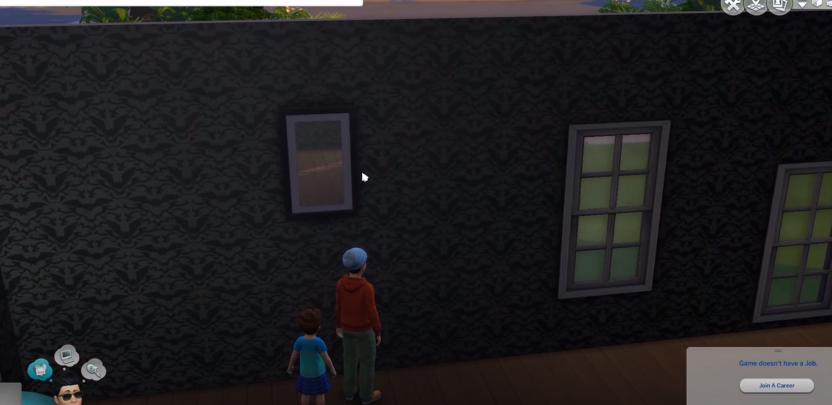
You will need to have a mirror for this.
Step 2
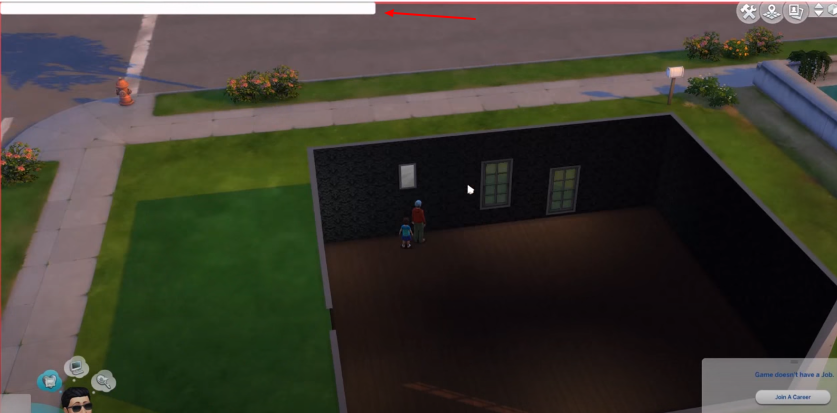
Press “control + shift + C” on your keyboard to open the cheat box.
Step 3
And then type in “cas.fulleditmode on”.
Step 4
After that, you have to choose the toddler, click on the mirror, and choose “Change Appearance”!

Step 5
Now you can change your age to all possible ages, except the baby age!

The rest of the child aging and aging for other Sims are the same.