How to Sell Paintings (Sell Art) - The Sims 4
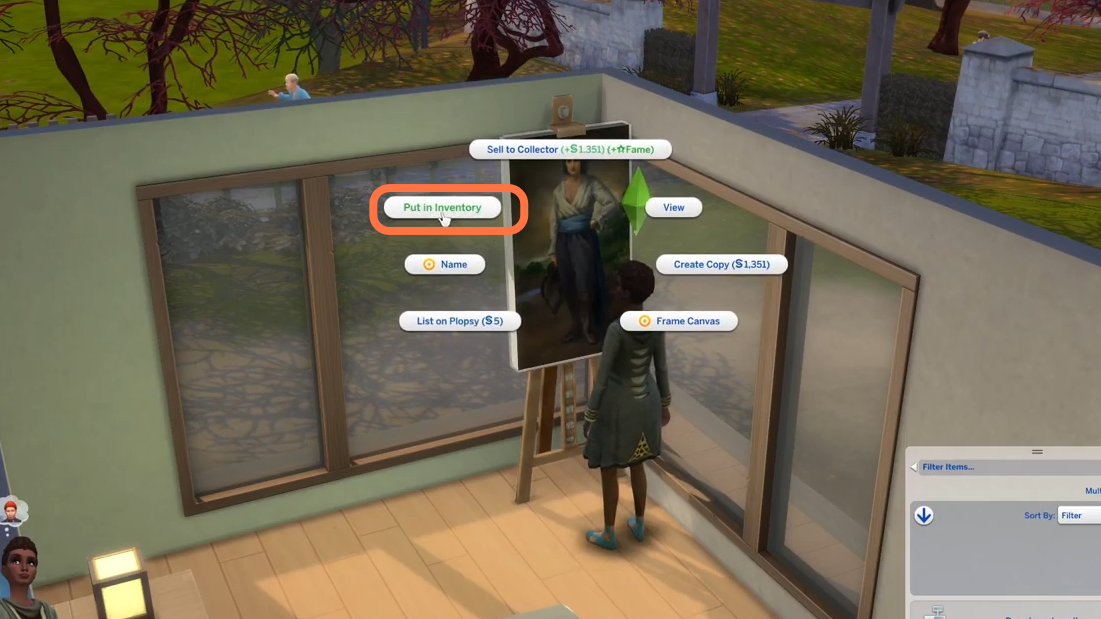
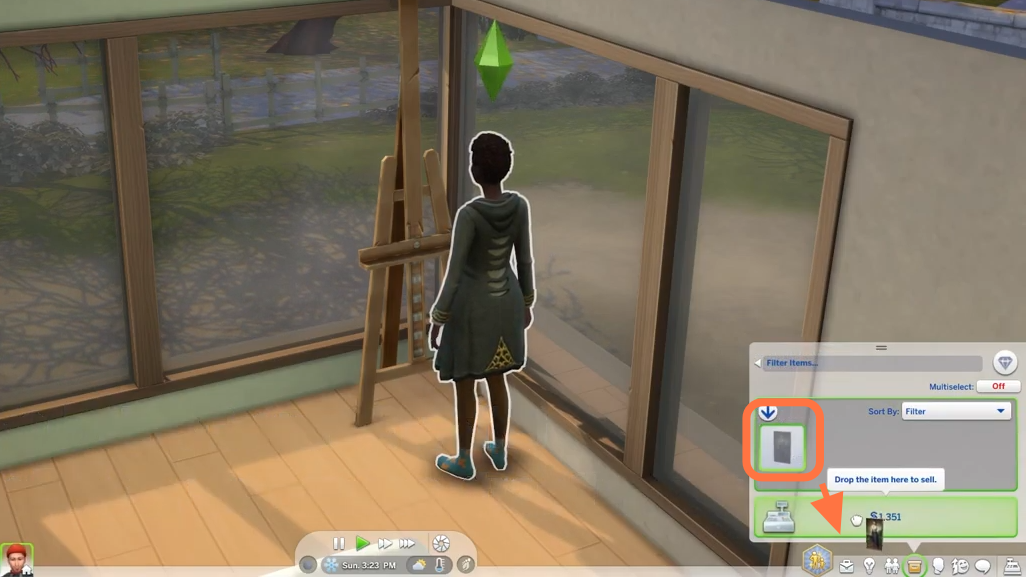
2. Now go to inventory from the bottom right corner and while pressing and holding left click on your mouse, and drag the painting from here into the sell section at the bottom.
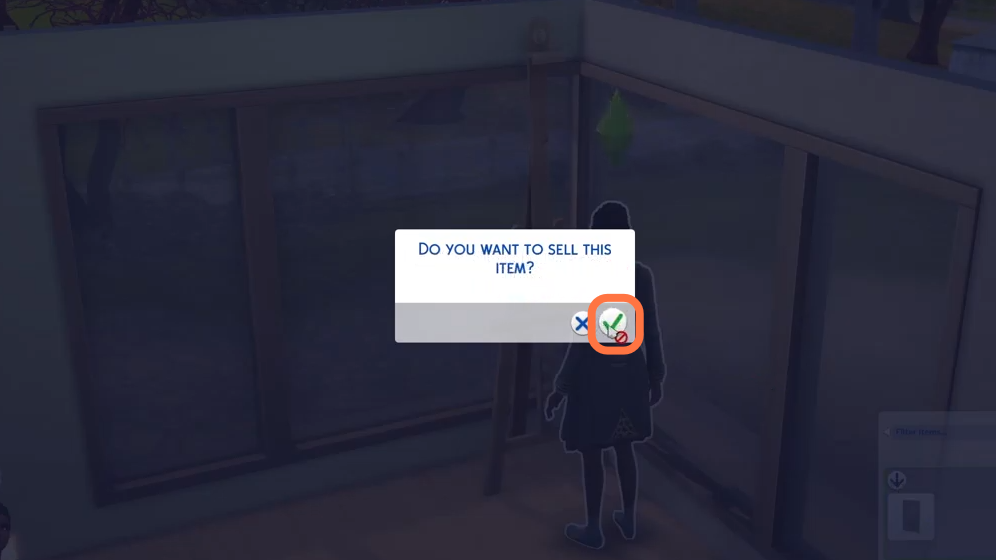
3. After that, click on the tick mark to confirm the sale of the item. The simoleans will be added to your sims account straightaway.