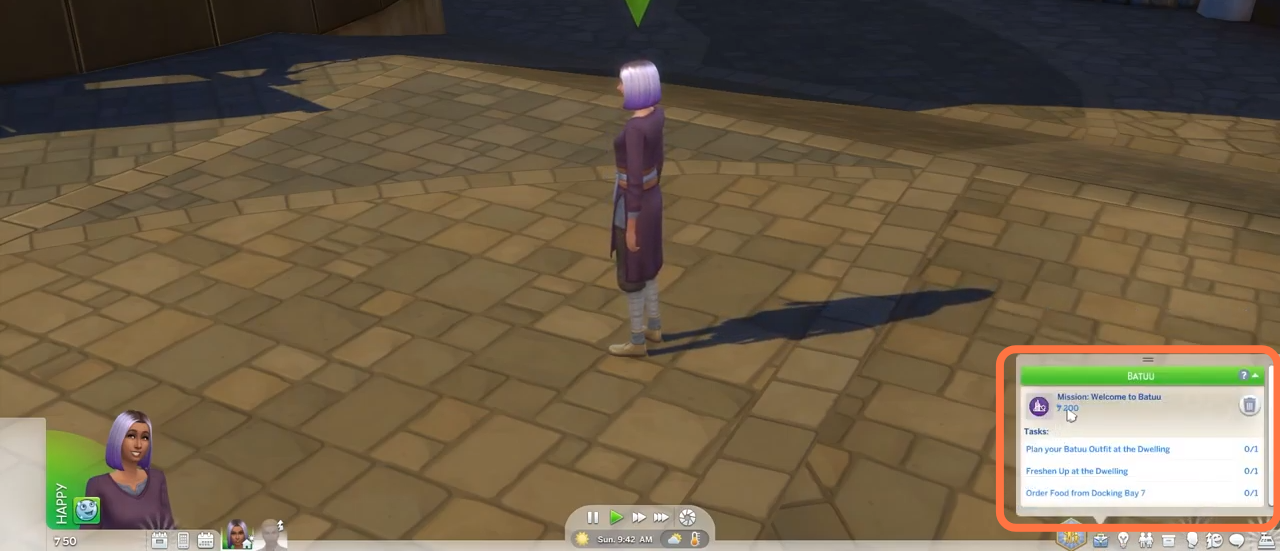
How to Travel To Batuu - The Sims 4
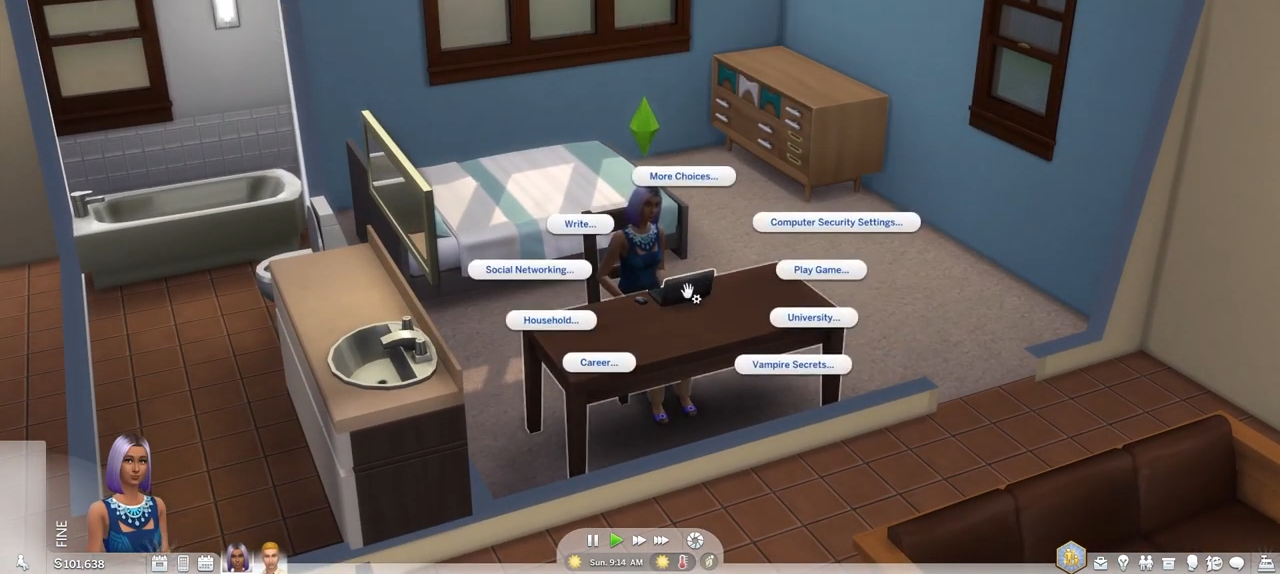
- And then choose the "Household" option

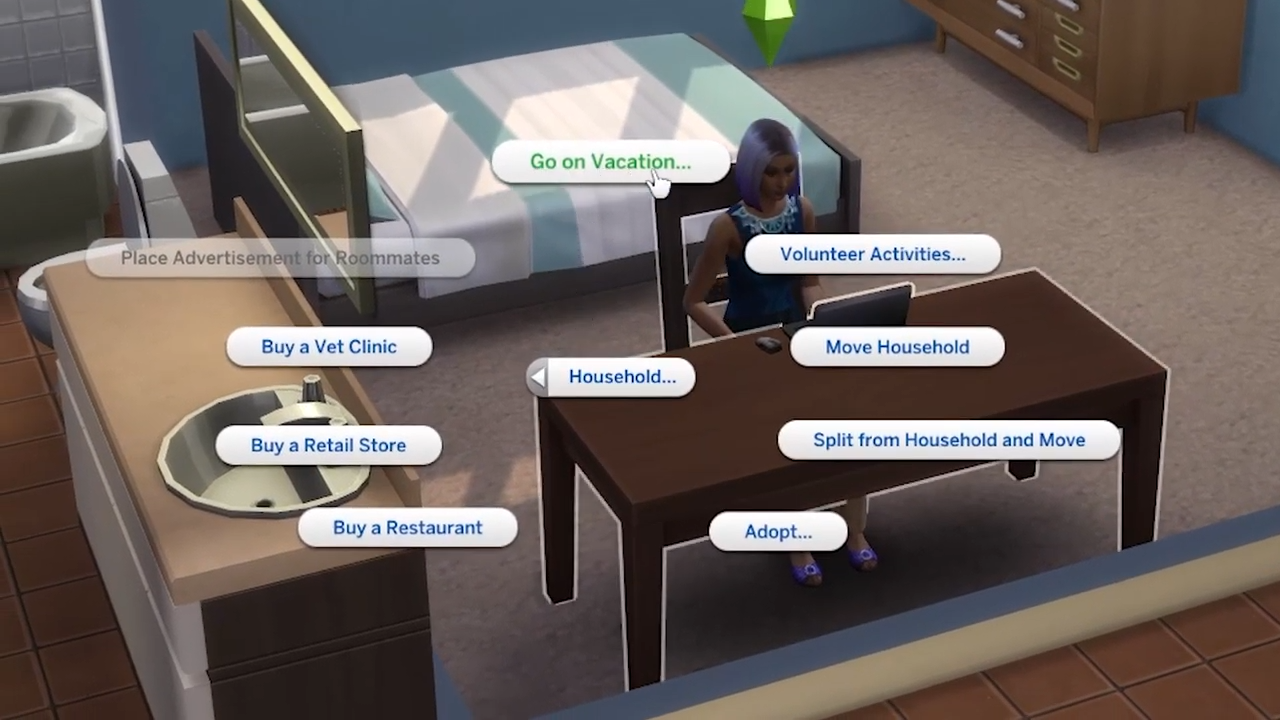
- After that, select "Go on Vocation" from the options under Household
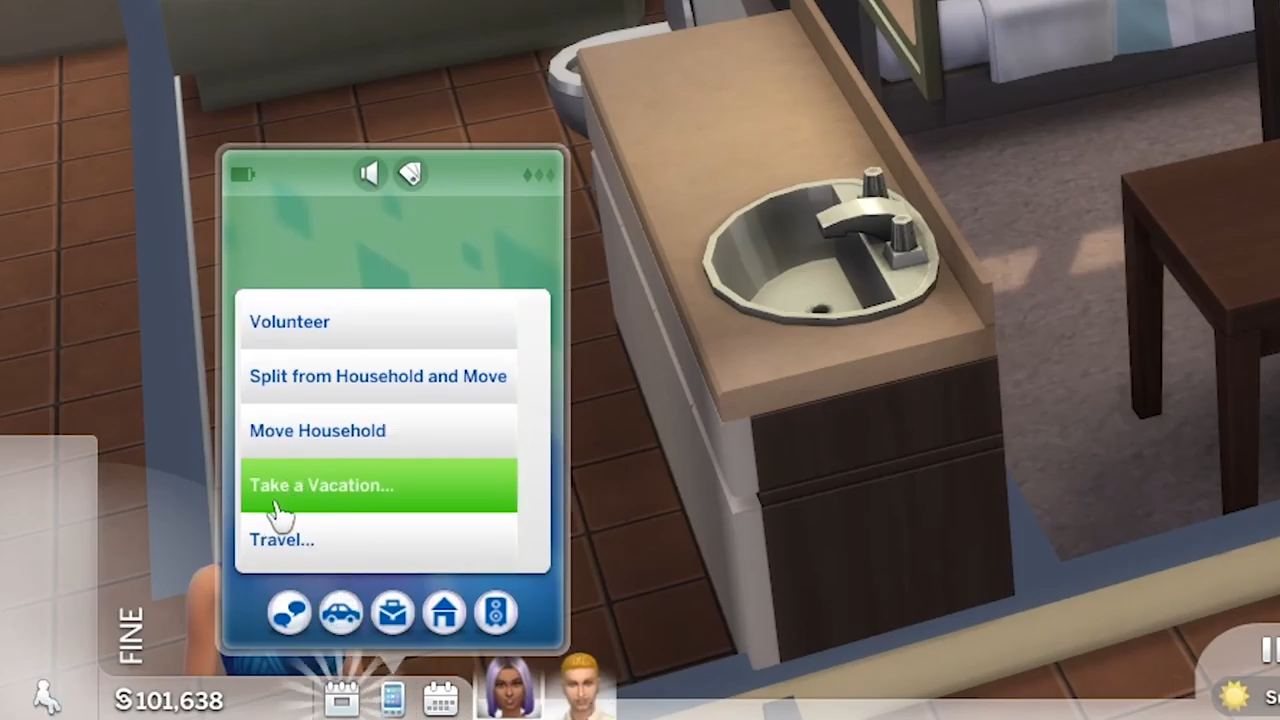
- If you don't have a laptop or computer, you can use your phone instead. Click on the phone icon at the bottom left of the screen and choose "Take a Vacation" on the car icon.
- Now you can choose sims that you want to go with or you can either go alone if you uncheck them.
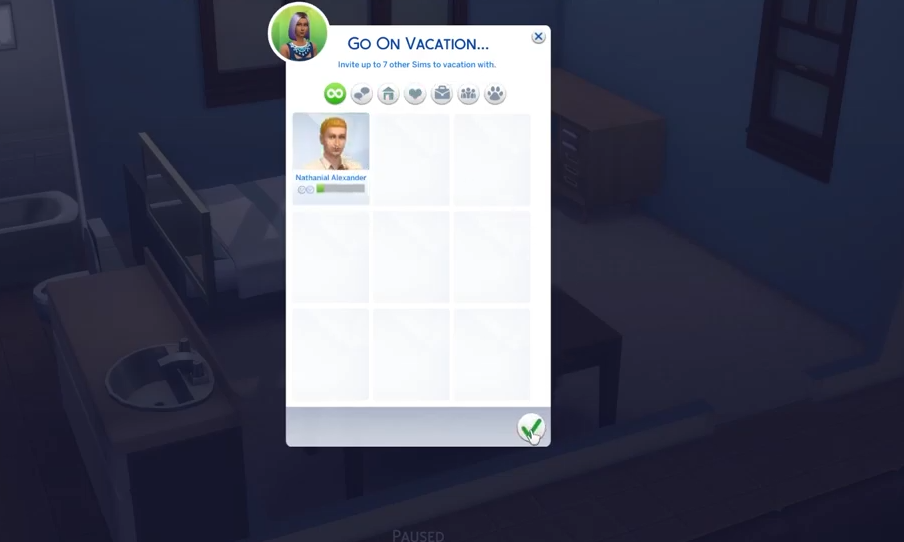
- After that, choose BATUU from available destination worlds.
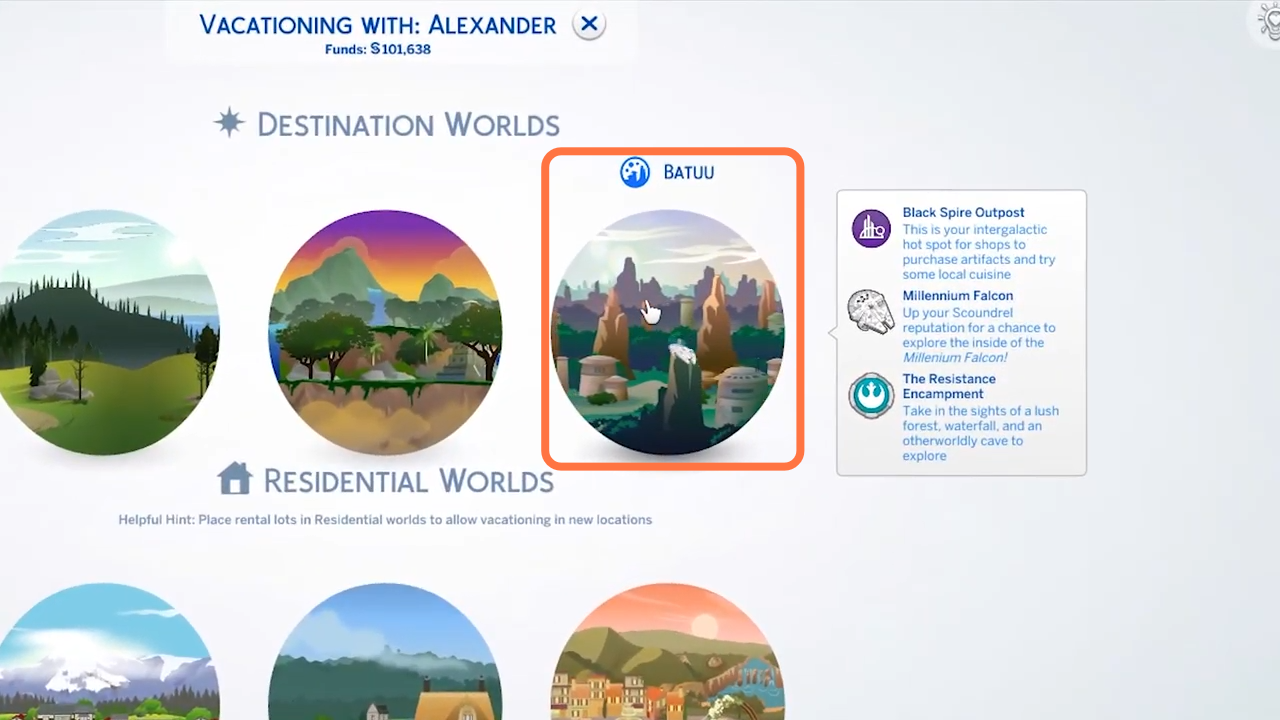
- Select your destination place in Batuu and click on the tick mark at the bottom right side of the screen.
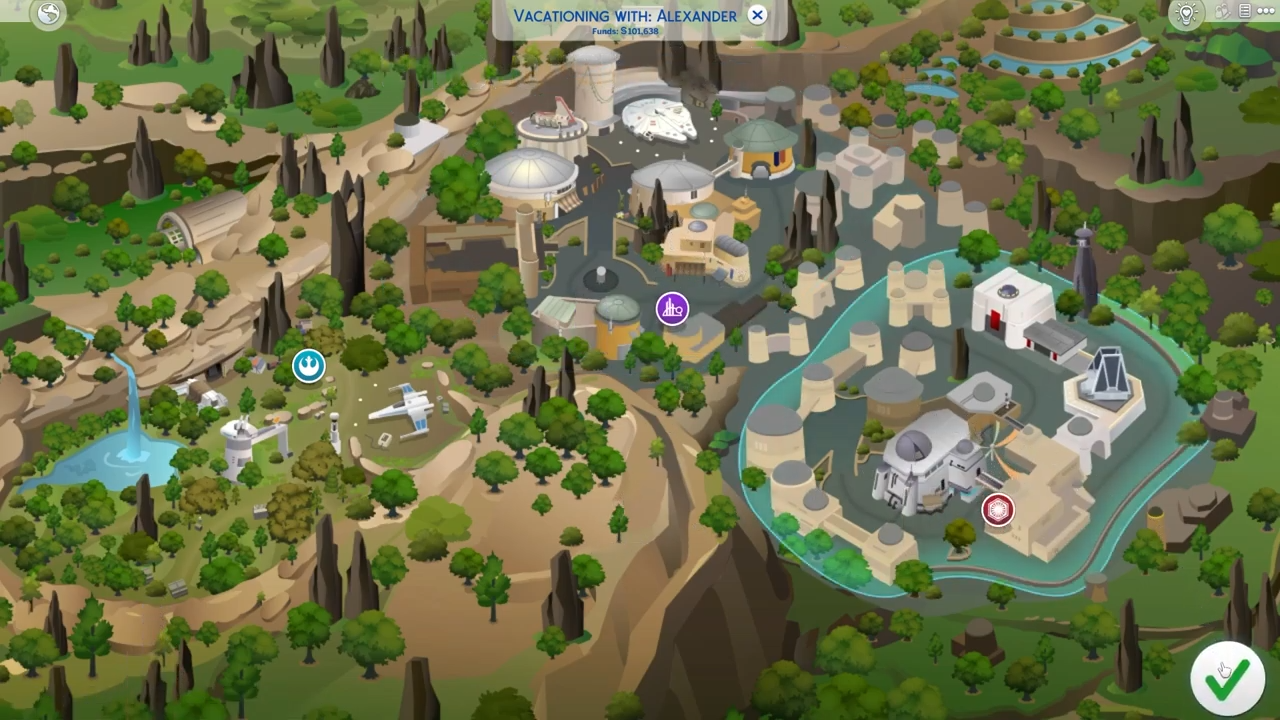
- Now check your career panel to get started.