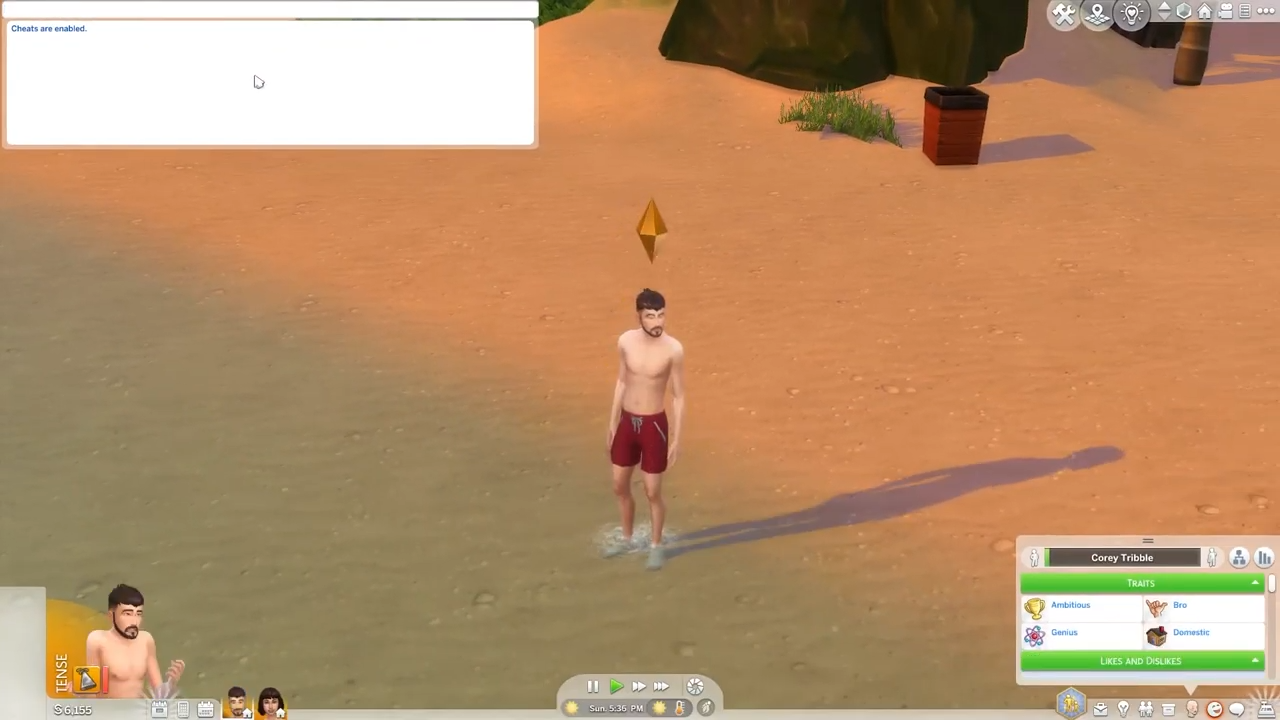
How To Turn A Ghost Sim Back To Human (Death By Drowning) - The Sims 4
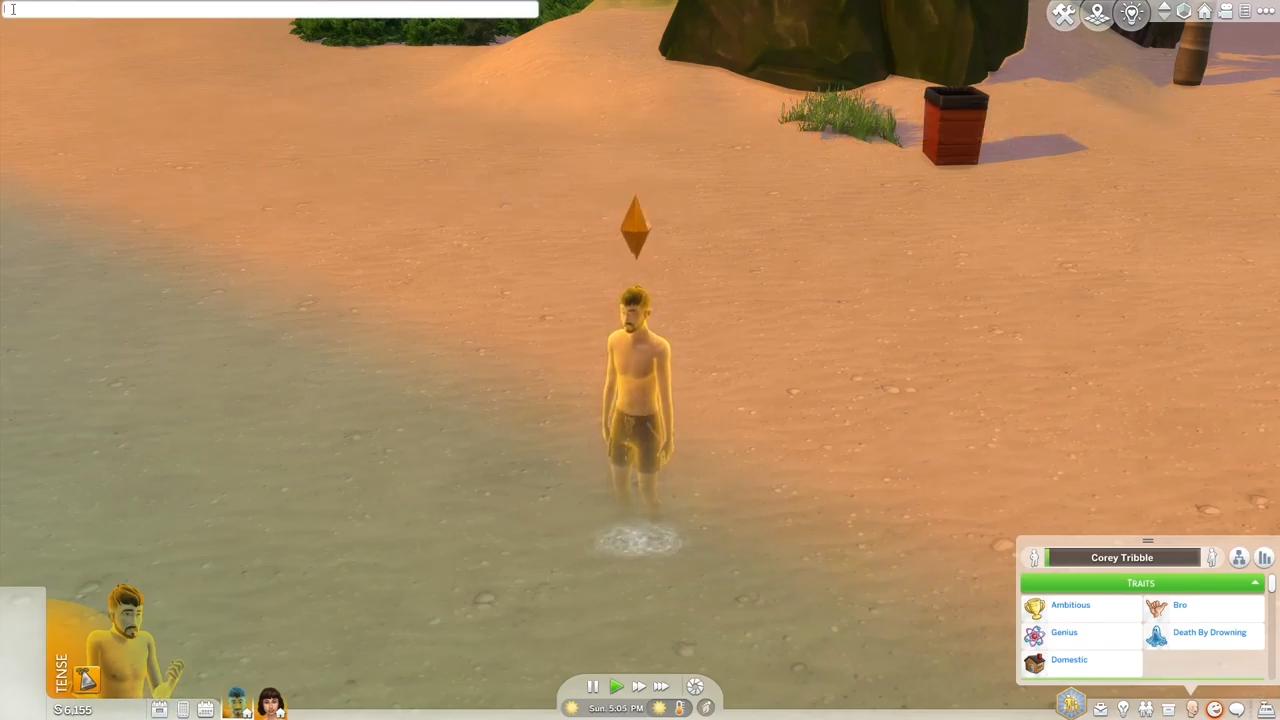
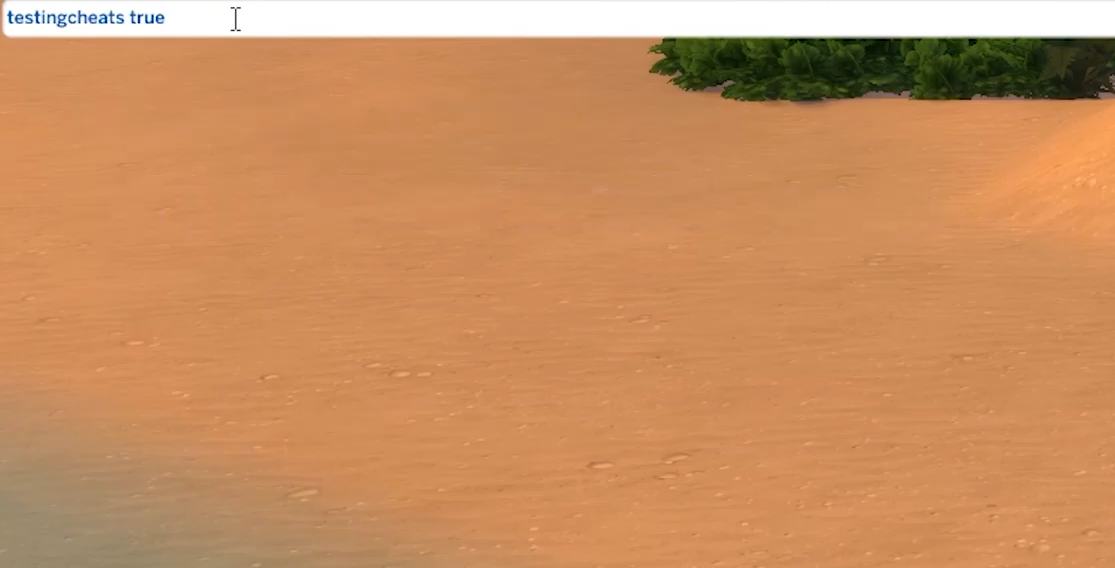
- A white box will appear at the top left corner of the screen. Type in "testingcheats true" and hit enter to enable the cheats.
- Now type in "traits.remove_trait ghost_drown" and hit Enter on your keyboard.
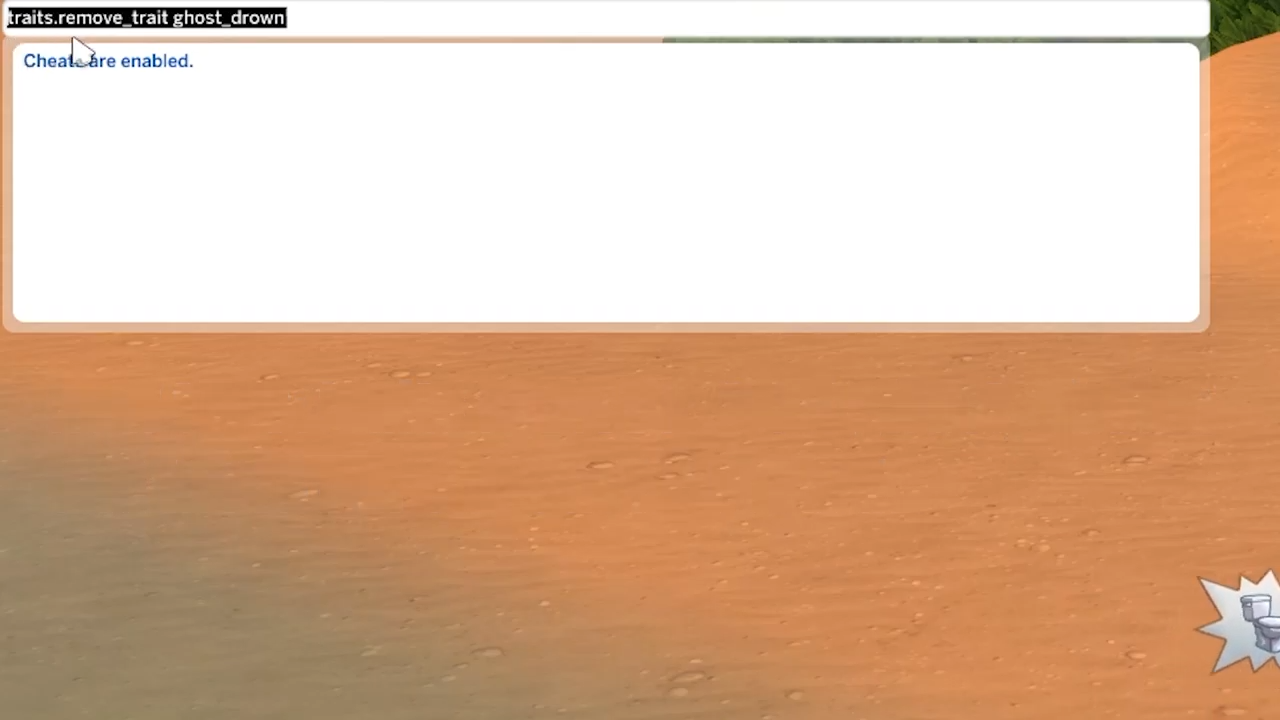
- You will see your drowned sim get back to life.