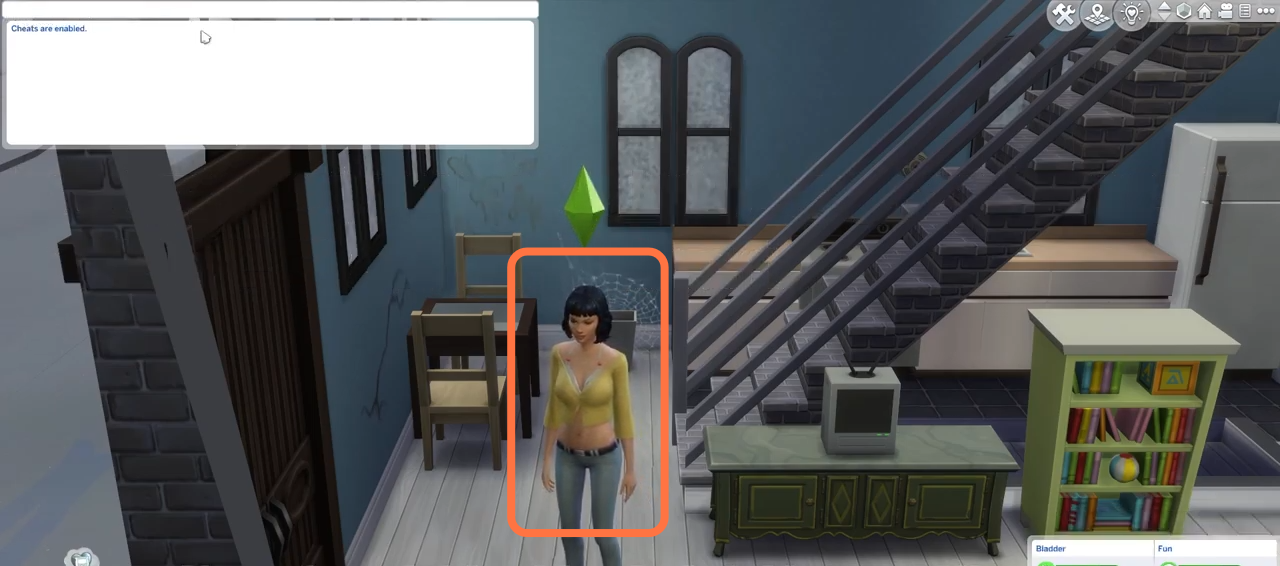
This guide will let you know how to turn A Vampire into Human by using Cheat in Sims 4.
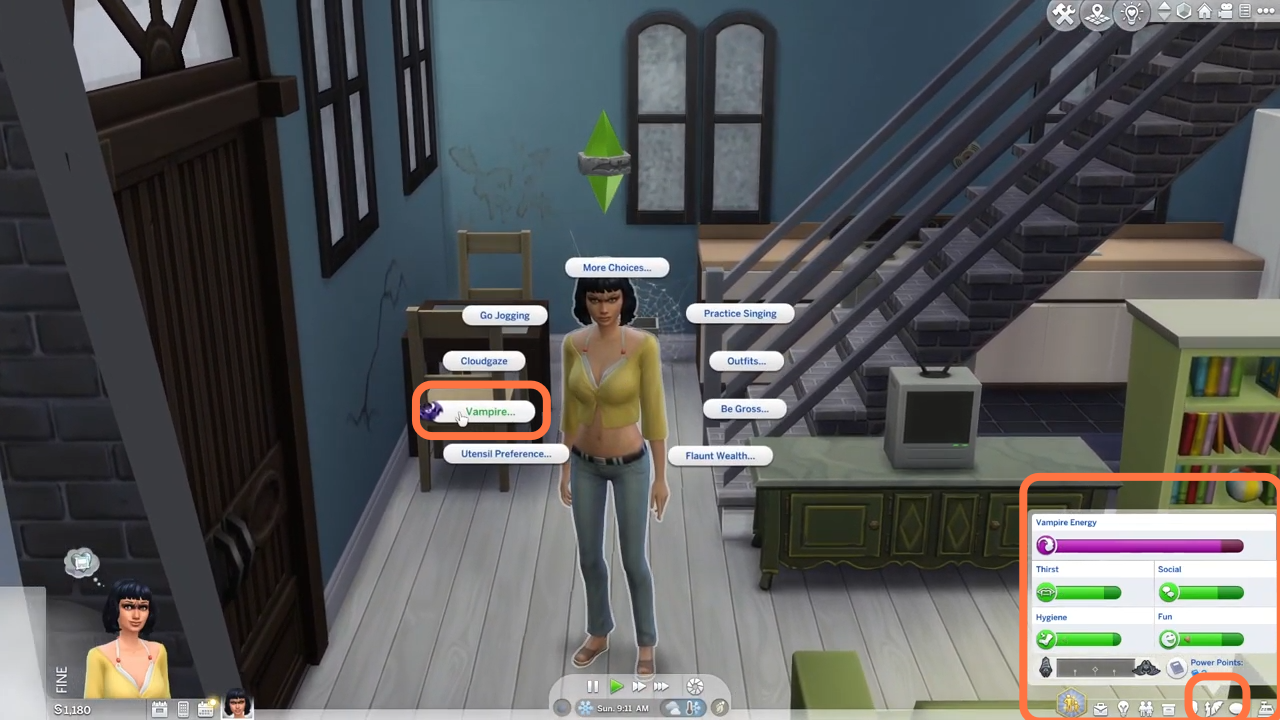
1. The first thing you will need to do is click on the Vampire icon at the bottom right corner to see the Vampire powers and level. You can click on the sim to see if is it a vampire or not.
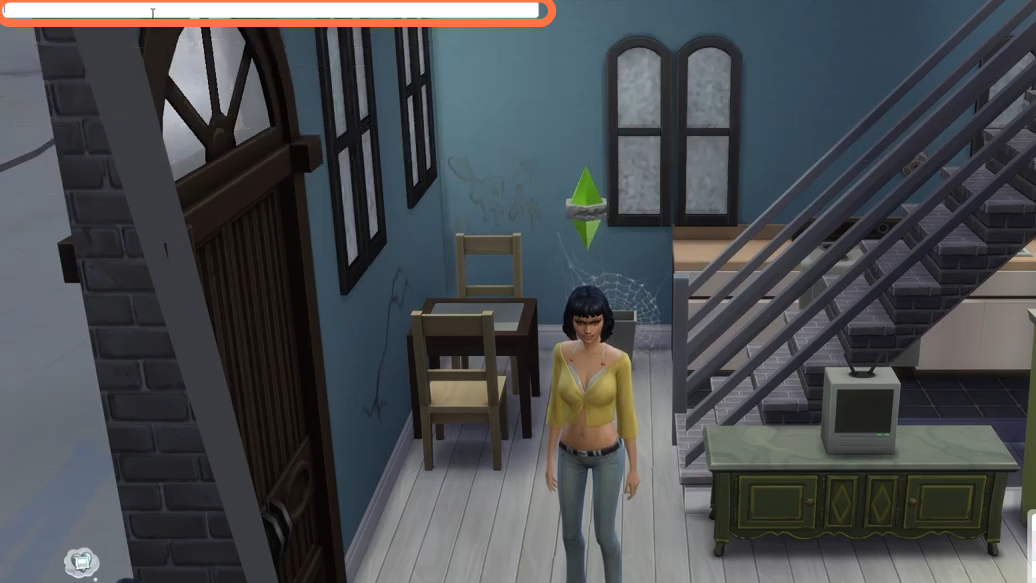
2. Then press the CTRL+Shift+C simultaneously on your keyboard to open the cheat box. A white box will appear at the top left corner.
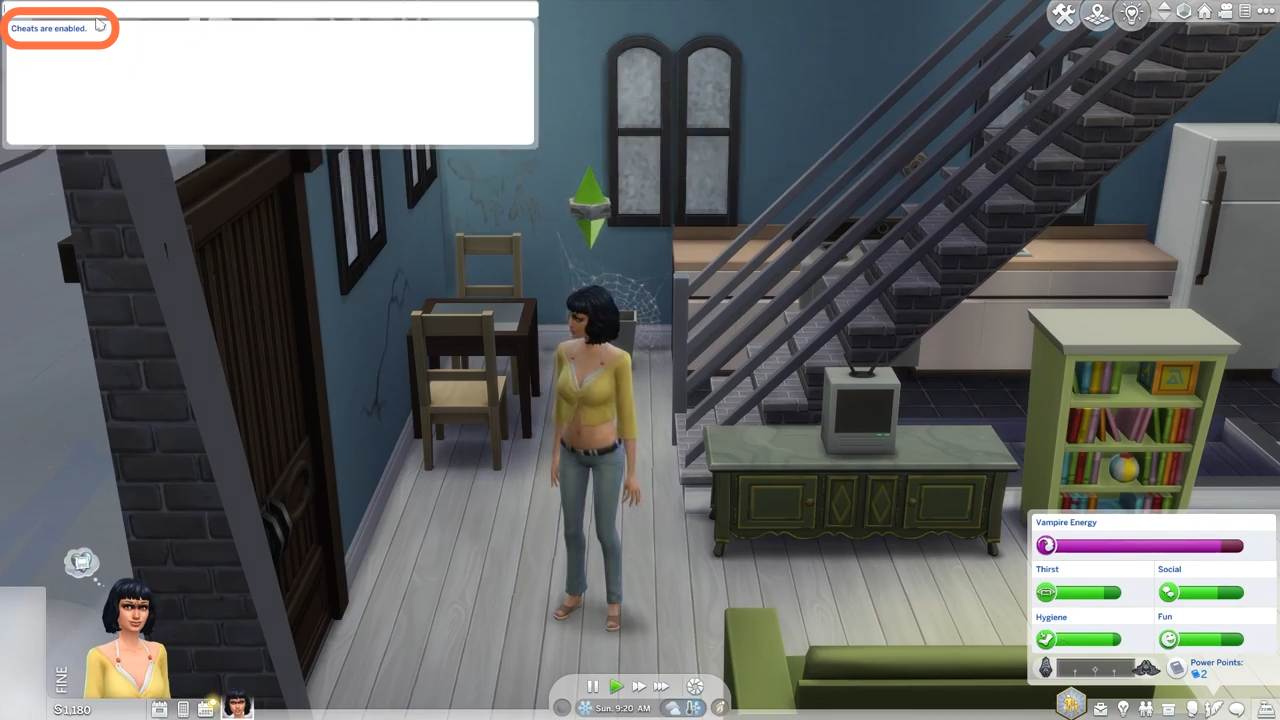
3. After that, type in “testingcheats true” and hit enter on your keyboard to enable cheats.
4. Once cheats get enabled, you have to type in traits.remove_trait trait_OccultVampire and hit Enter on your keyboard. You will see your sim’s eyes turn to normal after that.