Minecraft Launcher Not Launching Bug - Fixed
You have to follow all the instructions carefully to fix it.
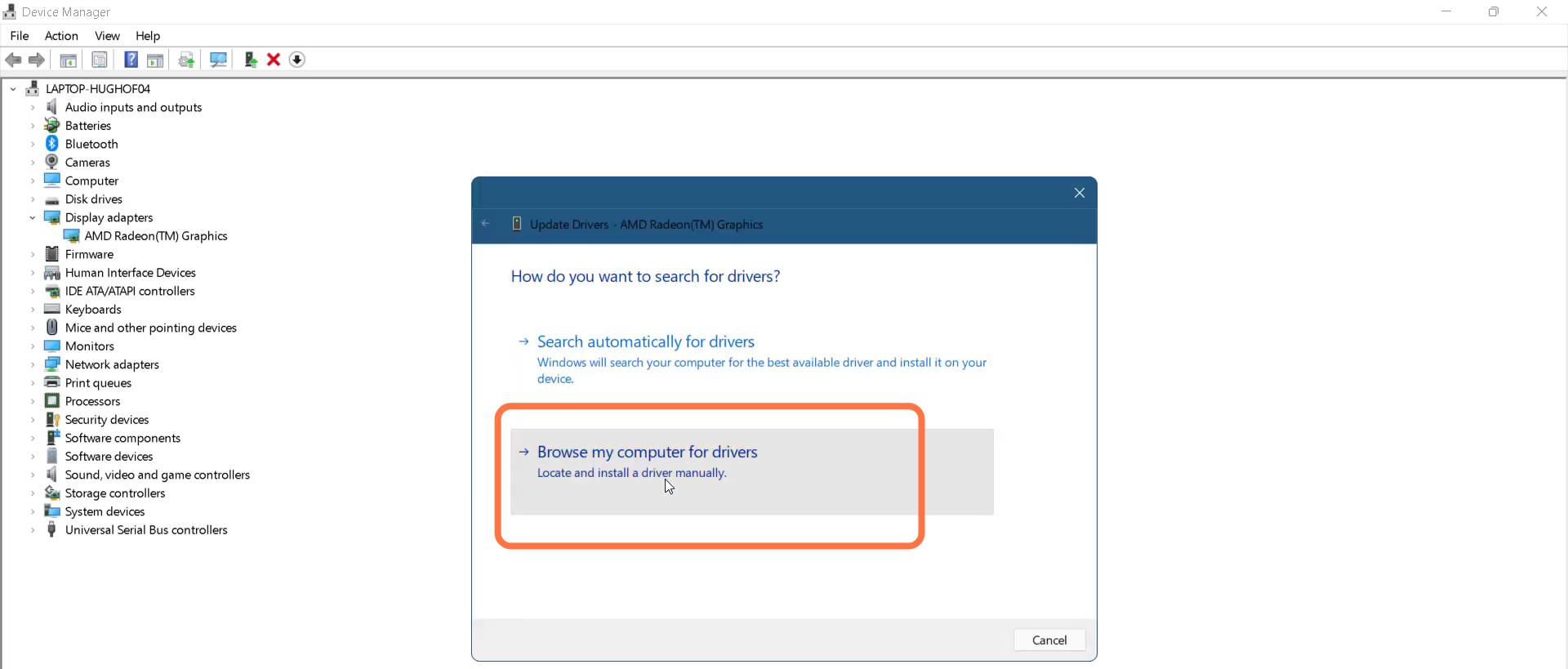
1. The first thing you will need to do is to open the Device Manager.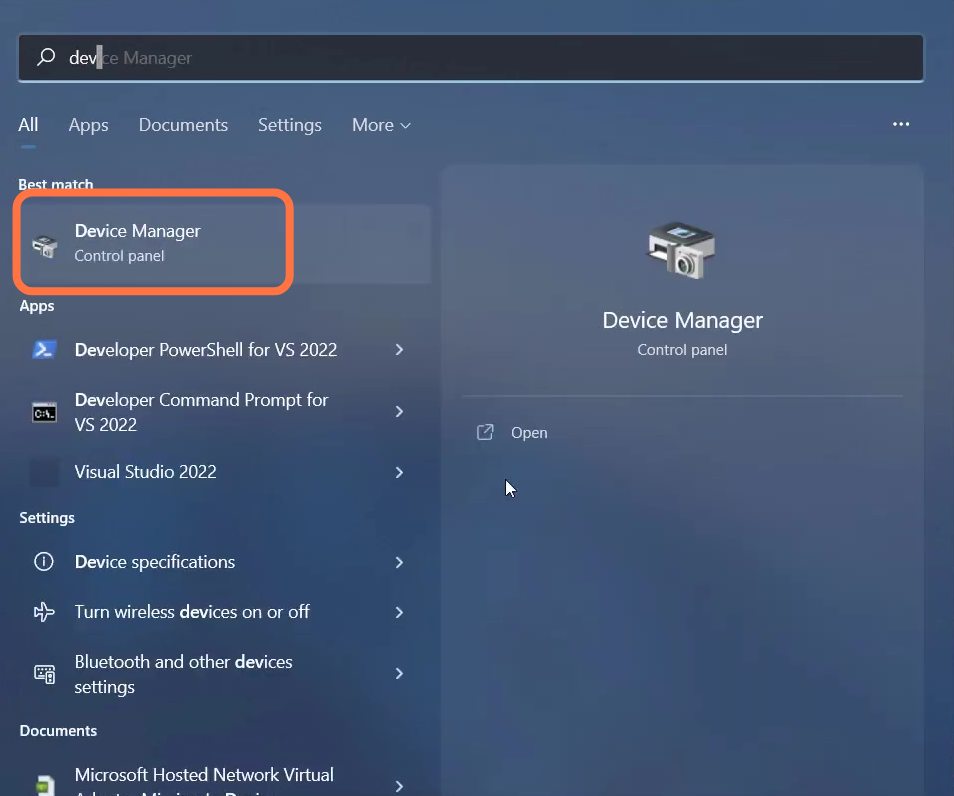
- And enter into Display adapters.
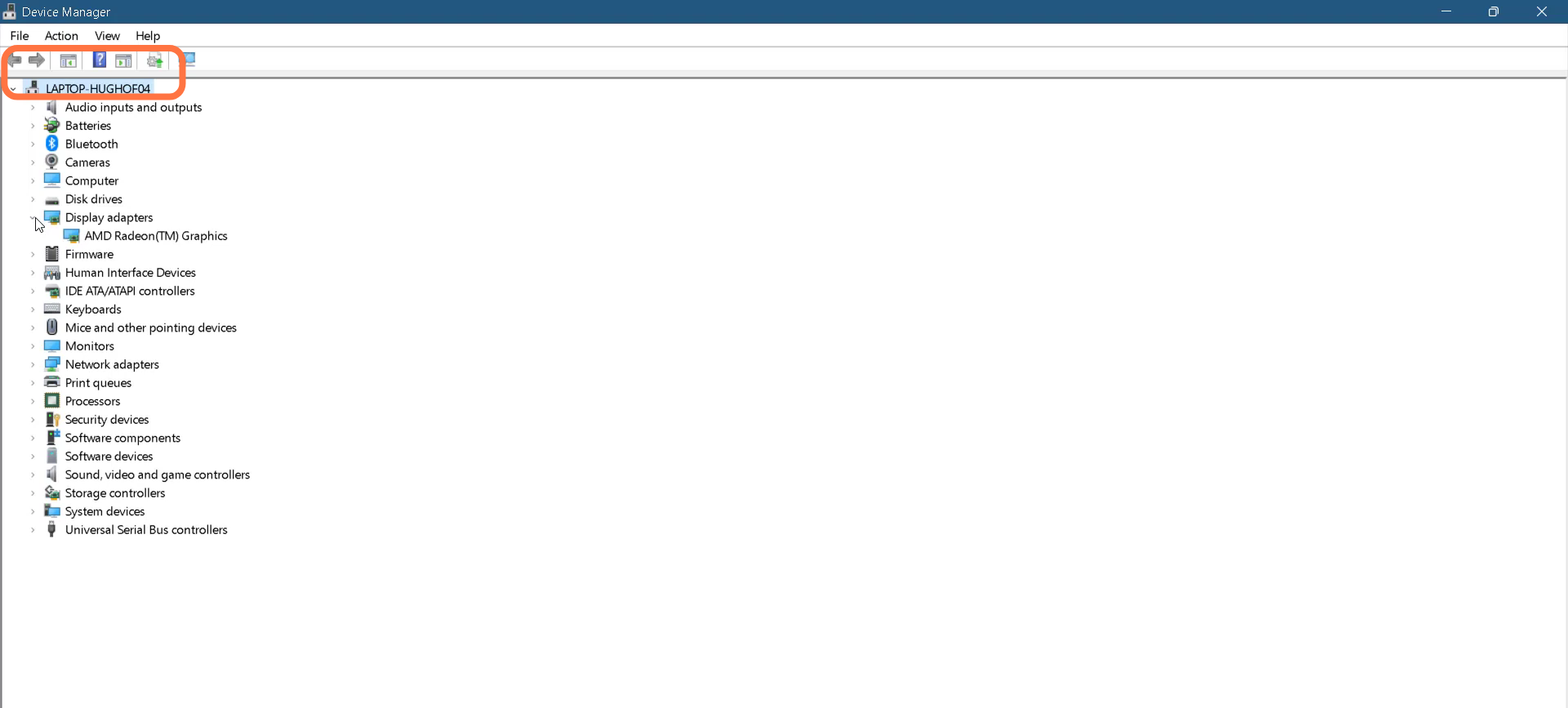
- Left Click on AMD Radeon (TM) Graphics and go to its properties.
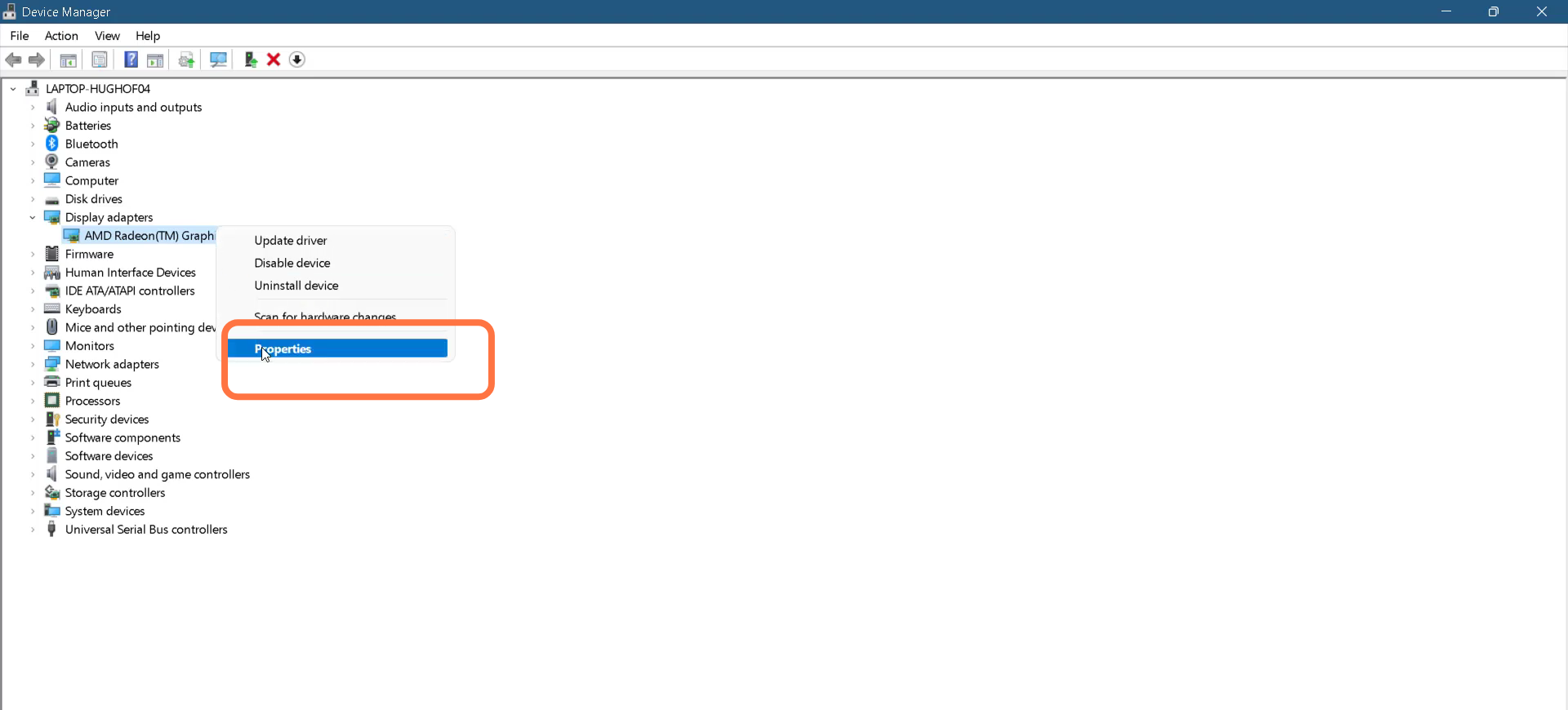
- Then you have to click on the driver and update the driver.
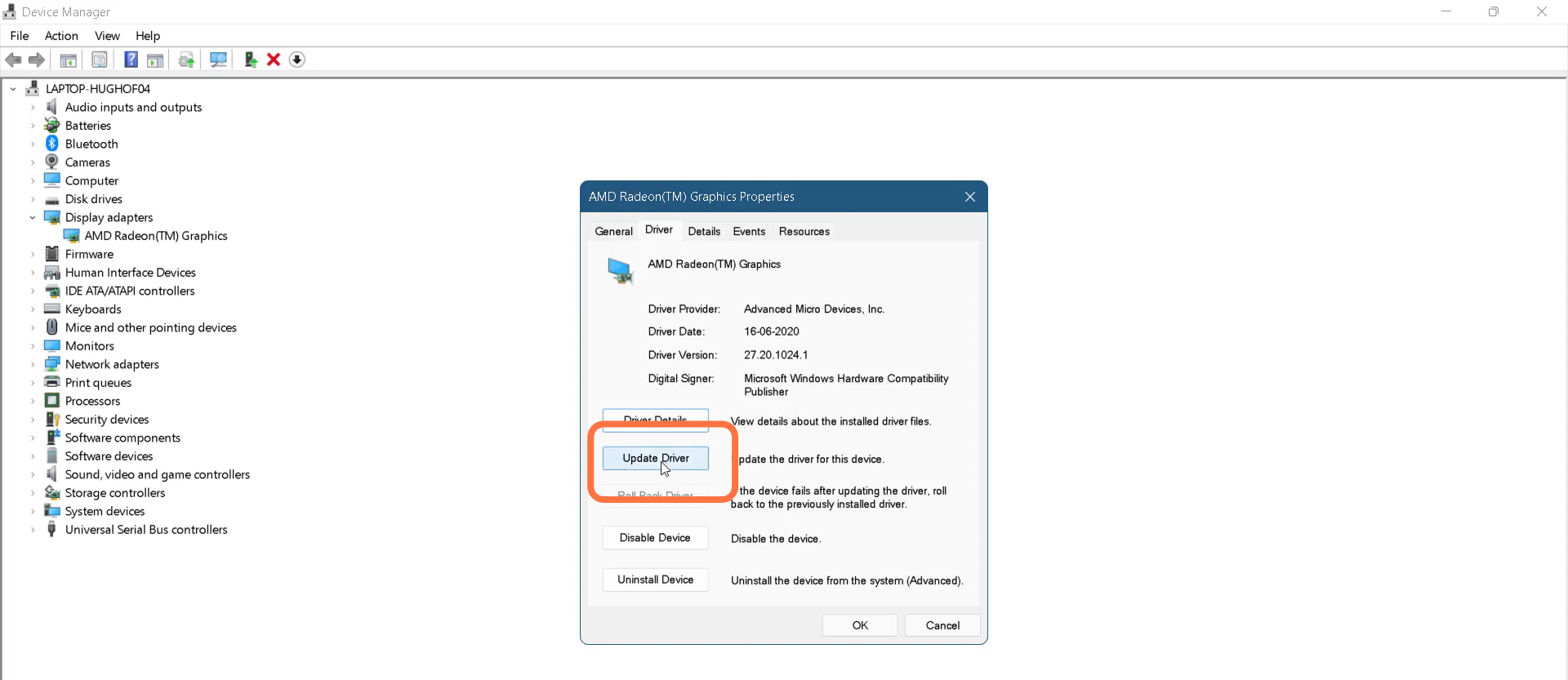
- Tap on "Browse my computer for drivers".
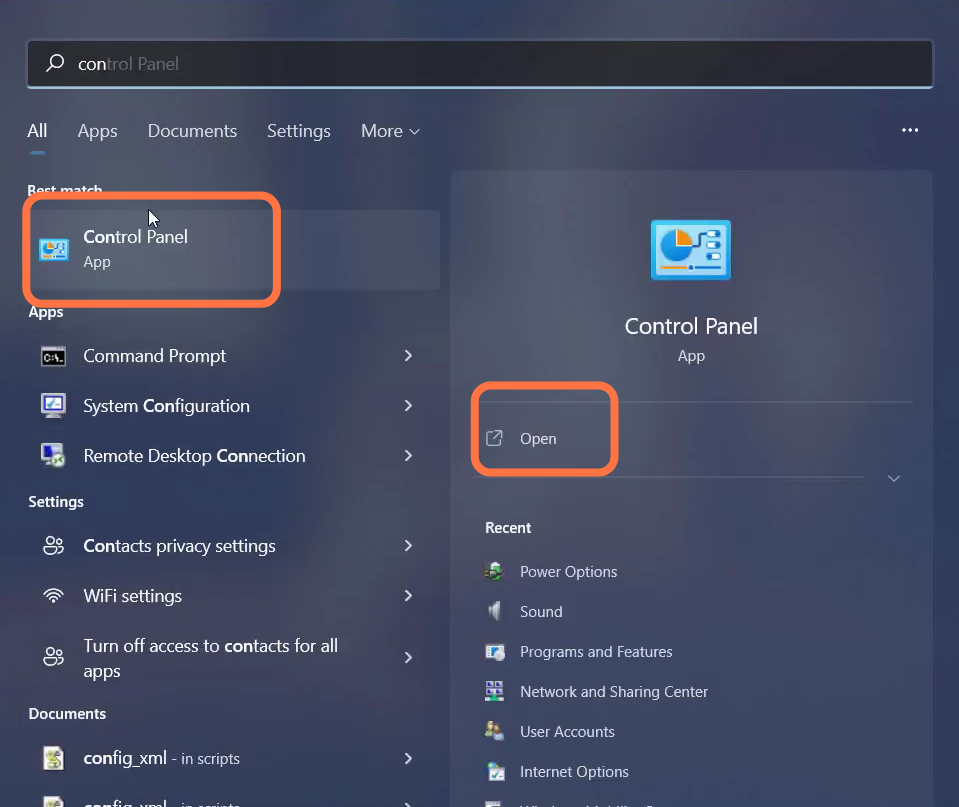
- After that, open up the Control Panel.
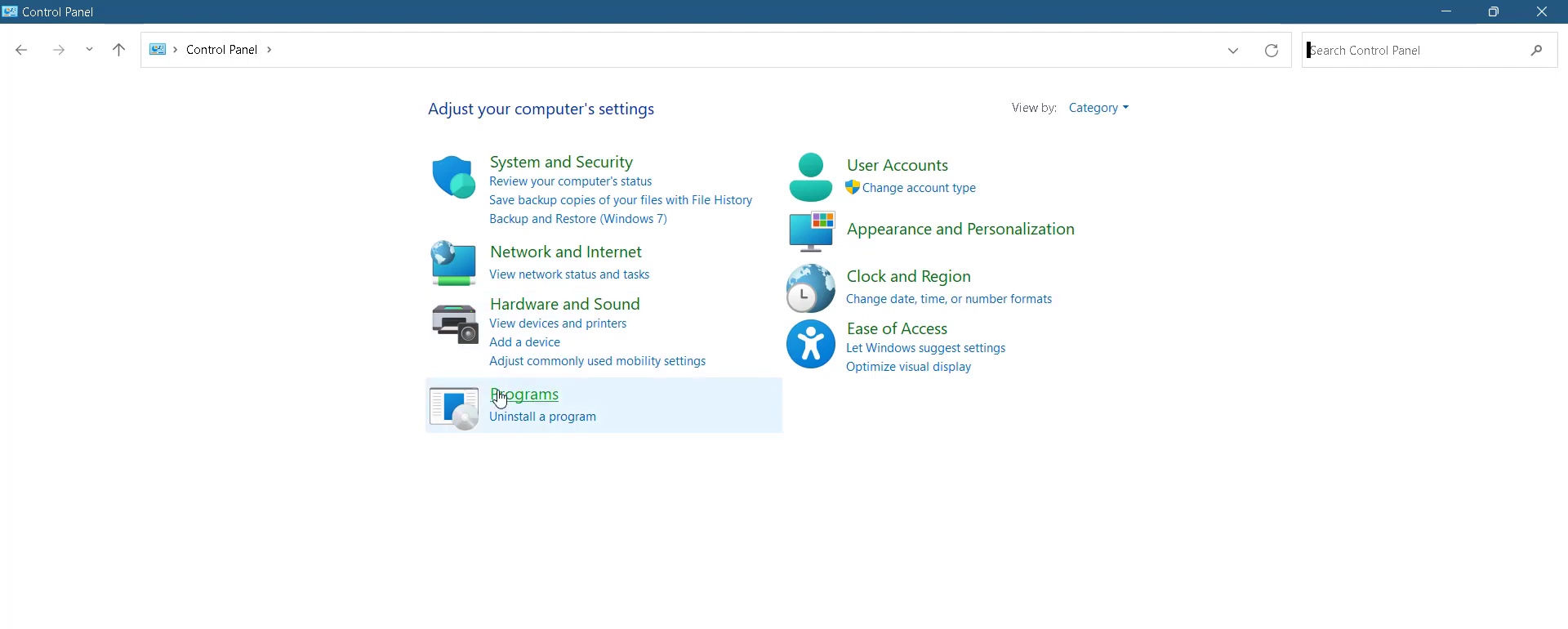
- Go to Programs.
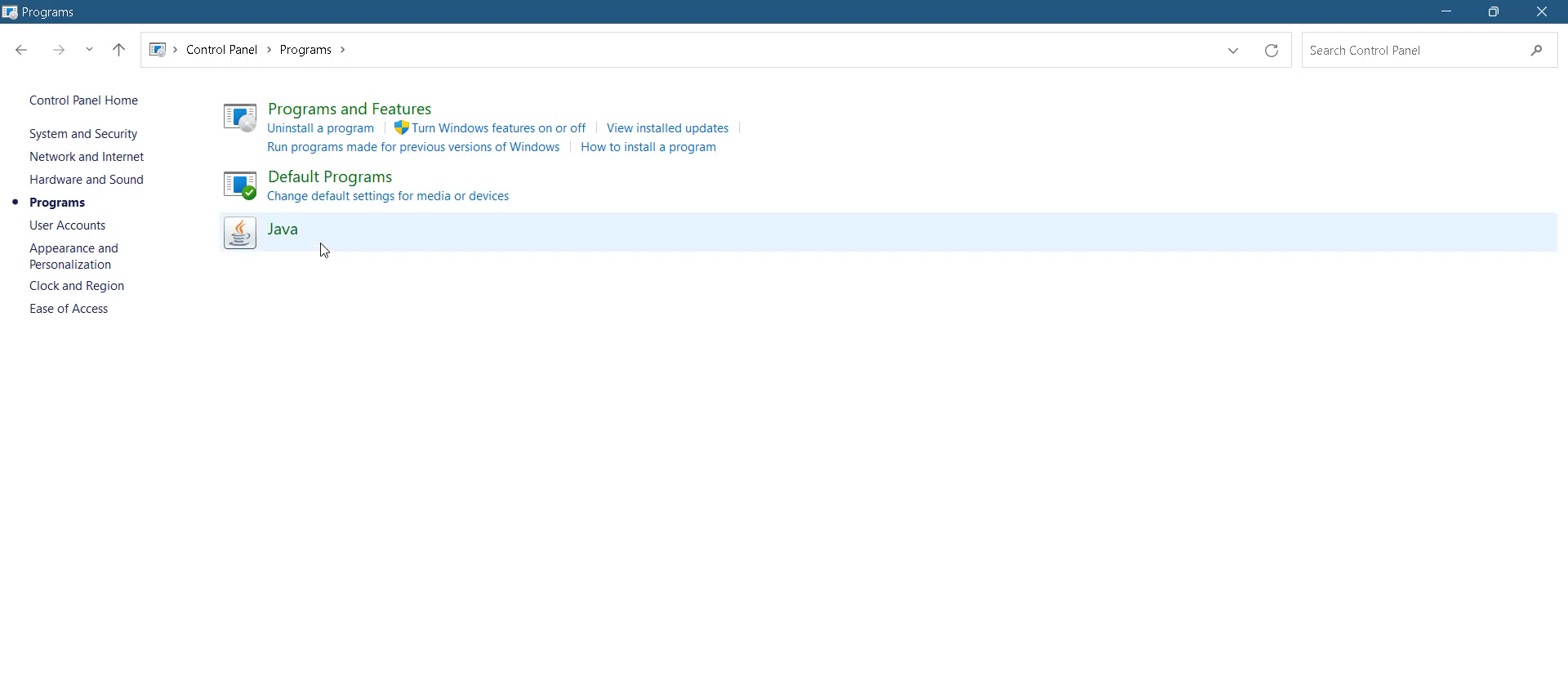
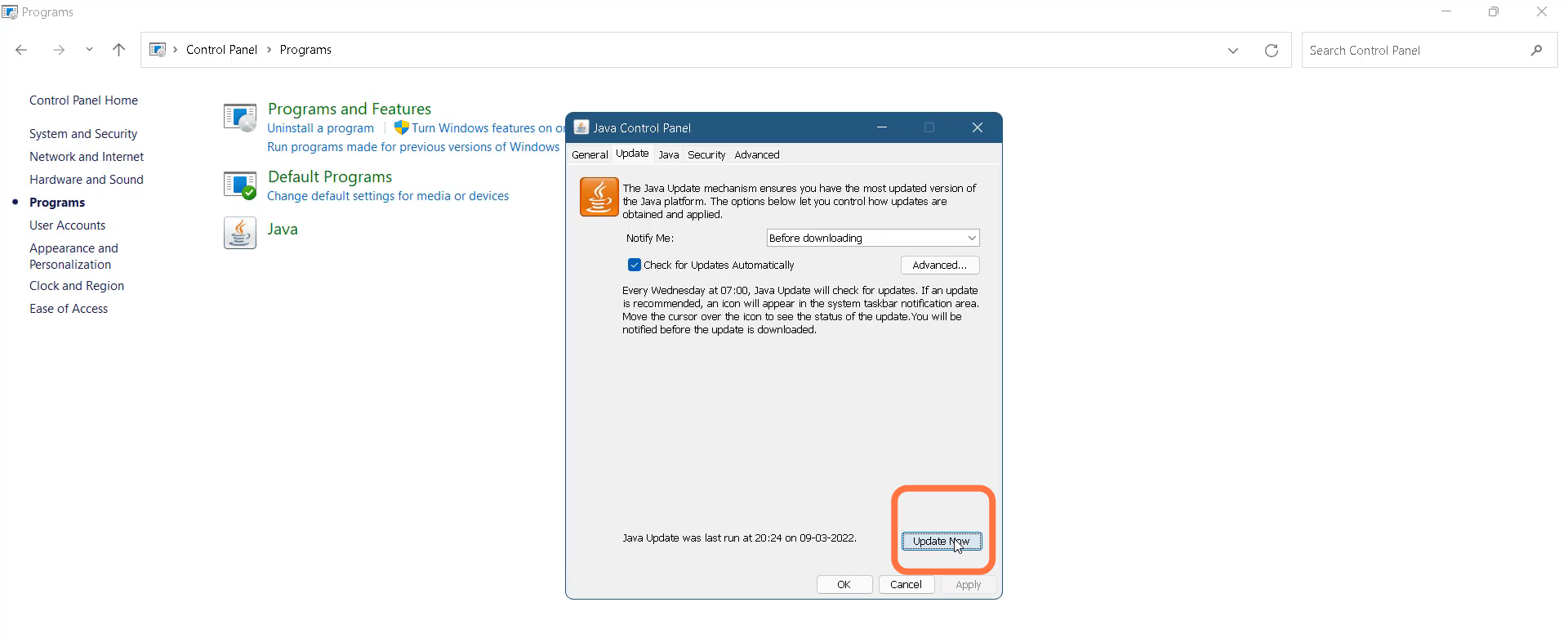
- And then double-click on Java.
- You need to tap on "Update now".
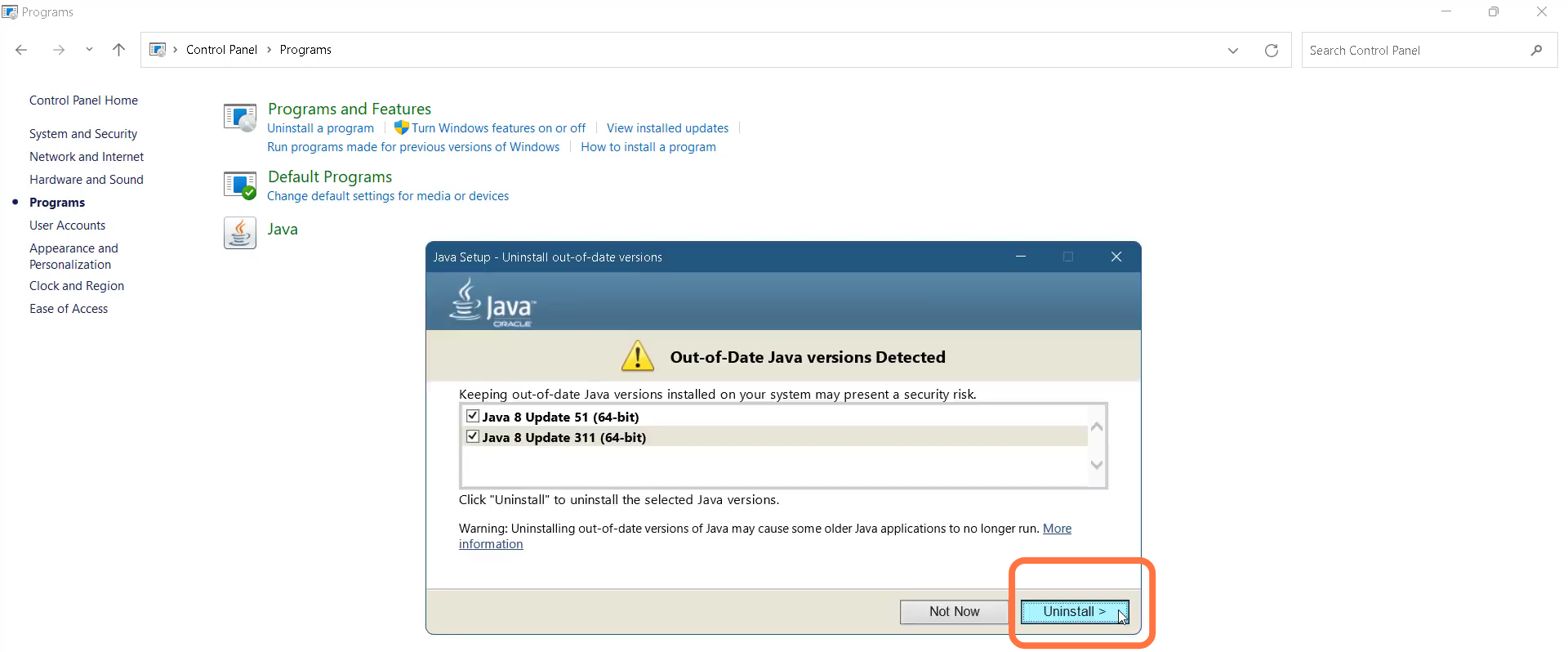
- And then click on Uninstall.
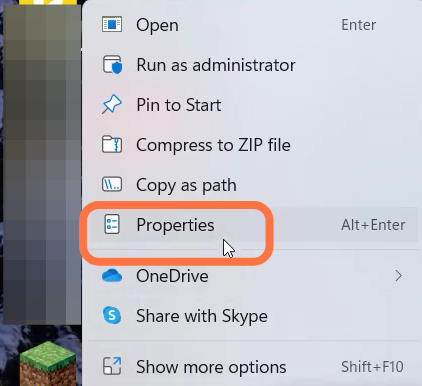
- Next, you will need to left-click on Minecraft and go to its properties.
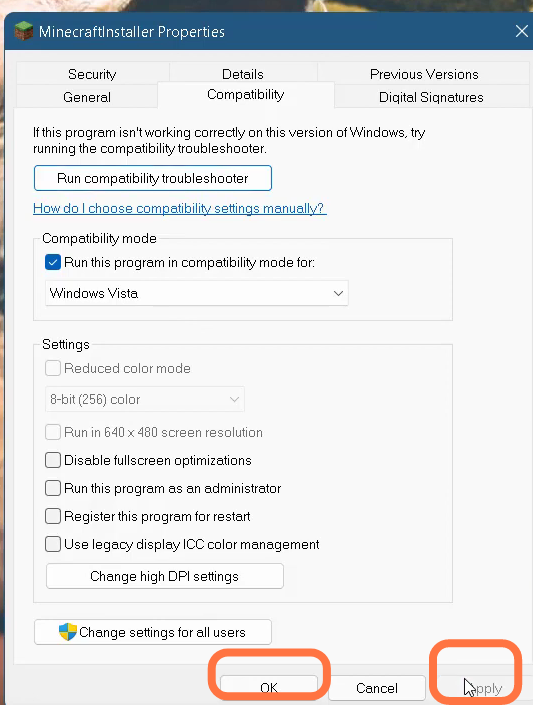
- Click on Compatibility and select "Run this program in Compatibility mode" for Windows Vists. Then press Apply and hit the OK button.
- Restart your PC and finally the problem is solved now.