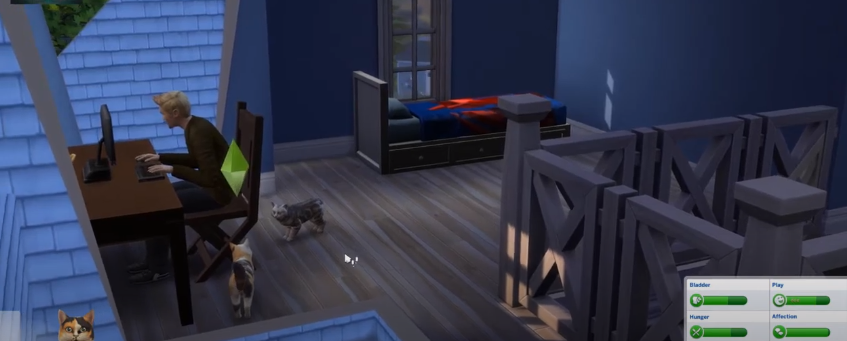
Sims 4 Cats and Dogs - Can't control Pets
This guide will let you know how to control your pets in Sims 4 Cats and Dogs. To control your pets in Sims 4 C&D, you must install the “Playable Pets” Mod first.
Step 1
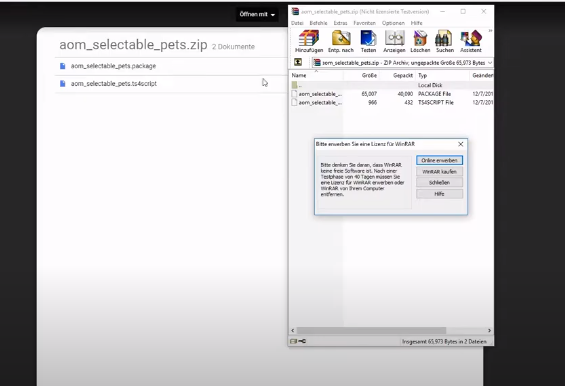
You will need to open this link “https://amzn.to/2wgTKKo”, and press on “download”. After that, you have to open the zip file.
Step 2
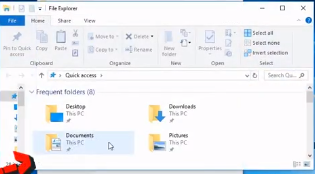
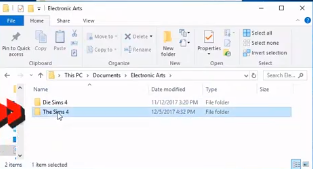
Click on the Windows icon, select file explorer, and open up the “Documents” folder.
Step 3
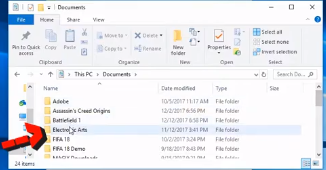
The next thing you have to do is open the Electronic Arts folder.
Step 4
Then open up the Sims 4 folder.
Step 5
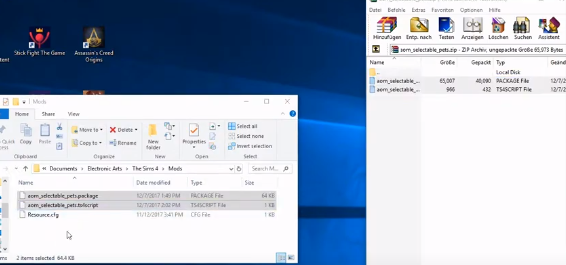
You must select the “mods” folder and move the script and package file to the Sims 4 mods folder.
Step 6
You will need to start Sims 4 and click on the Play button.

Step 7
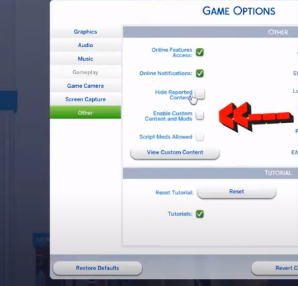
Go to options, then select “other”. You have to check mark this box, as shown in the image below.
Step 8
And also enable scripts and apply changes.
Step 9
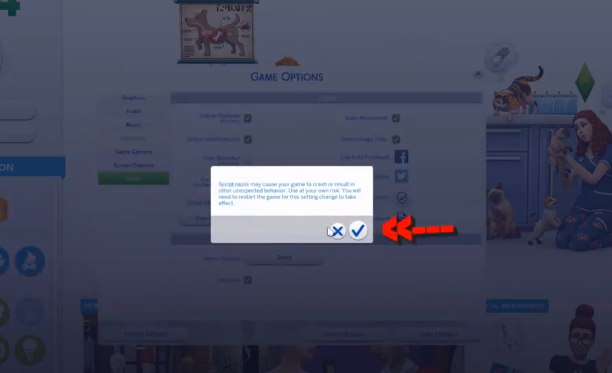
You have to restart the game, click OK, and use the mod now.
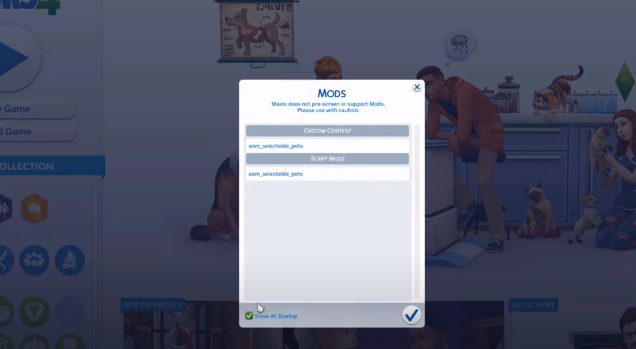
Step 10
Select a pet. You can walk around, play with a Sim, and of course, you can do activities with other pets.