
If you are looking to fix the “This Account Is Already Connected To Current Game Data” error in Mobile Legends: Bang Bang, this guide will show you the correct method.
- Open the Google Play Games app. Tap the three dots in the upper-right corner and navigate to Settings.
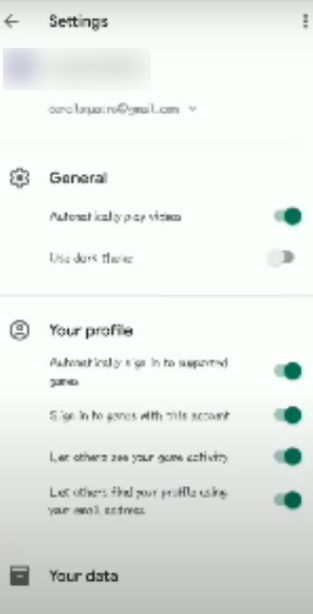
- Turn off the following options:
- “Automatically Sign in to supported games”
- “Sign in to games with this account”
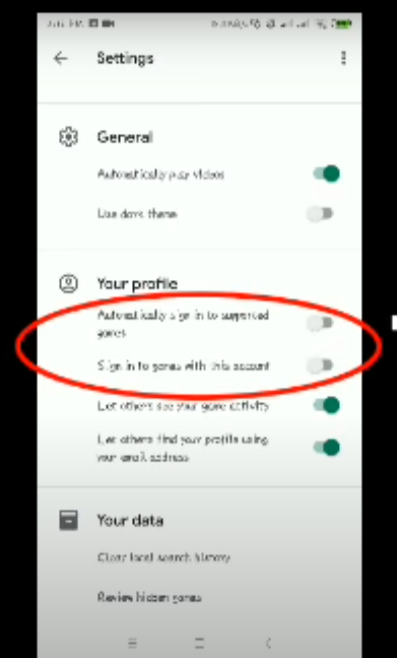
- Return to Mobile Legends. Now, try to switch accounts. You should be able to switch without seeing the error.

Leave a Reply