

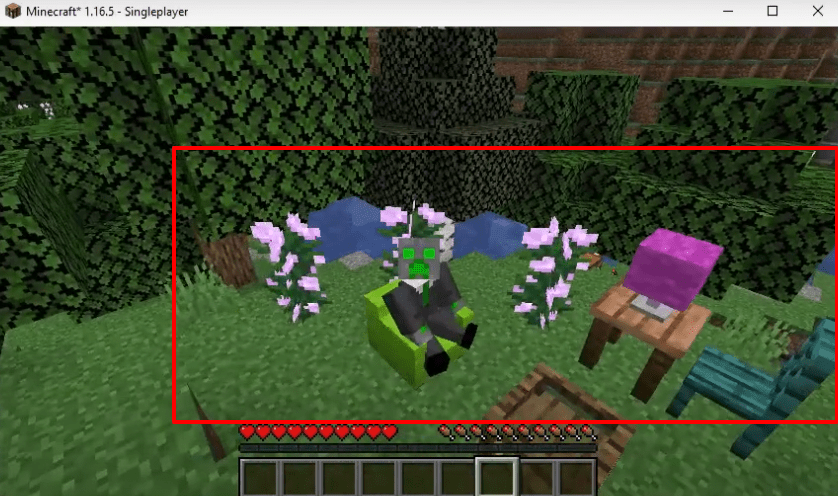
ADORN MOD 1.16.5 is a decoration mod in Minecraft. You can add a wide range of decorative blocks using this mod, including sofas, kitchen cabinets, drawers, shelves, tables, and more.
Follow these steps to install ADORN MOD in Minecraft 1.16.5:
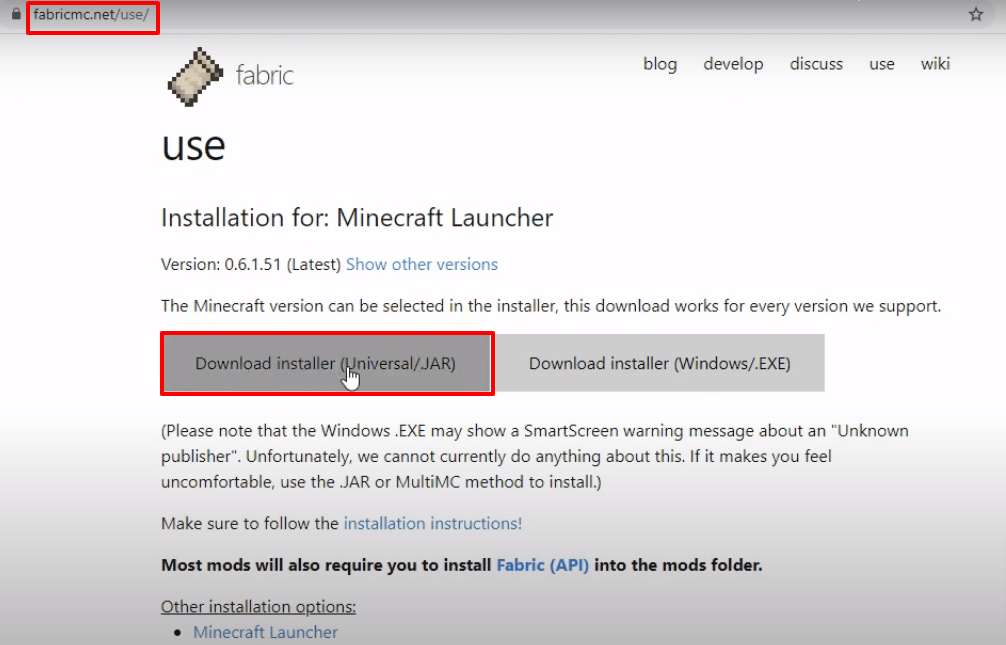
- Go to fabricmc.net/use/ and download the Fabric installer.
- Download the latest Fabric Language Kotlin software.
- Download the Mod Menu software.
- Download the Fabric API software.
- Download the ADORN mod file.
After downloading the files:
- Launch Minecraft Launcher, select Minecraft Java Edition, then the latest release, and click PLAY.
- Click Quit Game after it loads.
- Press Windows + R, type
%appdata%, and hit Enter. - Follow the path to the versions folder.
- Open the Fabric launcher and click Install. A new folder for the Fabric loader will appear in the versions folder.
- Launch Minecraft Launcher again, check the box, and click PLAY.
- Navigate to the mods folder inside the Minecraft directory, and paste the downloaded files: ModMenu, Adorn, Fabric Language Kotlin, Fabric API.
- Launch the Minecraft Launcher, click Mods, then Single Player.
- Set your world to Survival, Difficulty to Peaceful, Allow Cheats: On, enable Bonus Chest, and click Done.
- Click Create New World.
- Check the crafting table to verify that all mods are installed. Drag desired mods into the crafting boxes to apply them.
- Check mod descriptions and functionality in the table of contents inside the game.
- Close any sub-windows and explore the game to enjoy the ADORN mods.
Leave a Reply