
Category: Guides
-

Slipways – Controls Guide
Slipways is a strategy and puzzle video game by Beetlewing. It is the perfect game for anyone looking for a quick but deep gaming experience. The players will be able to finish a run quickly. In this guide, you’ll find all the Controls to play Slipways. Keyboard/Mouse Actions Keys Description Launch a Probe Left Mouse…
-

Best Minecraft Family Guy Skins to Try Out
If you’re a fan of the video game Minecraft, then you probably noticed that there are some skins available for this game. This guide will provide you with the best Minecraft Family Guy Skins to try out. Peter Griffin Peter Griffin is the perfect skin for any Minecraft fan! He’s a classic character from the…
-

How to install the Better Minimap mod in Cyberpunk 2077
Minimap is here. It’s time to use your mouse as a keyboard again. Before installing the Mod, make sure that you have a mod folder in the directory (Cyberpunk2077/archive/pc) if you don’t have a mod folder then create a new folder and name it “mod”. In case, if you have a patch folder in the…
-

How to Gain Weight In Red Dead Redemption 2
In Red Dead Redemption 2 , there’s a trick to gain weight. Now you will think you can gain weight by eating but that’s not really worth it. After eating a lot of food you will only be able to increase your weight from perfect to average. And you will not notice much difference. It’s…
-
How To fix Downloading Terrain Freeze & Crashing: Minecraft
This guide explains how you can fix the terrain. An Updated Java version is needed for it. Go through the guide and follow the step-by-step instructions. In this guide, you will get to know how you can fix the downloading terrain freeze and crash in Minecraft. First, you should make sure that your Java version…
-

How To Make A Support Mage Build in Skyrim
This guide will explain how to make a support mage build in Skyrim, we have included multiple web stories to help you make the best build. How To Make A Support Mage Build in Skyrim – Part 1 How To Make A Support Mage Build in Skyrim – Part 2 How To Make A Support…
-
How to install The Eyes of Beauty Mod in Starfield
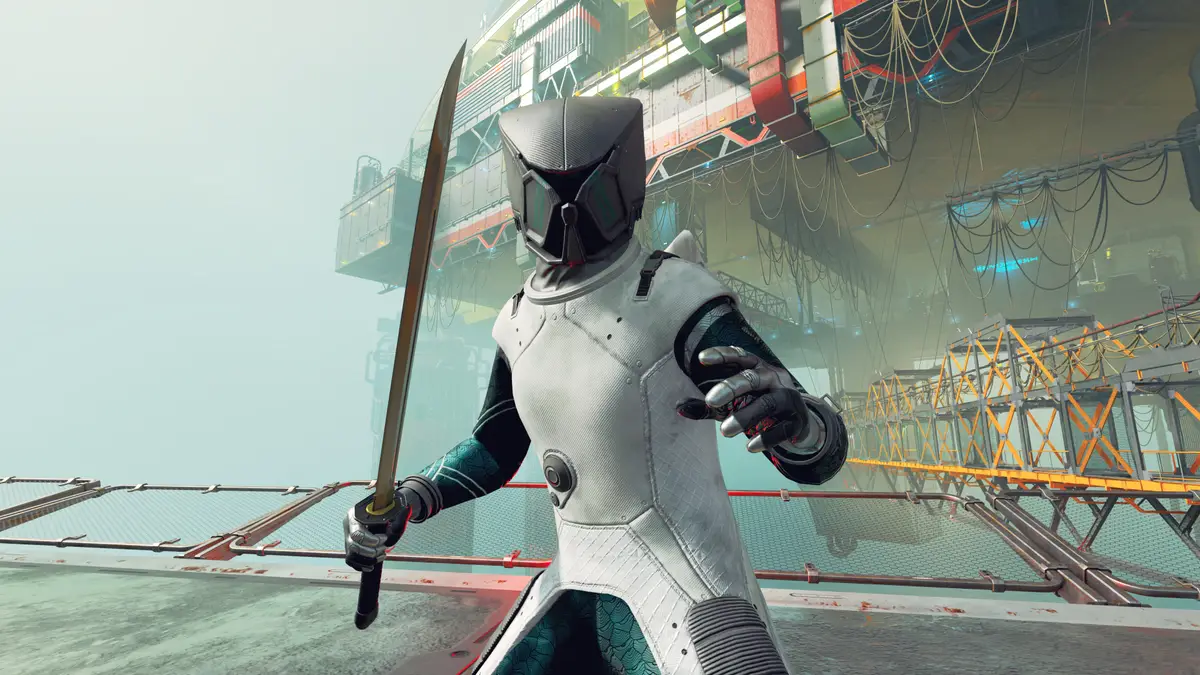
The Eyes of Beauty is a texture mod for the Starfield game. By installing it, you can add new textures for your character’s eyes. To install the The Eyes of Beauty mod in Starfield, follow these simple steps: First, download the The Eyes of Beauty mod from the Nexus site. (You might need to create…
-

How to Get Access to the City in NBA 2k22
This guide will let you know how to access the city in the NBA 2k22: Next Gen. It is worth knowing, and you can have more fun playing the game. You can get access to the city in NBA 2k22: Next Gen very easily. You can get access to different clothing stores and explore the…
-

How to Make Any Car a SUPER CAR – Forza Horizon 5
In this guide, you will learn how to convert any car into a SuperCar in Forza Horizon 5. Go through the guide and follow the instructions to make a supercar. You will first need to select the car and go to the upgrade and tuning section. You have to click on find tuning setups, and…
-

How to Change Your Difficulty and Minutes in NBA 2k22
This guide will explain how to change the Difficulty Level and Minutes in NBA 2k22. The first thing you will need to do is go to your neighborhood by using the elevator. When you are in the neighborhood, you have to open the game settings and tap on the options tab. After that, go to…
-

How to Make an All the Mods 9 Server
Creating an All the Mods 9 server for Minecraft allows collaborative gameplay with friends. It’s important to note that this mod pack can be demanding on your computer’s resources and your internet connection, which doubles as the server’s connection. This guide offers two methods: utilizing a game hosting service like Simple Game Hosting or setting…
-
How to Get Amber in LEGO Fortnite
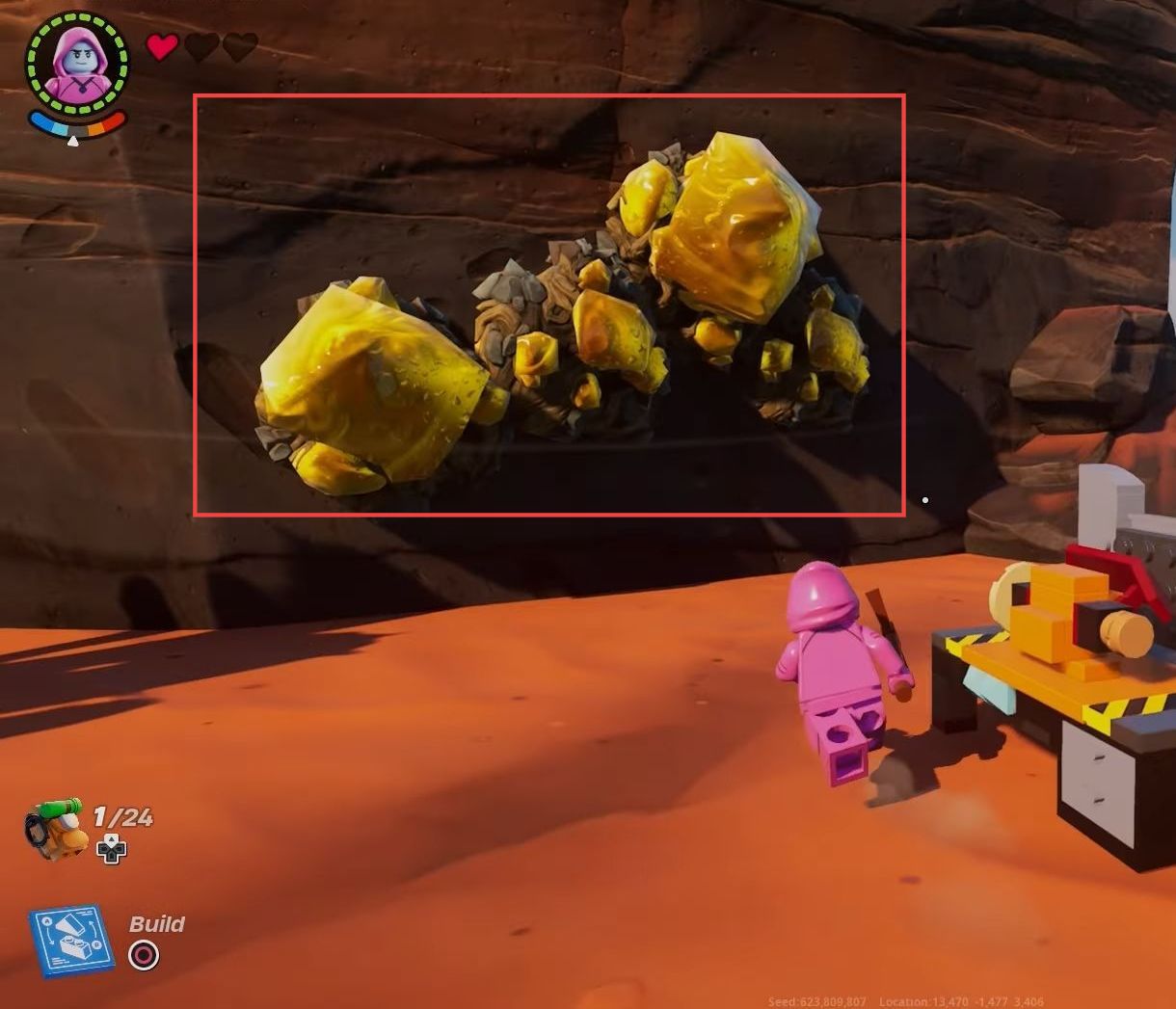
In this ultimate guide, you will learn how to get Amber in Lego Fortnite. First, you need to find the desert biome, then craft an uncommon pickaxe, and finally, use a gem cutter to get amber. Finding the Desert Biome 1. First, open up your in-game map and navigate to the desert biome. 2. When…
-

Ways to Get Better at Brawlhalla
In this guide, you will come to know how you can get better at Brawlhalla. Follow the step-by-step instructions in this guide to become better at Brawlhalla. The first thing is Dodging. If you are playing at offence, you have to go for a dodge read now and then. If you hit somebody with a…
-

How to Get the Hunter Sword in King Legacy
This guide will show you how to get the Bounty/Hunter sword in Roblox King Legacy. To get the hunter sword, you will need a 10 million bounty before the wipe. Slash hunter(Z) does X5 multi slashes each hit 1.5k damage. Holy sword (X) smashes a big sword in the ground with a big impact.
-

How to Use Round Walls: Make Cool Shape Building – The Sims 4
This guide will let you know how to use Round Walls and make Cool Shape Buildings in The Sims 4. 1. First, you will need to go to the build mode at the top right corner of the screen 2. Then click on Build at the bottom left corner to open the shapes menu. 3.…
-

Settings for Ride Out Heroes, Increase FPS
This guide will let you know how to Increase performance FPS with any setup in Ride Out Heroes. First, you have to make changes to the in-game settings and in the simplees FPS pack. You have to end the explorer.exe and update GPU drivers. You also need to close all the unnecessary programs running in…
-

How to Change & Equip Hero Spray in Overwatch 2
This guide will let you know how to change & Equip Hero Spray in Overwatch 2. The first thing you will need to do is boot up your game and click on Heroes on the home screen. It will show you all the heroes, you have to choose a hero and then go to Sprays.…
-
Cease Fire – Jaeger Task on Streets of Tarkov (With Map) – Escape From Tarkov
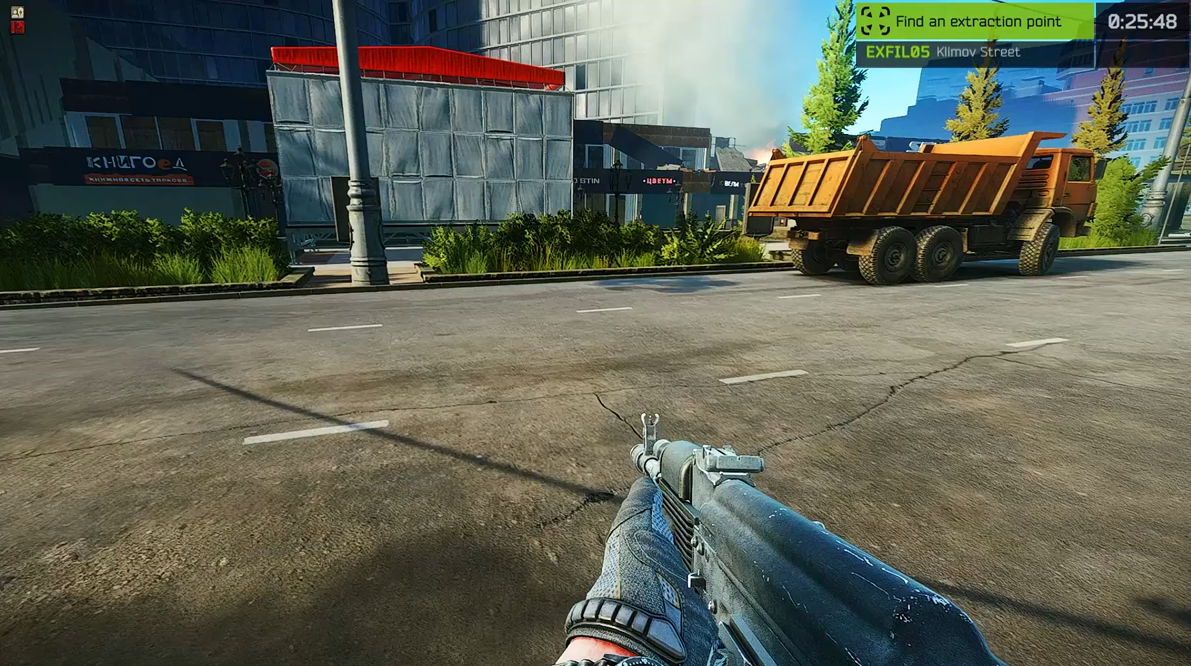
In this guide, you will find out how to do the Cease Fire task from Jaeger on Streets of Tarkov in Escape From Tarkov. It is quite easy to do so; just follow the simple steps below to complete it. You have to extract the streets of Tarkov using the Klimov Street extract and bring…
-

How to install the Deeper darker, Reshade preset Mod in Cyberpunk 2077
A deeper darker and more detailed Reshade preset is designed for a better realistic game experience. With this preset, you can enjoy amazing graphics Before installing the Mod, make sure that you have a mod folder in the directory (Cyberpunk2077/archive/pc) if you don’t have a mod folder then create a new folder and name it…
-
How To Get Clay & Color Them ? | Roblox SkyBlock
This guide will let you know how to get clay and color them in Roblox SkyBlock. You will need to go to the shop and purchase clay totems that cost 10,000 coins. After that, place the totems on the ground by leaving some space between them, as shown in the image below. The clay will…