
Category: Guides
-

Roblox Bear Codes 2023 (Updated)
You will play the game as a bear. This will be a real dangerous bear, you will have to hunt and kill all the survivors in the game. Active Codes CODES REWARDS PATRICK Use it to get a free St. Patrick’s Day Skin (NEW) Expired Codes CODES REWARDS HALLOW2020 XMAS2020 Use it to get a…
-

How to Get Lucre (Gold) Fast in Echoes of Mana
In this guide, you will learn how to get Lucre Gold fast in Echoes of Mana. You have to follow the simple steps to get it. Fifty thousand of Lucre takes a five-star gear from level eighteen to twenty; if you multiply it by six, you will find that you need three hundred thousand per…
-

Best Skyrim Vampire Appearance Mods to Try Out
With thousands of mod downloads and counting, Skyrim has become one of the most-played games. Many people are using mods that add to their gameplay experience. Here is a list of some of the best Vampire Appearance Mods to try out. FANGS AND EYES – A VAMPIRE APPEARANCE MOD Fangs and eyes – a vampire…
-

Roblox Ultimate Tower Defense Simulator Codes 2023 (Updated)
The Ultimate Tower Defense Simulator game features characters from different worlds including superheroes, anime and youtube. Pick up your characters to counter the enemies in order to protect your base. Merge the heroes together or team up with your friends to beat all the opponents. Show your dominance by becoming the most powerful character in…
-

How to Install ‘Starfield Graphics Optimization – Custom Presets for FPS Performance’ Mod in Starfield
Starfield Graphics Optimisation” optimises the Ultra preset to improve game performance without sacrificing graphics quality. It improves FPS, especially in cities, making for a more fluid gameplay experience. To install the ‘Starfield Graphics Optimization – Custom Presets for FPS Performance’ mod in Starfield, follow these simple steps: Before making any changes, ensure you backup your…
-

Paramedic Guide (Somebody Call the Wambulance? Trophy) – GTA Vice City
In this guide, you will come to know how to unlock the “Somebody Call the Wambulance?” trophy in Grand Theft Auto Vice City. You have to follow the simple steps to unlock it. The first thing you will need to do is find and get in an ambulance to start the side mission. Paramedic The…
-

How to Request a Full Refund on PS4 Games
This guide will tell you how to request a Full Refund on PS4 Games. First of all, you will need to open your web browser and go to PlayStation.com. After reaching this site, you have to click on support on the top of the screen and a drop-down menu will appear. You need to click…
-

How to Make And Trade Friendship Bracelets – The Sims 4
In this guide, you will find how to make and trade Friendship Bracelets in (Growing Together) The Sims 4. You have to go into the build mode, input “activity table” and press enter on your keyboard. To craft your bracelets, you need to have one table from the following. Place the table on the floor…
-

How to Install Enhanced Presets – Official Collection Mod in Starfield
The “Enhanced Presets – Official Collection” is a carefully picked collection of presets made to improve Starfield’s gaming experience when used with the Enhanced Dialogue Interface and Enhanced Subtitles mods. These settings allow longer dialogue lines, bigger subtitle displays, and fluid interactions. To install the Enhanced Presets – Official Collection mod in Starfield, follow these…
-

How To Make A Brick Slab
Brick slabs can be used for buildings and decorations. To make a Brick Slab, you will need Raw Clays, Bricks and Brick Blocks. Please follow the following steps to make a Brick Slab. Raw Clay In order to make a brick block, the basic item that you will need to get is clay. You will…
-

How to Play With Friends In The Ghost Co-op Survival Horror Game
If you want to play The Ghost co-op survival horror game with your friends, then you have come to the right place. This guide will let you know how to create a private room and then play the multiplayer game. You will need to go to Multiplayer and move to the Local section. You will…
-
How to Play Coop – Remnant 2
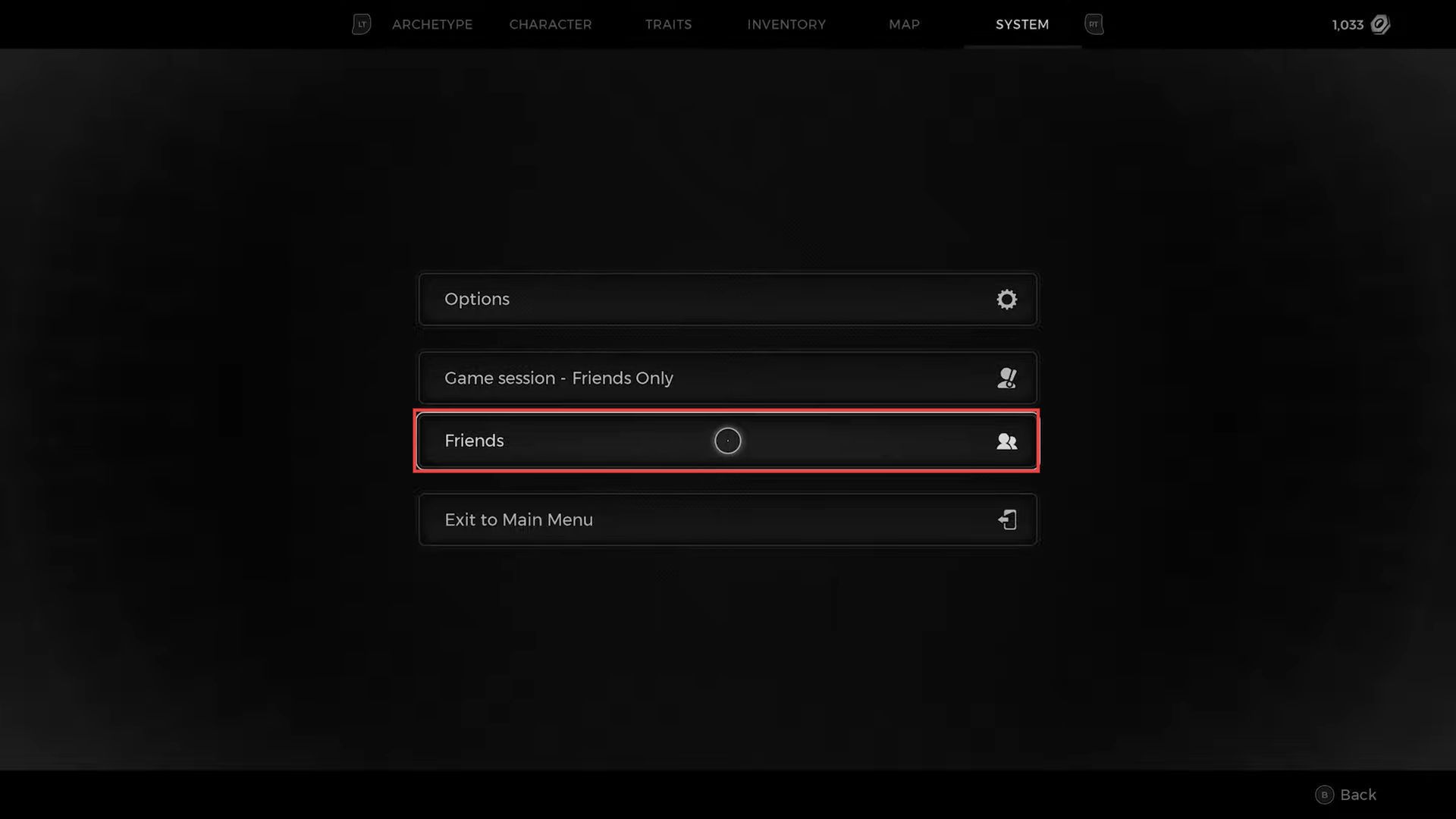
This guide will let you know how to play co-op with your friends in Remnant 2. You first have to play in the tutorial section, and then unlock co-op mode. After that, invite your friends to join the game and do some rest while in the game. Tutorial In this section, we will take you…
-

TAPE: Unveil the Memories – Controls Guide
TAPE: Unveil the Memories is a horror adventure game where you travel back to memories and use a video camera to explore them. The story is set in the town of Antumbria, where you will play Iria, a girl who receives a VHS tape from her father asking for help. You have to find the truth…
-

How to Turn Off Auto Deploy Parachute in Warzone 2
This guide will tell you how to TURN OFF Auto Deploy Parachute in Warzone 2. Go through the guide and follow the simple steps to do so. First, you have to boot up your game and press the options button to open the settings menu on the right side of your screen. From that menu,…
-

How to Change Loading Screen Background in WARZONE 2
This guide will let you know how to change Loading Screen Background in WARZONE 2. Go through the guide and follow the simple steps to change it. The first thing you will need to do is boot up your game and press the R1 button to go to the Customize tab at the top of…
-

Best Poison-Type Pokémon in ORAS (And RSE)
This is a complete list of poison-type Pokémon, providing you with a variety of options when considering your team. Be warned, however, that Poison-type Pokémon are not extremely common and you will most likely not have great difficulty in finding them.
-

Best Skyrim Unarmed Mods to Try Out
If you’re a fan of the video game Skyrim Unarmed, then you probably noticed that there are some mods available for this game. This guide will provide you with the best Skyrim Unarmed Mods to try out. PHENDERIX ELEMENTAL FIGHTER – A SKYRIM UNARMED MOD With the Phendrix Elemental Fighter mod for Skyrim, you can…
-

How to Add Friend in Legends of Runeterra
This guide will let you know how to add a friend in Legends of Runeterra. The first thing you will need to do is get on the game’s home screen and click on the player avatar button on the top right side of the screen. After that, click on the Add friend option, and a…
-

How to Change Custom Background Menu in Valorant
This guide will tell you how to change Custom Background Menu in Valorant. For this, you have to download the Valorant video first that you want to replace in the Valorant menu background. Then you need to trim it and make it a video of length under 30 seconds. After this, go to the folder…
-
How to Remove Embarrassed Moodlet – The Sims 4
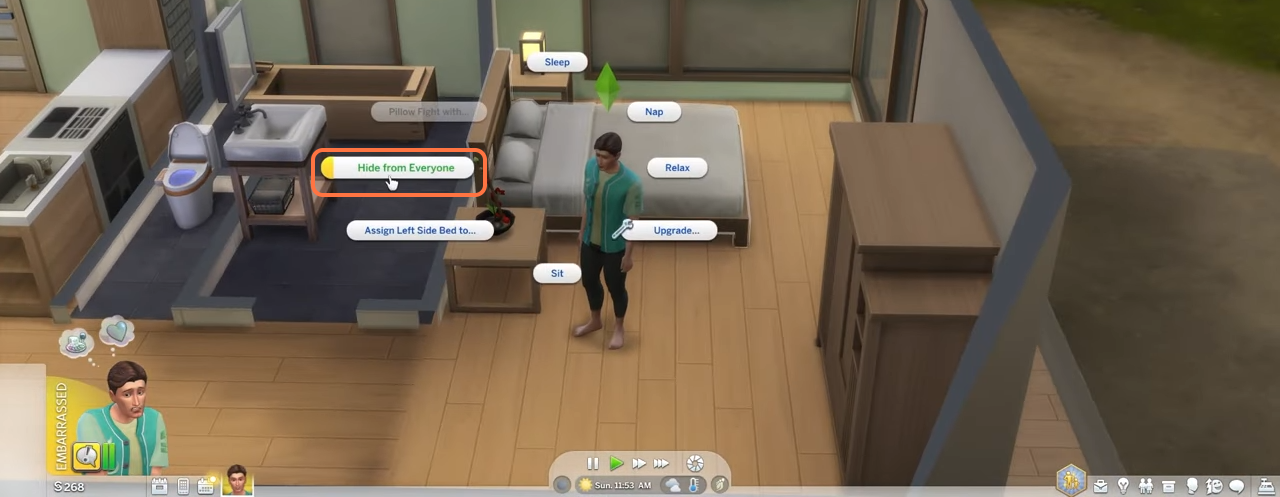
This brief guide will let you know how to remove the Embarrassed Moodlet of your sim in Sims 4. 1. There are two methods to remove it. The first is by using a mirror. Click on the mirror and select the “Give yourself a pep talk” option. 2. The moodlet will go away when the time…