
Category: Guides
-

How to Get Legendary Weapons & Hacks in Arcadegeddon
This guide will let you know how to get Legendary Weapons & Hacks in Arcadegeddon. The weapons in arcadegeddon gaming come in different levels of powers, which come in different rarity colors. The colors are white, green, purple, blue, and yellow or orange. Yellow or orange colors are the legendary ones. There are four ways…
-
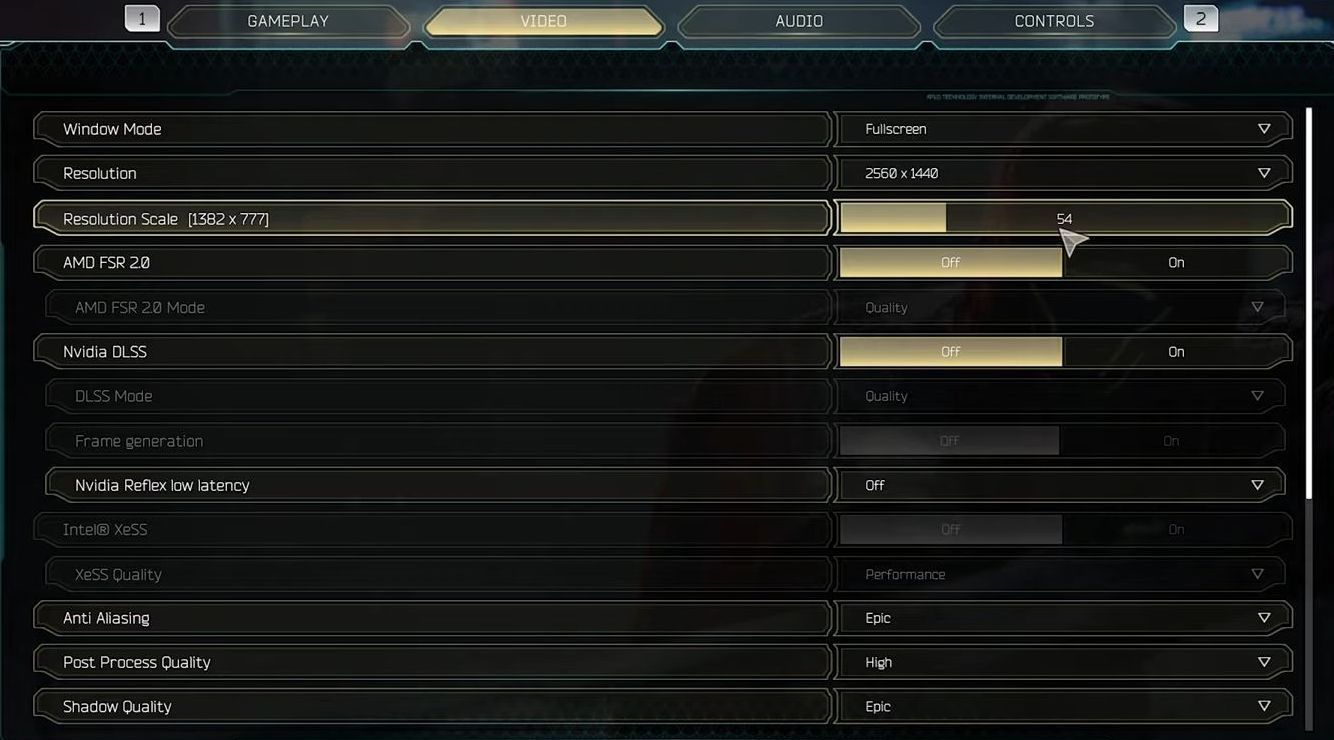
BEST Optimization Guide -Ghostrunner 2
This guide will provide you with the best in-game settings for Ghostrunner 2. DirectX 11 vs 12 In this section, we will take you through the steps to get the best in-game settings for Ghostrunner 2 using DirectX 11 vs 12. Start the game, and you’ll be presented with the choice between DirectX 11 and…
-

How to Enter Advance Server in Mobile Legends
Advanced Server is used by developers for Beta testing of new features of the game before it comes out of Mobile Legends Original Server. That is why the advanced server has the latest features, new heroes, and even maps of the game. Once you are inside the Advanced Server, prizes and bonuses are automatically given to…
-

How To Update Optifine For All Versions Of Minecraft
This guide explains how you can update Optifine for all versions of Minecraft. You need to download the new version of Optifine and after that all the profile editing process is given below in detail. Open your browser and type optifine.net/downloads.php There will be two new versions of Minecraft. One will be having UC4 and…
-

Best Minecraft DIY Craft Ideas to Try Out
This guide will provide you with the Best Minecraft DIY Craft Ideas to try out. Minecraft Tissue Box Cover Make your Minecraft experience even more exciting with this tissue box cover! This is a great craft idea for all ages, and it’s easy to do. Want to have this in your Minecraft game? download the…
-

How to Invite Local Player to TRADE in Diablo 4
This guide will let you know how to invite the Local Player to trade in Diablo 4 on a controller. Go through the guide and follow the simple steps to do so. The first thing you will need to approach the person you want to trade with and stand close enough to interact with them.…
-

Steam Slow Disk Usage in Windows 11 (Fixed)
In this guide, you will find how to fix “Steam Slow Disk Usage” in Windows 11. There are multiple methods that you can try to resolve the error. Clear Steam Cache In this section, we will take you through the steps to clear the Steam download cache to resolve the issue. You have to go…
-

How To Make Blue Glazed Terracotta
Blue Glazed Terracotta is a block that can be used for decoration. You’ll need Raw Clay, Clay Blocks, Terracotta using Furnace, Lapis Lazuli and Blue Terracotta to make Blue Glazed Terracotta. Please follow the following steps to make Blue Glazed Terracotta. Raw Clay In order to make Terracotta, the basic item you will need is…
-

Top Ways To Defeat And Kill The Ender Dragon In Minecraft
The ender dragon is a very dangerous boss that has got the ability to fly and she is one of the largest mobs in the entire game. This guide will let you know how to enter the end and kill the healer. And also brief you the best possible method to kill the ender dragon.…
-
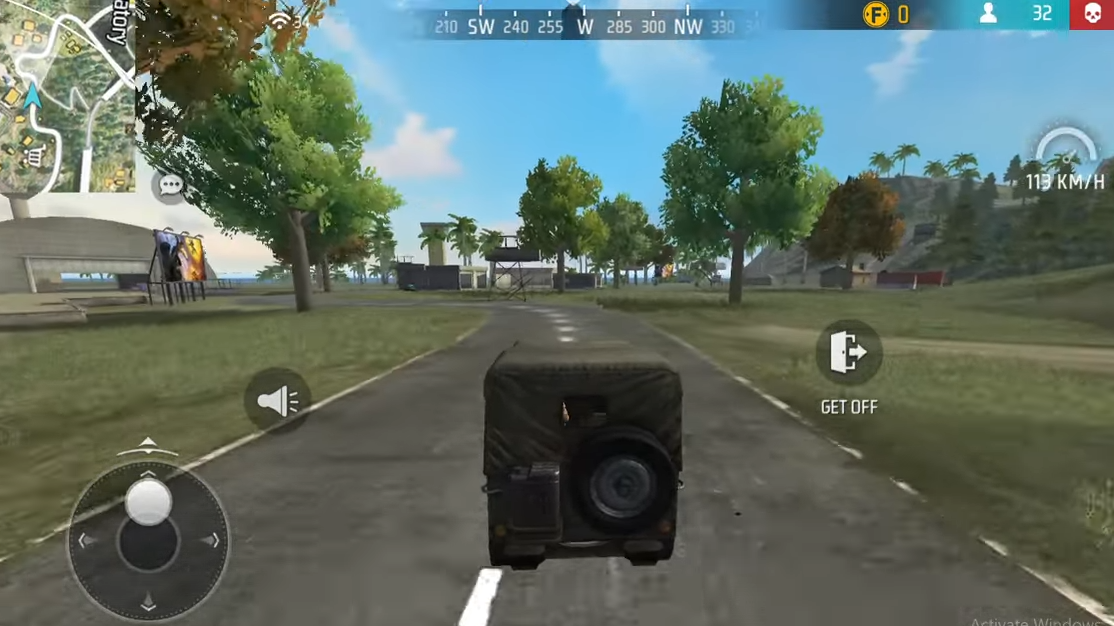
How to Fix Touching issue in Free Fire
This guide will let you know how to solve the Display screen touch and Auto Touch Problems in Free Fire. The touch problem usually occurs because of a fault in your mobile phone. So you have to make sure that the touch screen of your mobile phone is working properly. Go to the Google play…
-

How to Install Forests of San Andreas in GTA 5
In this guide, you will find out how to install Forests of San Andreas Mod in the Grand Theft Auto 5. 1. The first thing you will need to do is download the Forests of San Andreas Mod from “https://www.gta5-mods.com/maps/forests-of-san-andreas-4861-trees-add-on-ymap“. Open the link and click on the green download arrow icon for the current version…
-

How to Inspect Players Armor & Weapons in Diablo 4
In this guide, you will find out how to inspect players’ armour and weapons in Diablo 4. By following the steps below, you will be able to do it on PlayStation (PS4, PS5) and Xbox. If you are playing on the PlayStation 5 console, locate the character you want to interact within the game world.…
-

How to Cancel Pre-Order On Nintendo Switch Games & Get Refund
This guide will let you know how to cancel your pre-order for your Nintendo Switch games online. Go through the guide and follow the step-by-step instructions to cancel it. First, you will need to open up your web browser and log in to Accounts. Nintendo. Enter your email address and password associated with your Nintendo…
-

Best Stands For Pluck In YBA! | Your Bizarre Adventure
If you are looking for the best Stands For Pluck in Roblox Your Bizarre Adventure, you have come to the right place. We have listed it down in descending order, number one being the best. Top 5:GER GER pluck has a lot of OP combos to play with. This combo is pretty deadly pretty good…
-

How to Explore the Jungle and Temples to Find Treasure in the Sims 4
This guide will let you know how to explore the jungle and temples to find treasure in The Sims 4 Jungle Adventure. First, you will need to use your game phone to book a vacation and choose Selvadorada as your destination. Then you have to choose your accommodation. The lots are expensive per day, so…
-

How to Change Enemy & Friendly Color in COD Modern Warfare 2
This guide will let you know how to change Enemy & Friendly colors in Call Of Duty Modern Warfare 2. First, you have to boot up your game and press the options button to open up the menu. After that, click on settings at the top of that menu and access the accessibility menu. Then…
-

How to Eat in Lego Fortnite
You will find the little green bars around your character in the top left-hand corner, showcasing how hungry you are. So if you are too hungry, then you need to eat something. This guide will let you know how to eat in Lego Fortnite. First, you have to go to your inventory and move the…
-
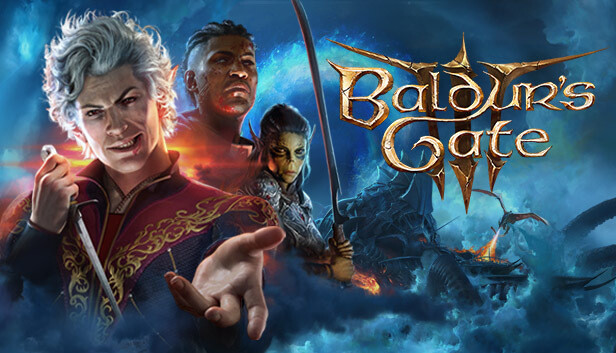
How to Install P4 Dragonborn Scale Colours Mod in Baldurs Gate 3
“P4 Dragonborn Scale Colours” introduces 45 new options for Dragonborn skin colors, expanding your customization possibilities in the game. With these vibrant additions, you can make your Dragonborn character even more unique. To install the P4 Dragonborn Scale Colours mod in Baldur’s Gate 3, follow these simple steps: Step 1: First, download the P4 Dragonborn…
-
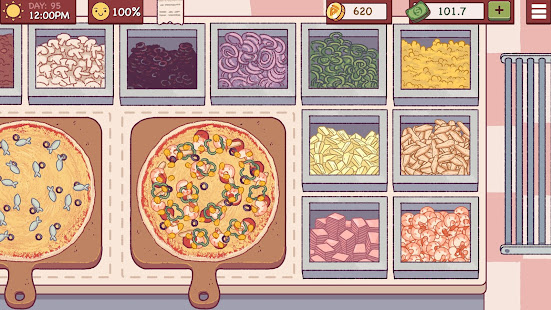
How To Unlock Chapter 2 – Good Pizza Great Pizza
In this guide, you will learn how to unlock chapter 2 in Good Pizza Great Pizza. You will need to buy available Toppings of Chapter 1. Buy toppings like Pepperoni, Sausage, mushrooms, Onion, Olive, and Bell Pepper. Then help a homeless man by giving him a free pizza. A homeless man will help you to…
-

How to Equip Twitch Drop SKINS – New World
In this guide, you will learn how to equip the skins you get from the Twitch Drops in the New World. You have to follow the steps in this guide to change the skin. To equip the skins you get from the Twitch Drops in the New World, all you need to do is go…