
Category: Guides
-

How to Use Crossbow in the Witcher 3
In this guide, you will come to know how to use Crossbow in The Witcher 3. You have to follow the simple steps in this guide to use it. The crossbow has two types of attachment called the bolts. Bolts are effective if used in the right spot; they don’t give a lot of damage…
-
How to Reset Games On Steam
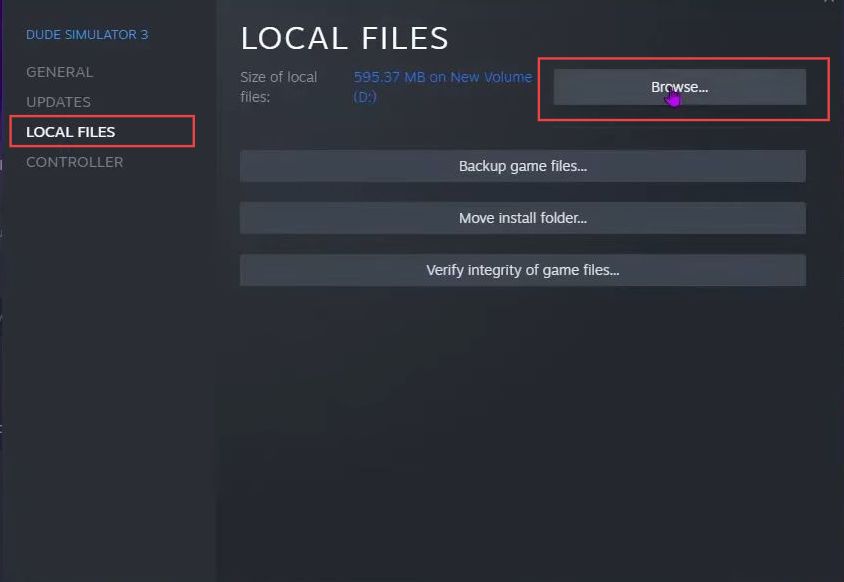
This guide will show you the easiest and quickest way to Reset Games on Steam. The first thing you will need to do is open the Steam application on your computer and select the Steam tab from the quick access toolbar. It will open up a drop-down menu. After that, click the Settings option from…
-
How to Re-Open the DS4 Driver Setup PopUp – Installing Secondary Drivers
This guide will help you to re-open the DS4 driver setup popup by installing secondary drivers. First, open up the settings panel and look towards the right-hand side. You’ll find a series of little blue links that offer various functions. Among the blue links, locate the Controller/Driver Setup button. This is the option you’re looking…
-

Settings For Rogue Company, Increase FPS
This guide will tell you how to increase performance / FPS with any setup in Rogue Company. You first have to make some changes in the Graphics settings and in the optimization of the Windows and intelligence cleaner folder. You need to select the best performance power plan and do disk Fragmentation. After following all…
-

How to Setup CDi Emulation In Retroarch
This guide will let you how to Setup CDi Emulation in Retroarch. Requirements First, install the PC version of Retroarch, whether a Standalone or Steam version. The Steam version best places the internal files with the standalone version. Download Bios Files 1- First, Source the CDi Emulation bios file; otherwise, games will not launch. Download…
-

How to Find Out What Your Server Seed Is In LEGO Fortnite
In this guide, you will learn how to find your server seed. You can either choose the in-game method or the loading menu to discover your server seed in Lego Fortnite. A seed is like a map location that shapes how your world looks. In-Game Method In this section, we will take you through the…
-

The Wind Road – Controls Guide
The Wind Road is an action role-playing game for Xbox One and Microsoft Windows. The players are tasked with constructing a martial-arts world based on the ancient Silk Road. In this guide, you’ll find all the Controls to play The Smurfs – The Wind Road. The Wind Road Keyboard Controls Action Keys Description Main Menu…
-

Top 5 Glider Invisible Trick In Free Fire
This guide will provide you with the top four invisible tricks in Free Fire. There are electric lines on the lower side of the peak. You will need to enter a house and jump on the electric lines from the roof. After that, strike the jump button twice to open up the glider and go…
-

How to Get Overcharge Kills with Stasis – The Ascent
In this guide, you will learn how to get OVERCHARGE Kills with Stasis and complete the Double Charge Mission in The Ascent. You can only get overcharged when you use a stasis effect, and you can have it from Cluster 13. You have to go to cluster 13 and go for the eye icon located…
-

How to install Cyber Engine Tweaks Mod in Cyberpunk 2077
Cyber Engine Tweaks is a framework for modders that allows them to execute Lua scripts in-game using the Lua scripting engine. Combining this with the UI and console commands, modders now have a powerful tool for tweaking their mods. Before installing the Mod, make sure that you have a mod folder in the directory (Cyberpunk2077/archive/pc),…
-

How To Make Sponge
You can use the sponge block to remove the water around itself wherever you place it. To make a Dry Sponge, you’ll need to find Ocean Monuments to get a Wet Sponge and then use Furnace to Dry it. Please follow the following steps to make a Dry Sponge. Ocean Monuments In order to make…
-

How To Make Activator Rail
When powered with Redstone, the Activator Rail will trigger specific effects on minecarts with TNT or a hopper that passes over it. When turned off it acts as normal rail. To make an Activator Rail, you’ll need Wood Log, Iron Ore, Red Stone, Iron ingot using furnace, Wood Planks, Wood Sticks and Red Stone Torch.…
-

Hell Architect – Controls Guide
If you love games like “Hell”, “Demons”, and “Inferno” then Hell Architect is the game for you! It combines the dark, terrifying world of hell with the fun and engaging gameplay of a strategy game. The players will take the role of a hell manager to create their own uniquely twisted hell that would make…
-

Mario + Rabbids Kingdom Battle – Nintendo Switch Save Game
In Mario + Rabbids Kingdom Battle strategy game the worlds of Mario and the Rabbids gets merge due to a sci-fi accident. In the game, Mario, Luigi, Peach, and their Rabbid counterparts team up to restore order. The gameplay involves matrix-based battles, with each hero having unique abilities. Proper positioning and using cover are crucial.…
-
How To Fix SKSE Script Extender
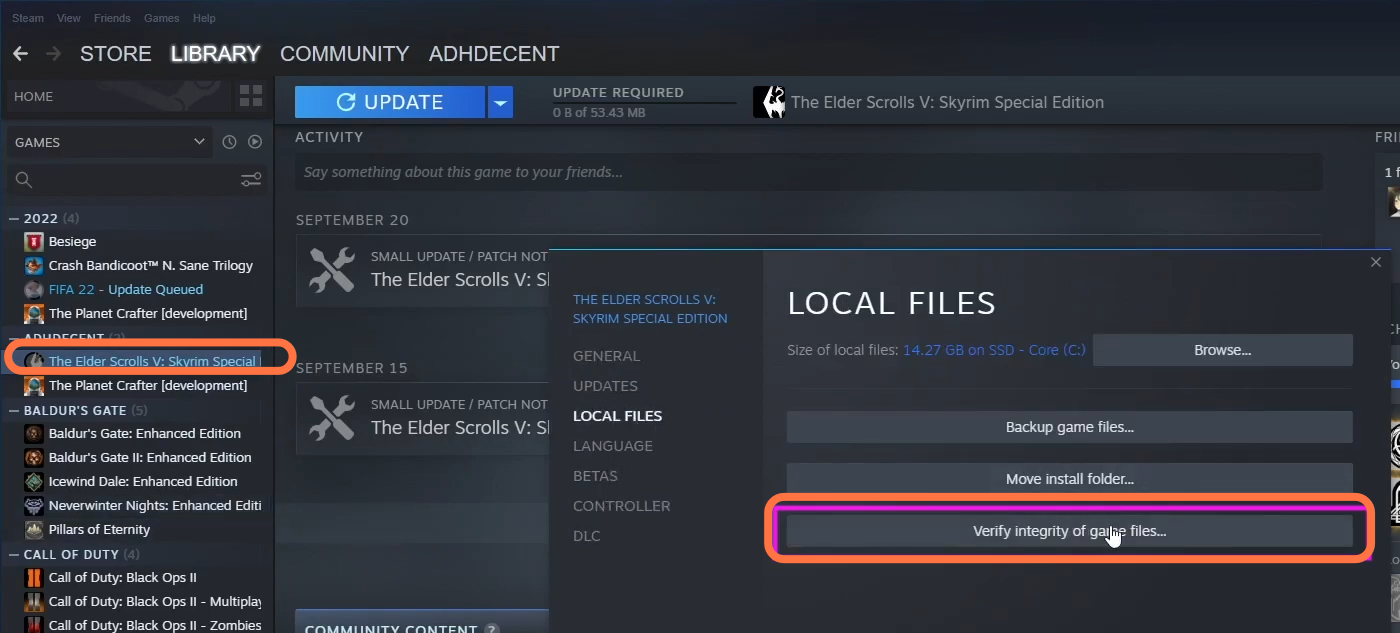
This guide will tell you how to fix SKSE Script Extender. This error might be occurring because of an incompatible SKSE version. 1- For this, you have to go to the steam file directory, then click on steam apps and tap on Common. After that, click on Skyrim special edition and you have to find…
-
Varuna Gatha (Apam Wood Aranara from Aranyaka) -Genshin Impact
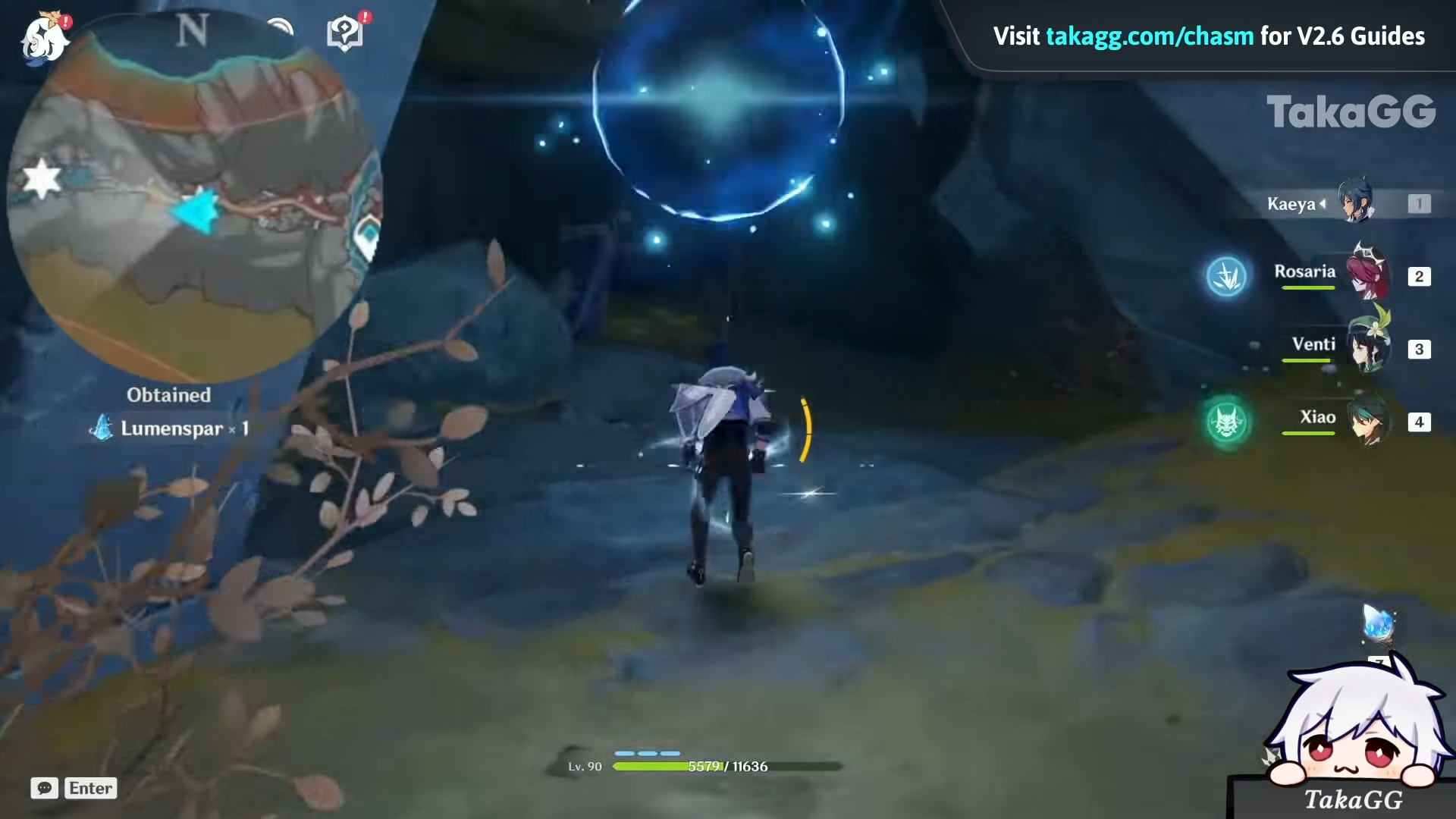
In this guide, I will share with you the first part of Varuna Gatha of the Aranyaka quest. Upon completing this quest, you will be able to obtain the currency to buy the diagram for new Sumeru craftable weapons. Teleport to the statue of the seven between Pardis Dhyai and Yasna Monument and head southwest…
-

All ACT 1 Puzzle Solutions Guide – The Entropy Center
This guide will provide you with all Act 1 puzzle solutions in The Entropy Center. The first puzzle is 0101. Press Square to lift the box and place it on the other platform. Use the rewind function to open each door in chronological order. After that, pick up the box again and place it on…
-

How to Install Eclispes Modpack For Bully Scholarship Edition
This guide will let you know how to install Eclispes Modpack in the Bully Scholarship Edition for PC. 1. You have to download the Eclispes Modpack from “https://www.nexusmods.com/bullyscholarshipedition/mods/17“. Open the link and click on the Files tab, then press the Manual Download button to get the mod file. You can always choose the directory where…
-

How to Light a Table on Fire in WWE 2K22
In this guide, you will find out how to light a table on fire in WWE 2022. Go through the guide and follow the simple steps to do it on Xbox, Playstation, and PC. First, you will need to make sure it’s an extreme rules match and then make the moves on your opponent until…
-

Zombie Army 4: Dead War – Save Game
Zombie Army 4: Dead War is an action-packed video game set in an alternate history where Hitler released an undead army. Players have a deadly journey through Europe’s terrifying locations, either alone or with friends, to bring an end to the war. They face various types of enemies, including standard zombies, armored zombies, and elite…