
Category: Guides
-

How to Co-Op In Dying Light 2
This guide will let you know how to Co Op in Dying Light 2. You have to follow the simple steps in this guide to do so. First, you will need to go to the start menu, tap on the Online tab, and select the game type option. You can choose private, or you can…
-

Spa Day Objects You Will Need to Use in the Sims 4
This guide will find the 5 Spa Day Objects you will need to use in The Sims 4. You will need to get an object called a lukewarm mini dispenser. It will be a mini or a full fridge that performs all the functions of a regular fridge and looks very elegant in the kitchen.…
-

How to Turn On Voice Command on PS5
This guide will tell you, How to TURN ON VOICE Command on PS5. First, you will need to go to the home screen and click on the settings button. Scroll down to the Voice Command and enable it. Now it will take you to another screen and you need to click on the Enable button. …
-

How to Enable Crossplay to Play with Friends in Roller Champions
This guide will tell you how to enable Crossplay to play with friends in Roller Champions (PC/PS4/PS5). You just have to follow the simple instructions below to do so. First of all, you have to load up the game and then head over to your avatar on the top right corner of your screen. After…
-

How to Find Battle Tag in Overwatch 2 to Add Friend
This guide will tell you how to Find Battle Tags in Overwatch 2 to Add Friends. The first thing you will need to do is boot up your game and then press options to open up the menu. From the menu, you have to click on Social. To add your friends you will need to…
-

How To Make Nether Brick Fence
Nether brick fences are like wood fences with fire resistance. They will protect you from the opponents and fire of any kind. To make Nether Brick Fence, you’ll need Nether-rack, Nether Brick using Furnace and Nether Brick Block. Please follow the following steps to make Nether Brick Fence. Nether-rack In order to make a nether…
-

How to Transform Grim Reaper into a Werewolf in The Sims 4
In this guide, you will learn how to Transform Grim Reaper into a Werewolf. 1. A Grim reaper will appear whenever any of your Sims die. When he appears, you can pause the game for your ease. 2. Then Press CTRL+Shift+ C simultaneously to open the cheat box. A white box will appear at the…
-

8 Ways to Earn Zems – Zepetto
It is very hard to earn Zems in Zepeto. This guide provides eight different methods to earn Zems. Each method rewards a different number of Zems. Method 1: Buying Zems The easiest and fastest way to get Zems in Zepeto is by buying them. Click on the bar shown in the image below. From here,…
-

How to Turn Off Origin in Game Overlay (Battlefield 1, Sims 4, Fifa 17 Etc)
This guide will let you know how to turn off the origin in the game overlay in Battlefield 1, Sims 4, Fifa 17. You have to follow the same procedure to turn it off in all the games. You will need to open the origin and go to your game library. After that, make a…
-

How to Unlock Kiriko Hero in Overwatch 2
This guide will tell you how to unlock Kiriko Hero in Overwatch 2. First, you will need to boot up your game and click on the battle pass on the home screen. In case you have the premium battle pass, you can unlock it in the early stages of the game. If you don’t have…
-

How to Activate Double XP in GAME on Modern Warfare 3
To make sure you’re maximizing your XP gains in Call of Duty: Modern Warfare 3, activating Double XP is a game-changer. Here’s a step-by-step guide to efficiently trigger this boost without losing any time. Step 1: Accessing the XP Boost Menu When you’re in the game, hit the “Options” button on your controller to open…
-

How to Find Brightcore in LEGO Fortnite
In this guide, you will learn how to find Brightcore in Lego Fortnite using the easiest method. Go through the guide and follow the simple instructions to obtain it. The first thing you have to do is open your in-game map and go to a valley that looks like a desert. Once you get there,…
-

How to Fix Fusee.Bin Error
The “Incorrect Fusee.Bin” error on your Nintendo Switch can be a real hassle, especially when trying to run Atmosphere. This guide aims to assist you in rectifying this issue by ensuring your FuseE files align perfectly with your Atmosphere version. Step 1: Check and Download the Required Files Determine your Atmosphere version. If you’re running 1.5.4 (pre-release)…
-

How To Make Simple Flower Farm
You can make a Simple Flower Farm anywhere in the playing area. Use the bushes of any flower in the dispenser and then plant the flowers to make a Simple Flower Farm. This guide will explain to you the method to set a Simple Flower Farm. The first thing you will have to do is…
-

How to Get the Modern Bow! The Forest
In this guide, you will get to know how to get the Modern Bow in The Forest. You have to follow the steps explained in the guide to get the Modern Bow. All you need is Rebreather and Climbing Axe to get it. If you have them, go and find the Chasm Cave. You can…
-

Where to Find The Soothe Bell in Pokemon Scarlet And Violet
This guide will let you know where to find the Soothe Bell in Pokemon Violet and Scarlet so you can start raising your Pokemon’s friendship. You have to follow the simple instructions below to find it. You can get them from the Deli bird presents in most of the Big Towns. You will need to…
-

Cyberpunk 2077: 5 SECRET ICONIC WEAPON LOCATION
In this guide, you will learn the location of the five best secret iconic weapons in the Cyberpunk 2077 game. These weapons are Chainsaw Melee, Dezerter, Baby Boomer, Pizdect, and Raiju. Chainsaw Melee Weapon In this section, we will take you through the steps to locate and grab the Chainsaw melee weapon. The first weapon…
-

How To Upload World On A Minecraft Server Hosting Provider
This comprehensive guide will let you know how to upload your Minecraft world to a server hosting provider. Whether you’re exploring new adventures or building towering structures, sharing your Minecraft world with friends on a server adds an entirely new dimension to the game. In this guide, we’ll walk you through the process step-by-step using…
-

The Sexy Brutale – PS4 Save Game
This game, Sexy Brutale, is full of puzzles and mysteries. Your main task is to save guests arriving at a church by manipulating time. You’ll play as a priest, and the game takes place in a mysterious mansion with a never-ending loop. The game features a system where you can observe non-playing characters’ daily routines…
-
Streets of Rogue: How to Save Game
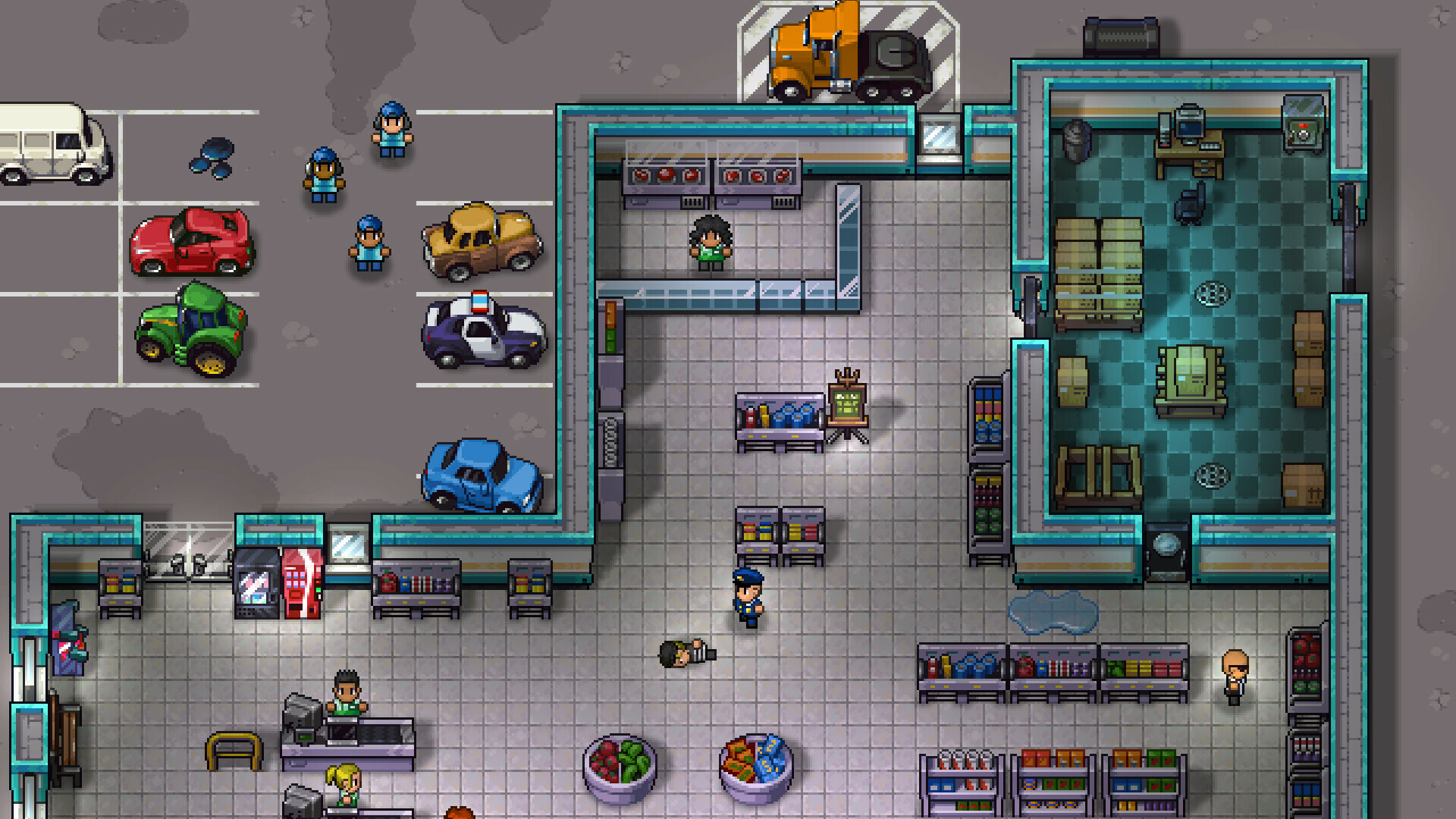
Streets of Rogue is a role-playing video game with both single-player and multiplayer mode. In Streets of Rogue, a procedurally generated city has several floors. The players will have to accomplish specific goals through their character’s special traits and items. Streets of Rogue includes an auto-save feature that automatically keeps track of your progress throughout…