
Category: Guides
-

All SPECIAL Customers – My Restaurant! (Roblox)
This guide is all about special customers in my restaurant in roblox. VIP Customers VIP customers are basically normal customers that pay more. They will order the most expensive item and pay 10x that amount. The royal chair or table increases the chances of VIP customers. If you buy both, you will get a hundred…
-
How To Get A Nose Jet Fast – One Piece Legendary
This guide will let you know how to get a Nose Jet fast in Roblox One Piece Legendary. The skill needed 200 Iv defense. And you need: Smelt fruit (on your other acc). Get 20 defense on the Smelt acc to use the Silver body *skill*. You can drink some Smoothie by using the gift…
-

How to Fix Stick Drift on Controller in Fortnite
This guide will tell you how to fix FIX STICK DRIFT on Controller in FORTNITE. In Fortnite, you have a dead zone slider that you can adjust. You have to press the options button, go to settings and then navigate to the controller option under Input. After that, scroll down until you get to the…
-

How to Connect PS3 Controller to Windows 10
This guide will let you know how to Connect the PS3 Controller to Windows 10 PC with DsHidMini Driver. You have to open the following link https://vigem.org/Downloads/ and it will take you to the page from where you can download the DsHidMini driver. After reaching this page, you have to click on the DsHidMini driver…
-

How to get Soil and make a Garden Plot in LEGO Fortnite
This guide will show you how to get soil and make a garden plot in LEGO Fortnite. First, you will need to make your way to the lumber mill and deposit wood in it to craft wooden rods. Once crafted, hit the Take button to grab it. After that, head to the crafting bench and…
-
How to get the Find The Golden Skull BADGE In WORM
Go through this guide and follow all the instructions to get Golden Skull Badge and Golden Skull Hat in Roblox WORM (Ended). First, you will need to go to the Graveyard. And touch this skull to get teleported to the “Glitch World”. Once you’re here, you have to burn off your Worm Body. The reason…
-

How to Fix Application Crash Detected Error in Fortnite Season 7 Chapter 2
In this guide, you will come to know how to fix the application crash detected errors in Fortnite Season 7 Chapter 2. You have to download the Fortnite Launch Fix zip file for it. Firstly, you will need to visit the following website and download the .zip file of Fortnite launch Fix. Then extract the…
-

How to Fix No Sound in GTA 5
This guide will let you know how to fix the Grand Theft Auto 5 no sound error. There are three methods below that you can try to resolve it. Adjust In-Game Audio Settings In this section, we will take you through the steps to adjust in-game audio settings to resolve the issue. Launch the game…
-

Best Normal-Type Pokémon in the Series Game
There are so many Pokémon out there. In this guide, you will find out top normal-type Pokémon from every game. The normal-type pokemon are worth catching and training.
-

How To Make A Thick Potion
Thick Potion is a useless kind of potion. You can’t use it to brew other potions. In this Brief Guide we will tell you how to make Thick Potion in the Minecraft Survival Mode. To get that, you first need to make a Water Bottle. Then you have to go into the Nether to get…
-

How to use GOLD to Unlock Characters in MULTIVERSUS
This guide will show you how to use GOLD to UNLOCK Characters in MULTIVERSUS The bottom left side of the screen shows the amount of gold that you have, so make sure you have enough gold to unlock that character. Go to the collections and select a character that you want to unlock and then…
-
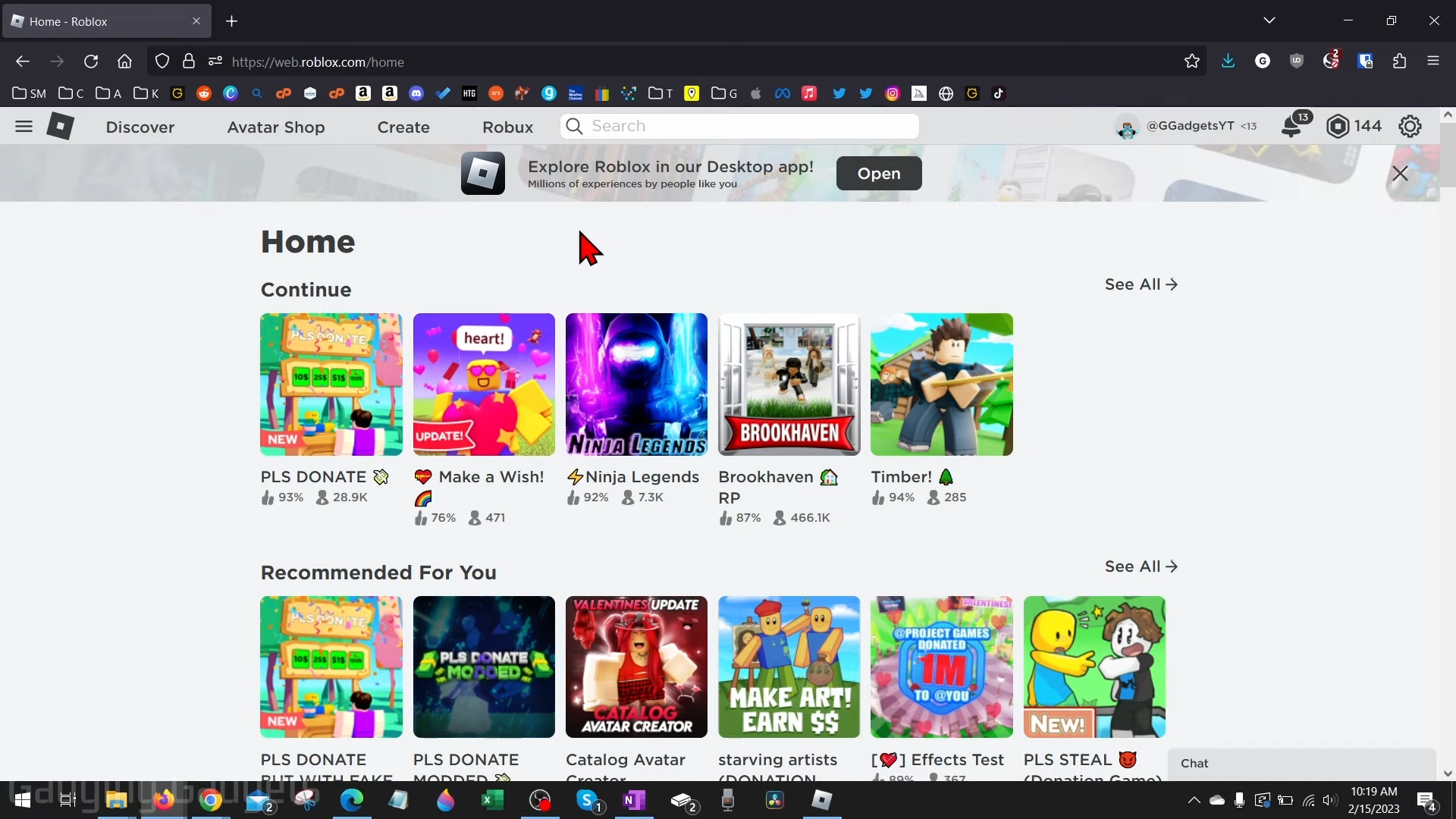
How to Delete or Remove a Donation Button From Your Stand and Please Donate
This guide will teach you how to delete or remove a Donation button from your Stand and Please Donate. If you have a button and don’t want it to be on your booth, Please Donate, open up the browser on your Chromebook or MacBook, go to roblox.com, and sign in to your account. Now, go…
-

Prehistoric Kingdom – Controls Guide
In Prehistoric Kingdom, you play as the leader of a team of players in order to take control of the animal kingdom and make it to the next level. Use your creative skills to design, build, and decorate your zoo with the best prehistoric creatures to protect. In this guide, you’ll find all the Controls…
-

How to Get the Old Roblox Cursor Back
This guide will let you know how to change the cursor in your Roblox game. Follow the steps in this guide, and you will get the old Roblox cursor back. Step 1 The first thing you will need to do is open your Windows search bar, type Roblox player and search it. Right-click on it…
-

How to View All Games on PS5 You’ve Purchased
This guide will show you how to View All Games on PS5 you’ve purchased. On your home screen, you’ll find the recent games you have played. You have to scroll all the way to the right, select Game library, and go to Collections. On the left side, there will be sort and filter options. Now…
-

How to Turn Off Crossplay on Fifa 23 Ultimate Team
This guide will tell you how to turn off Crossplay on FIFA 23 ULTIMATE TEAM. Go through the guide and follow the simple steps to do so. First of all, you have to boot your game, then go to the club, and click on the settings tab on the bottom right of your screen. After…
-
How To Add Your Own Music (Self Radio) Mod In GTA 5 ?
This guide will let you know how to add your own music in GTA 5. Just follow the address to User Music, in this folder, you can add the music that you want. Launch the game, explore and enjoy.
-

How to Update Your Mods on Nintendo Switch
This step-by-step guide will walk you through the manual update process, ensuring a seamless transition to the latest versions of your mods. Step 1: Prepare the SD Card Power off your Nintendo Switch and remove the SD card. Insert the SD card into your computer. Step 2: Download Latest Mod Versions Download the latest versions…
-

Roblox Adopt Me Codes 2023 (Updated)
Adopt Me is a roleplaying game in which you have to play the role of either a parent or baby. Families can be formed and there are numerous activities that you all take part in including going to the park, camping or a trip to the beach. The parent has to take care of various…
-

How to install the 4K Complexions for Male V mod in Cyberpunk 2077
The 4K Complexions is a replacement for Male V’s complexions and tries to restore his E3 2019 appearance in 4K. Before installing the Mod, make sure that you have a mod folder in the directory (Cyberpunk2077/archive/pc), if you don’t have a mod folder then create a new folder and name it “mod”. In case, if…