
Author: admin
-

How To Make A Minecart With Chest
A Minecart with a chest works the same like a minecart, it helps you to store and transport goods. But the player cannot ride in it. To make Minecart with a chest, you will need Wood Logs, Iron Ore, Iron Ingot using furnace, Wood Planks, Wood Chest and Minecart. Please follow the following steps to…
-

Blind man – PS4 Save Game
Blind Men is a visual novel game released on March 6, 2017, for PC. You play as Rookie Supervillain Kirylo, who steals nuclear launch codes. The game has multiple endings based on player choices. It has 2D anime-style character art and background images. How to Restore PS4 Save file To restore PS4 save files using…
-

*Swap Characters* RDR2 Save Editor (Red Dead Redemption 2) PS4
This guide explains how to use the new feature “Swap Characters” in Save Wizard. Follow the steps below carefully. Open Save Wizard, click on the marked arrow icon, then select Manual Save and click on Advanced Mode. Click on Export File. Select the file you want to export and click Save. Click on Save Editor…
-

How to Change in Game Time & Wait in Starfield (Reset Vendor Credits)
This guide will let you know how to change the game time and wait in Starfield (reset vendor credits). First, you have to look around your current location, whether it’s inside your ship or in a city, to find a chair, bench, or any available sitting spot. Get close to the chair you want to…
-
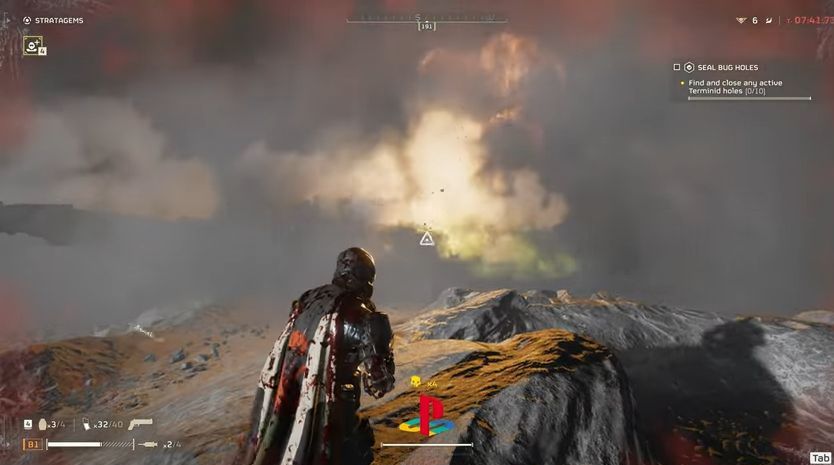
Helldivers 2 Microsoft Visual C++ Runtime Error VCRUNTIME140.dll and MSVCP140.dll
If you are facing the runtime errors VCRUNTIME140.dll and MSVCP140.dll not found while trying to play Helldivers 2, then you have come to the right place. This guide will show you how to fix this error. You first need to download Microsoft Visual C++. Once you reach the web page, scroll down and download the…
-
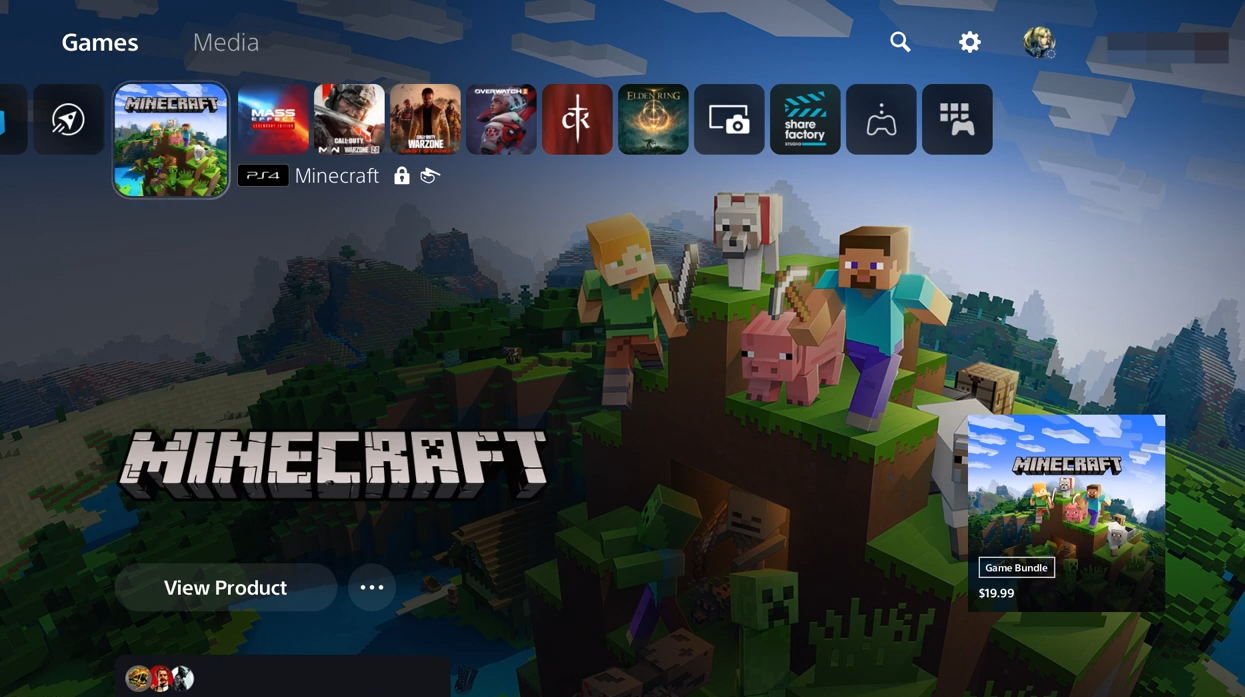
How to Fix PS5 Error CE-16703-8 – Database Is Corrupted
In this guide, you will find out how to fix PS5 Error CE-16703-8 – Database Is Corrupted. The CE-116703-8 error says the database is corrupted, restarts your PlayStation 5. To fix this error, you simply have to restart your PlayStation 5. This error mostly occurs when you powered off your console without clicking into the…
-
How to Get “Frightened” Badge In Accurate Piggy Roleplay
In order to get the Frightened” Badge, you’d need to follow these instructions; Firstly, you’ll need to Find and Touch 4 Notes from 4 Maps. Remember you have to Touch these notes in the Order. First Note Location: City. Second Note Location: Hospital. Third Note Location: Outpost. Fourth Note Location: Plant 1 After touching all…
-
How to Fix the IFRUIT App Crashing – Gta 5
This guide explains two methods to fix the IFruit app from crashing. First method is to check that your phone is not too new and that it shouldn’t be too old as well. The second method is the hackies method. Both of these methods are explained in detail in the guide. There are two methods…
-
How to Install Razerback Muzzle Attachment Model Replacer Mod in Starfield
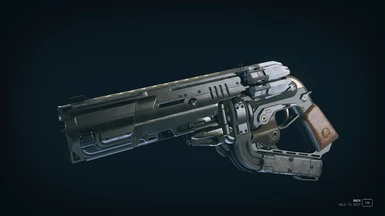
The “Razerback Muzzle Attachment Model Replacer” mod replaces the Compensator and Muzzle Brake attachment models on the Razerback with the more aesthetically beautiful Suppressor model. This simple update improves the visual appeal of the game and provides simple customization. To install the Razerback Muzzle Attachment Model Replacer mod in Starfield, follow these simple steps: First,…
-

How to Install More Ownable Ships Mod in Starfield
More Ownable Ships” mod enables users to triple, five times, or ten times the usual cap on the number of ships they can possess. Be advised that using this mod may prevent you from earning accomplishments, although the Baka Achievement Enabler can help. To install the More Ownable Ships mod in Starfield, follow these simple…
-

How to Get Odin’s Legendary Spear – Assassin’s Creed Valhalla
This guide will let you know how to get Odin’s LEGENDARY Spear in Assassin’s Creed Valhalla, and you will also learn where to find all the four Adrenaline. The Odin’s Legendary Spear is one of the best spears in the game because it reaches further than any other spear, greatly affecting the enemy. The Odin’s…
-

Kahoot Codes
Kahoot is a quiz-based game for mobile phones. Create your own kahoots and start solving quests in this amazing game. You can also host awesome quizzes and send self-paced challenges to other players. Study together with your friends and compete. Active Codes Codes Description 9968790 Use it to get reward 9784525 Use it to get…
-
Super Stylist — Pixel Puzzle
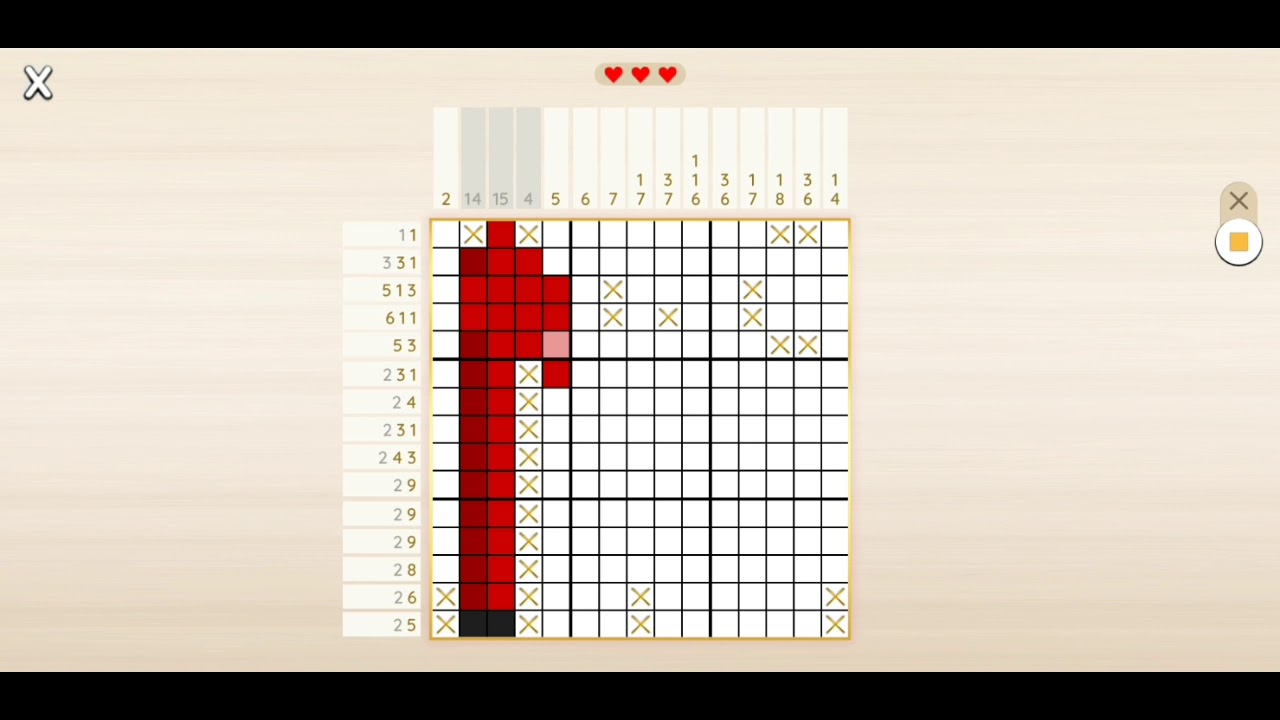
This guide will tell you how to play the Super Stylist Pixel Puzzle game. You will come to know which are the blocks to paint and which of them you will need to leave in 5*5 grid. This guide will also tell you the importance of X marks. Let’s start with the single number of…
-

How to Break The Green Dendro Rocks In Genshin Impact
This guide will let you know how to Break the Green Dendro Rocks in Genshin Impact. It’s the dendro power coming from these rocks and to counter it, you will need to use fire. You can set the grass on fire and that’ll basically burn it the whole time but it can also burn you.…
-

How to use MimikyuI – Pokemon Unite
In this guide, you’ll discover everything you need to know about effectively utilizing Mimikyu in Pokemon Unite. From mastering its abilities to gaining valuable insights into its gameplay mechanics, this guide provides invaluable tips and tricks to maximize Mimikyu’s potential on the battlefield. Skills & abilities The passive ability of Mimikyu is called “Disguise” which allows…
-

Horizon Of Passion Codes
Horizon of Passion is a life simulation game that puts you in the shoes of an ambitious, yet inexperienced, young man who decides to leave his old life behind to pursue his dreams. You travel across the United States, starting up your own business and building relationships with people. Active Codes Codes Description 350055 1st…
-

How to Fix Crackling Stuttering in Xenia Emulator
This guide will show you how to fix stuttering and crashing issues in the Xenia Emulator. Follow the guide carefully and apply all instructions to resolve the problem. You need to change some settings on your GPU. If you have an Nvidia GPU, right-click on the desktop and open the Nvidia Control Panel. Go to…
-

How to Avoid Getting Lost in Caves in LEGO Fortnite
In this guide, you will learn how to avoid getting lost in Caves in LEGO Fortnite. Go through the guide and follow all the steps to do so. Step 1: First, consider where you’re going, if you’re heading to the desert, take items that keep you cool to avoid losing health due to heat. If…
-

How to Hold Items in Left Hand in Minecraft PE
This guide will let you know how to Add-On the smart torch in the Minecraft Pocket Edition. You have to follow the steps in this guide to make a smart torch. You can have many Add-Ons in Minecraft PE; you can bring this torch in the left hand, as you can see in the image…
-

The Dreamlight Fountain Quest Guide – Disney Dreamlight Valley
The Dreamlight Fountain Quest Guide In Disney Dreamlight Valley. In this guide, you will find out how to do the Dream Light Fountain quest in Disney Dreamlight Valley. The first thing you will need to do is follow Donald to the sunlight plateau and he will take you to the campsite. After that, you have…