
Category: Battlefield 2042
-
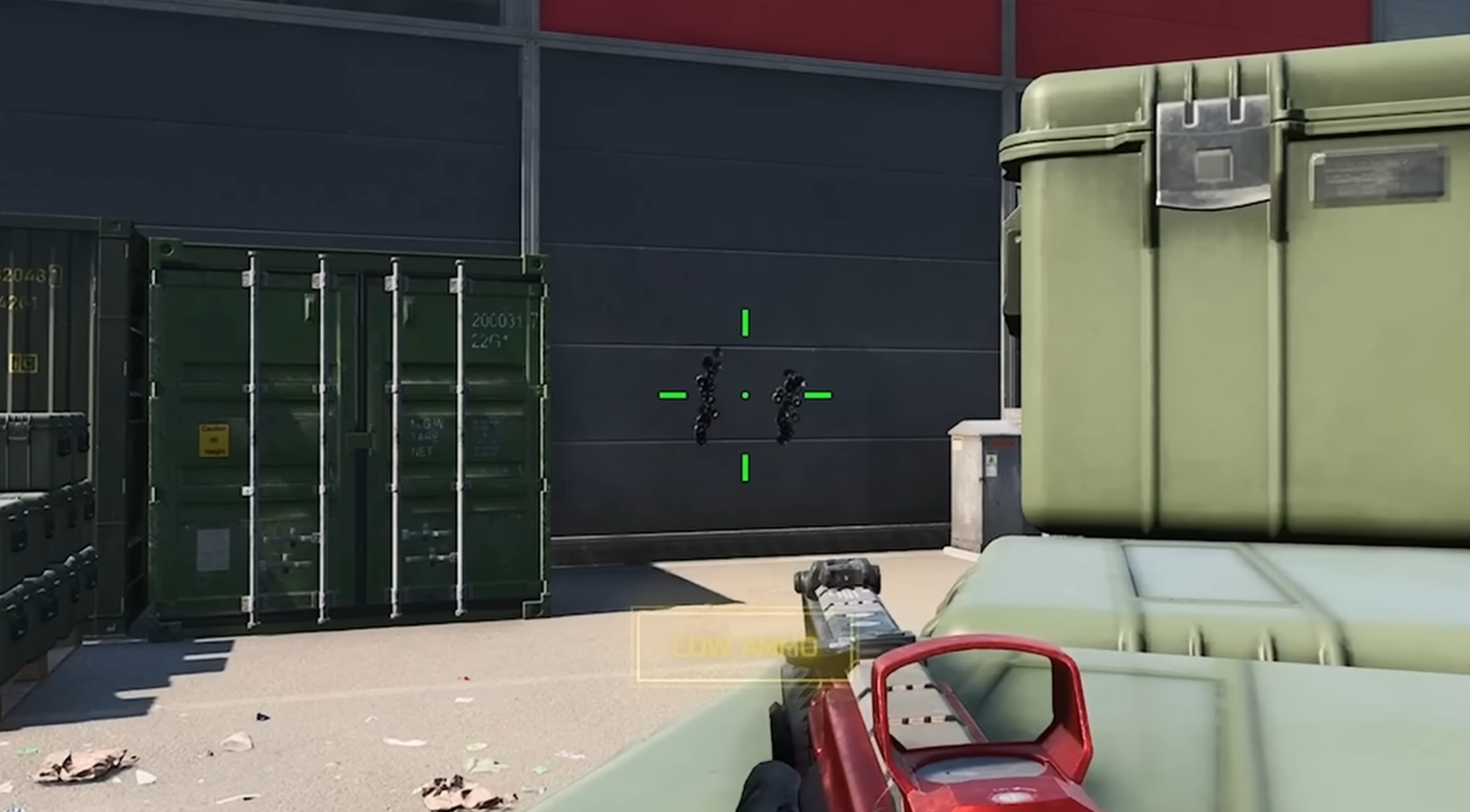
Weapon Tips for Battlefield 2042
This guide will provide you with over 20 weapon tips for Battlefield 2042. These tips will affect your Gunplay or weapon handling and mechanics. Easy unlock weapons and attachments You can unlock all weapon attachments in Solo matches against AI, and you will need 360 kills for Primary Weapons to unlock all attachments, which equals…
-
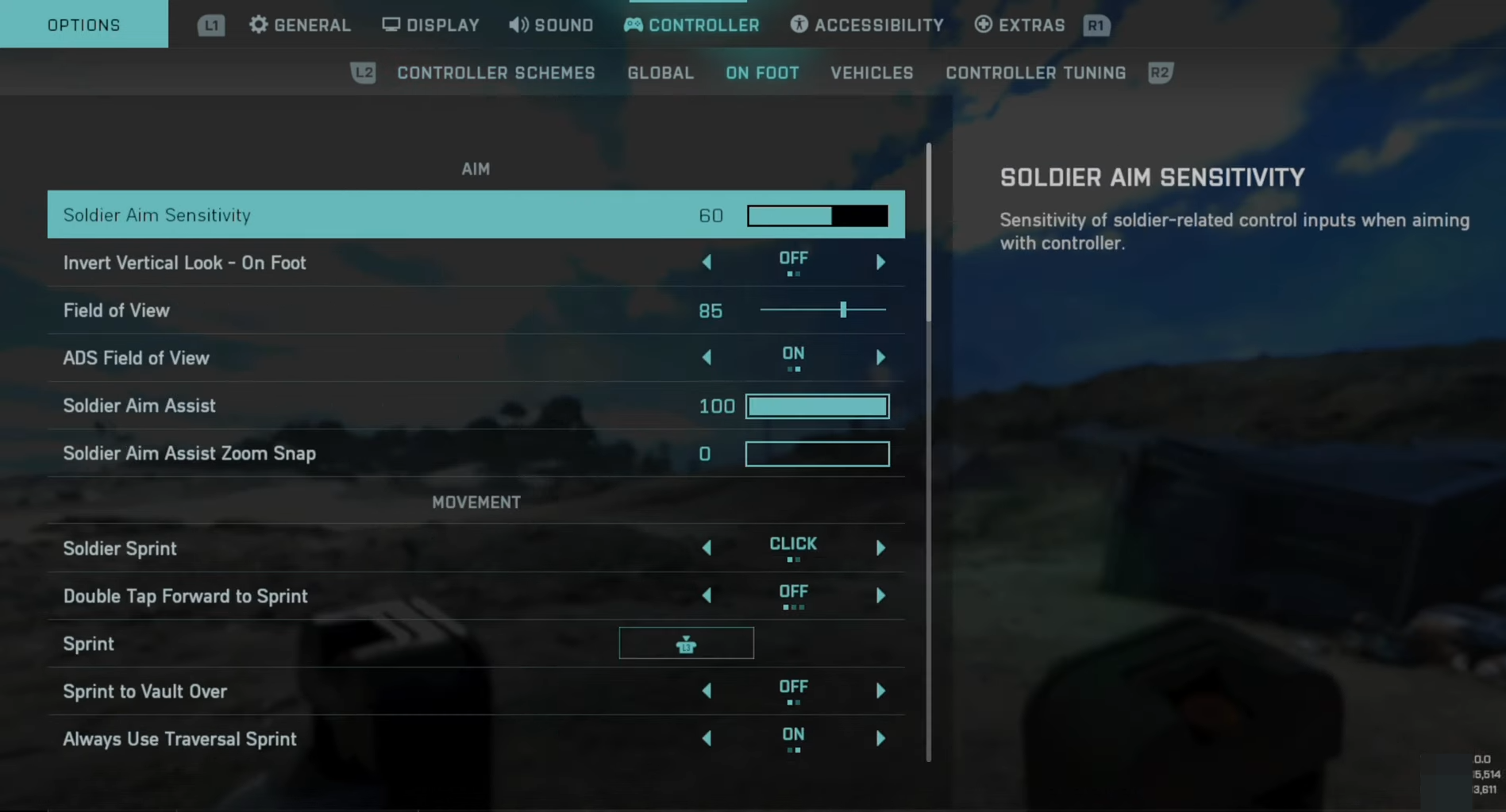
How to Change Controller Aiming Sensitivity in Battlefield 2042
This guide will show you how to change the controller sensitivity in Battlefield 2042. Follow the steps below to make some settings to change the Controller Aiming Sensitivity. Settings You must adjust Soldier Aim Sensitivity, Soldier Zoom Aim Sensitivity and Vehicle Aim Sensitivity. Also, remember to minimize your dead zones. Step 1: First, press Options…
-
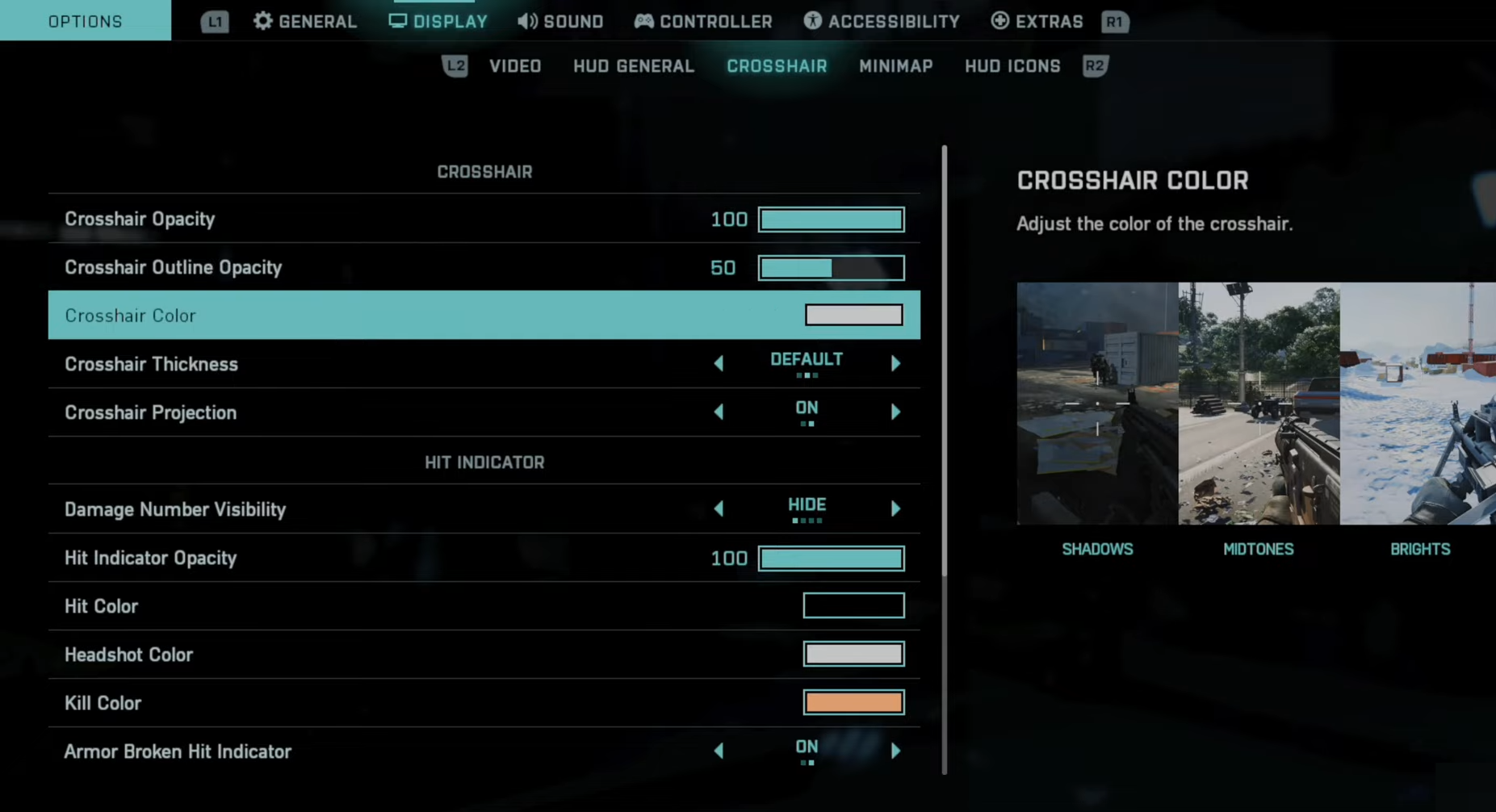
How to Change Crosshairs Color in Battlefield 2042
In this guide, you will find how to customize your Crosshairs in Battlefield 2042. Go through the guide and follow the simple steps to do so. The first thing you will need to do is go to Options and navigate to the Display tab. Press R2 to tab over to Crosshairs and you can change…
-
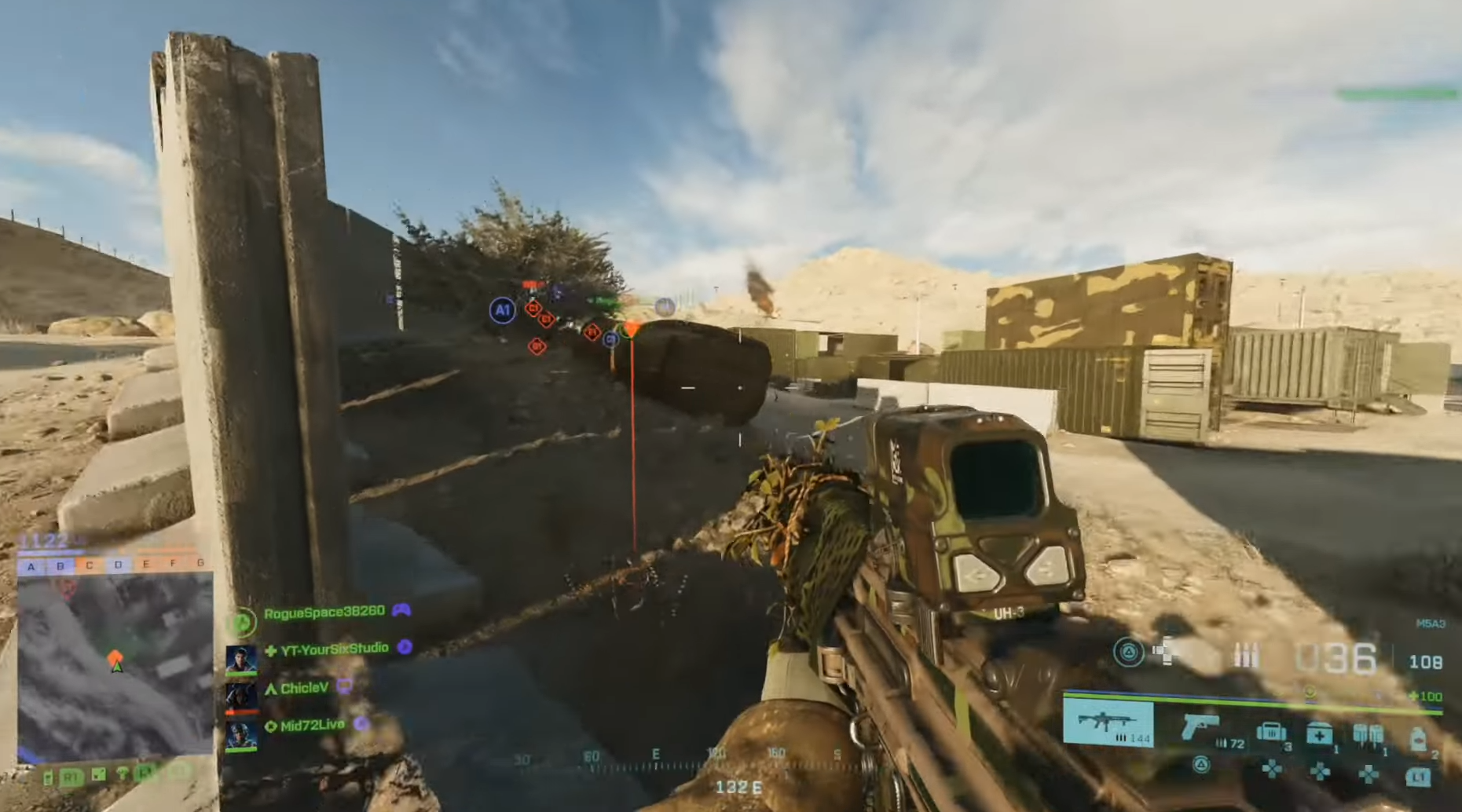
How to Ping Enemy & Locations in Battlefield 2042
In this guide, you will find out how to Ping enemies and their location in Battlefield 2042. It’s easy to Ping an enemy using a controller if you’re playing on the Playstation or Xbox. You have to locate the R1 button, the top right bumper, and then you can easily ping the enemy. Aim down…
-
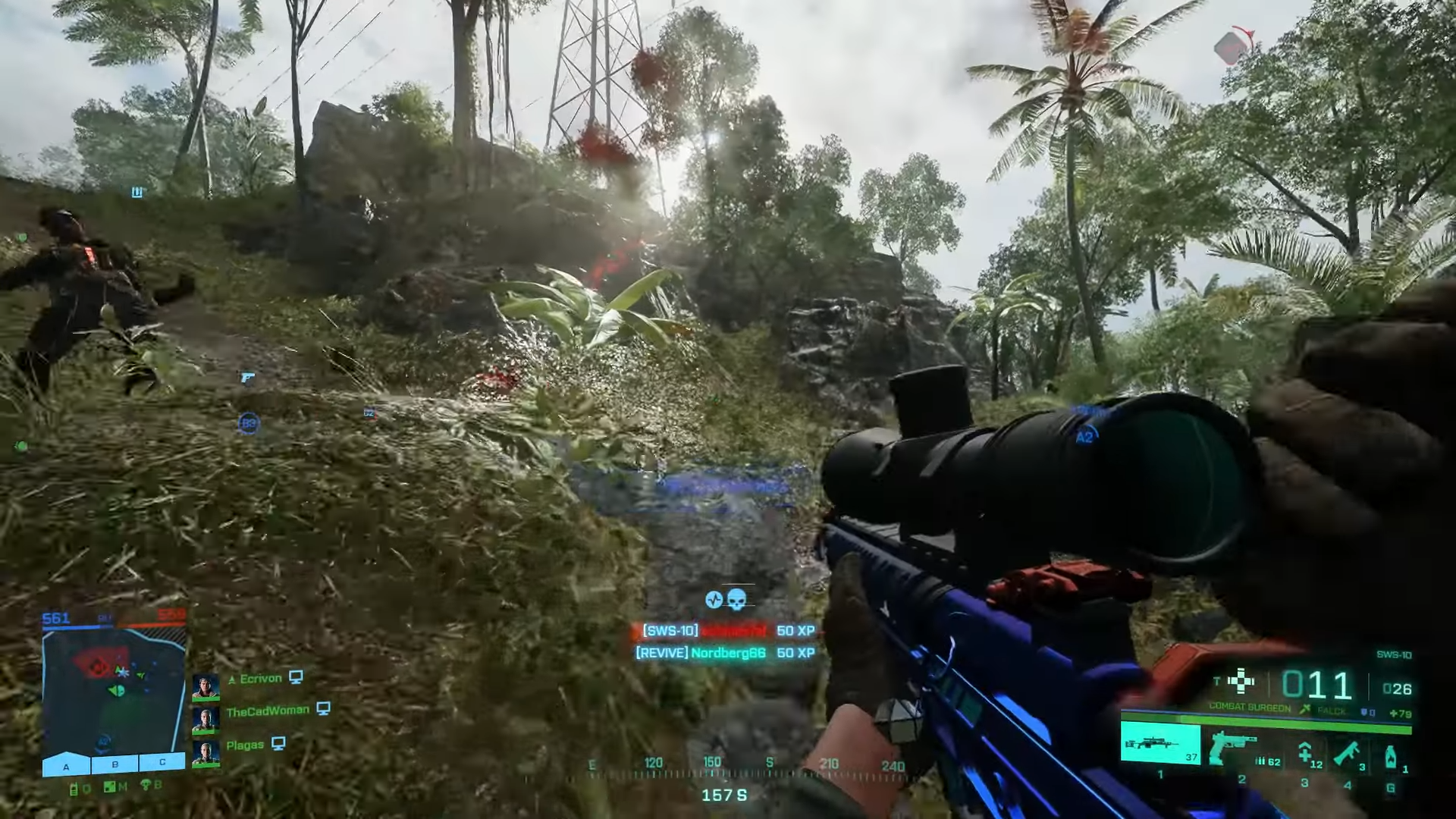
How to easily complete all your Weekly Missions in Battlefield 2042
There are so many players battling to complete their weekly missions. These missions may be more difficult for them to do. These missions become even harder and annoying when you don’t have the chance to play often. In this guide, you will find how to easily complete all your Weekly Missions in Battlefield 2042. All…
-
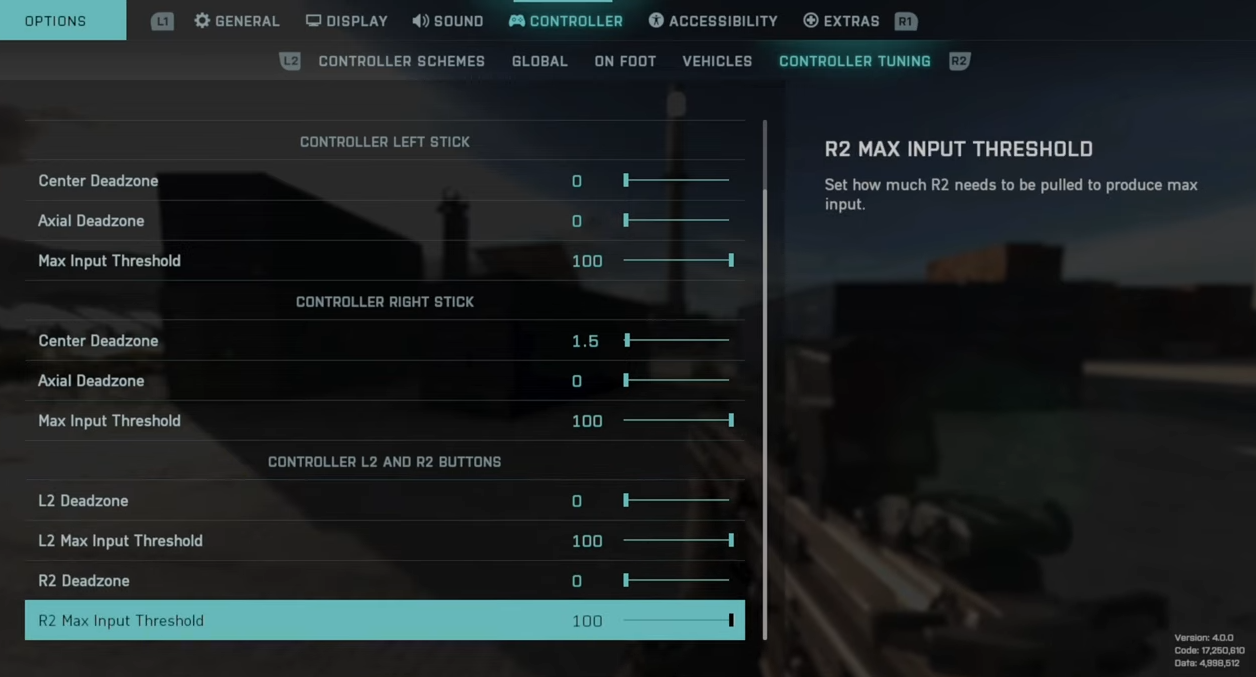
How to Get Controller AIM in Battlefield 2042 to feel like Call of Duty (Best Settings)
In this guide, you will find out how to get Call of Duty-like aim in Battlefield 2042 when you’re playing on a controller. You have to apply the following settings to get it. You will need to press the Options button, go down to settings, and navigate to the Controller tab. It is recommended to…
-
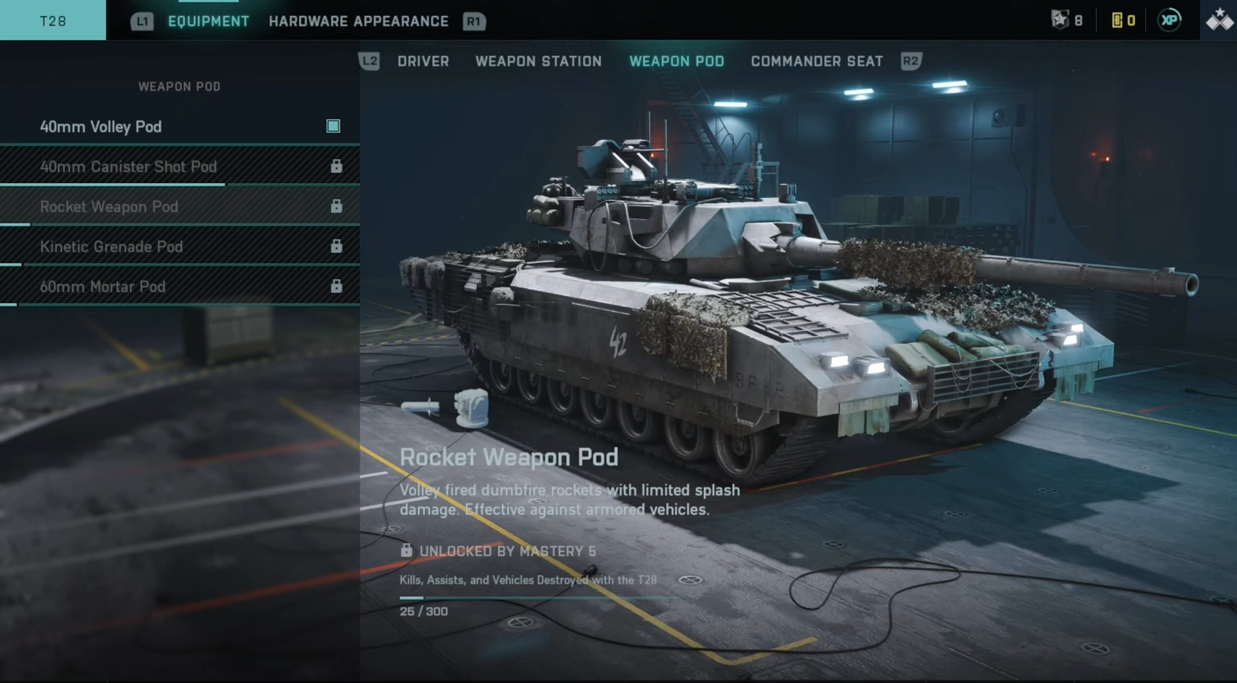
How to Customize & Upgrade Vehicles in Battlefield 2042
In this guide, you will find how to Customize and Upgrade your vehicles in Battlefield 2042. Go through the guide and follow the simple instructions to do so. Once on the home screen, you have to press the R1 button and go to Collections. After that, use R2 and you can go to Gear and…
-
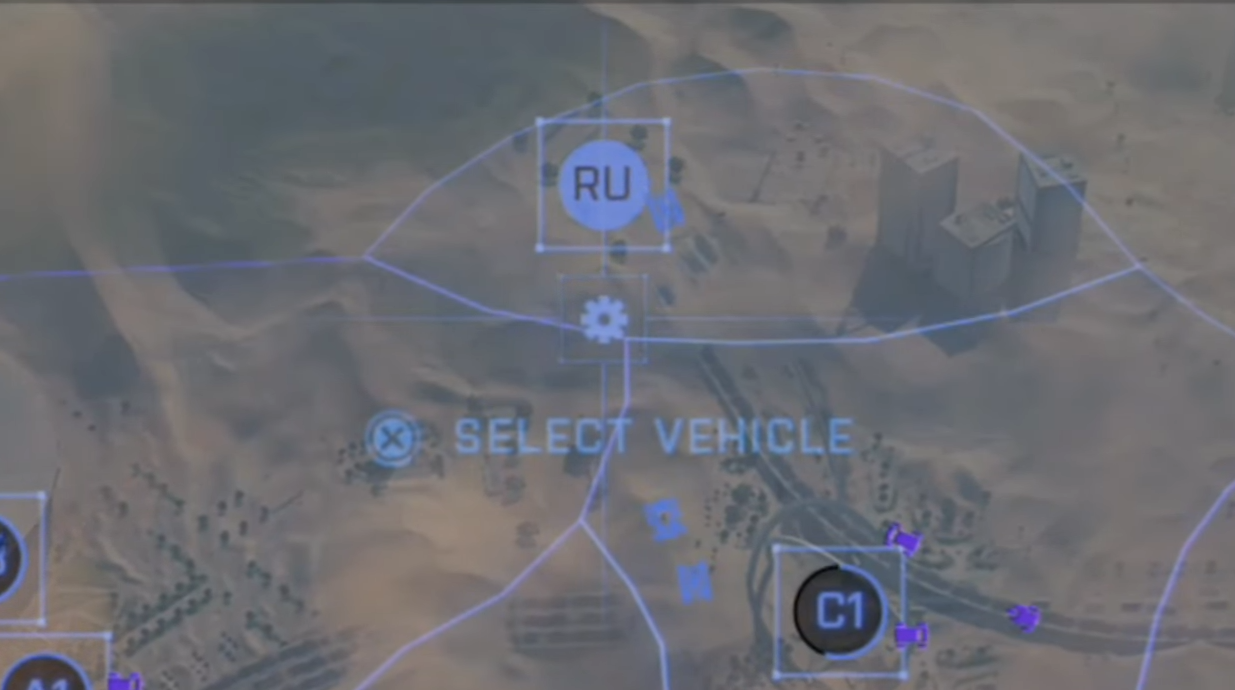
How to Spawn a Vehicle or Ranger in Battlefield 2042
This guide will let you know how to spawn a Vehicle or Ranger in Battlefield 2042. Go through the guide and follow the simple steps to do so. You will need to open up the map, redeploy and then go to Vehicles under your main base. Select a vehicle and spawn the vehicle. You can…
-
AM40 Weapon Guide & Best Setups for Battlefield 2042!
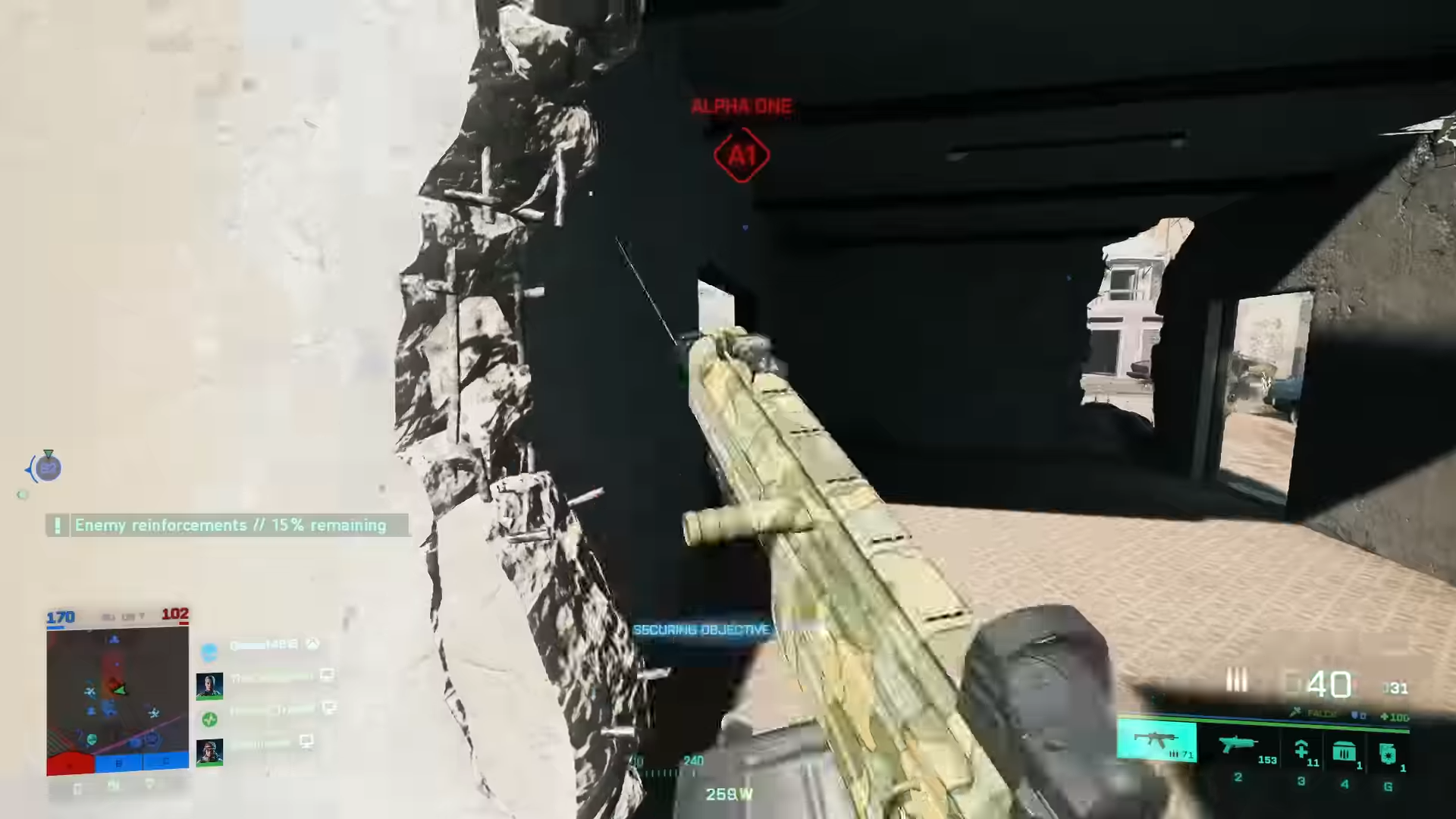
In season two, the AM40 rifle was added to Battlefield 2042. This guide will provide you in-depth information about this latest assault rifle. Further, it will let you know which is the perfect setup for this weapon. The AM40 The current battle pass at tier 10 is the way to get this unlocked. It seems…
-
Easy Unlock & Best Setups for ACW-R, AKS-74U & M412 REX in Battlefield 2042
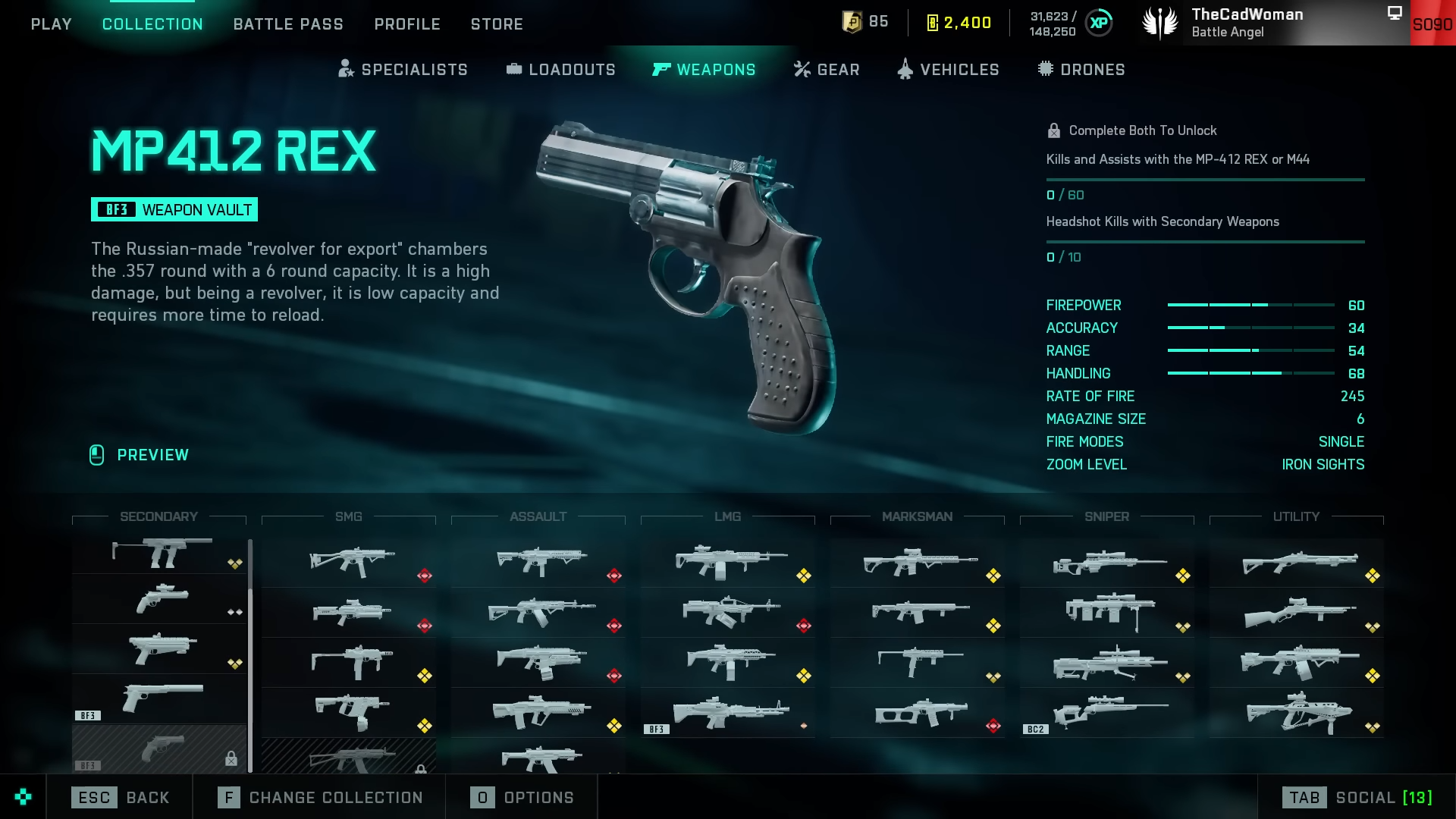
Here comes three Vault weapons with the latest update of Battlefield 2042. Stay on this page if you are eager to know everything about all the fresh updates. As always there are certain requirements to unlock these weapons. In this guide, you will find in-depth detail about these weapons and the easiest method to unlock…
-
How to Fix Mouse Movement / Horizontal Aim Bug in Battlefield 2042
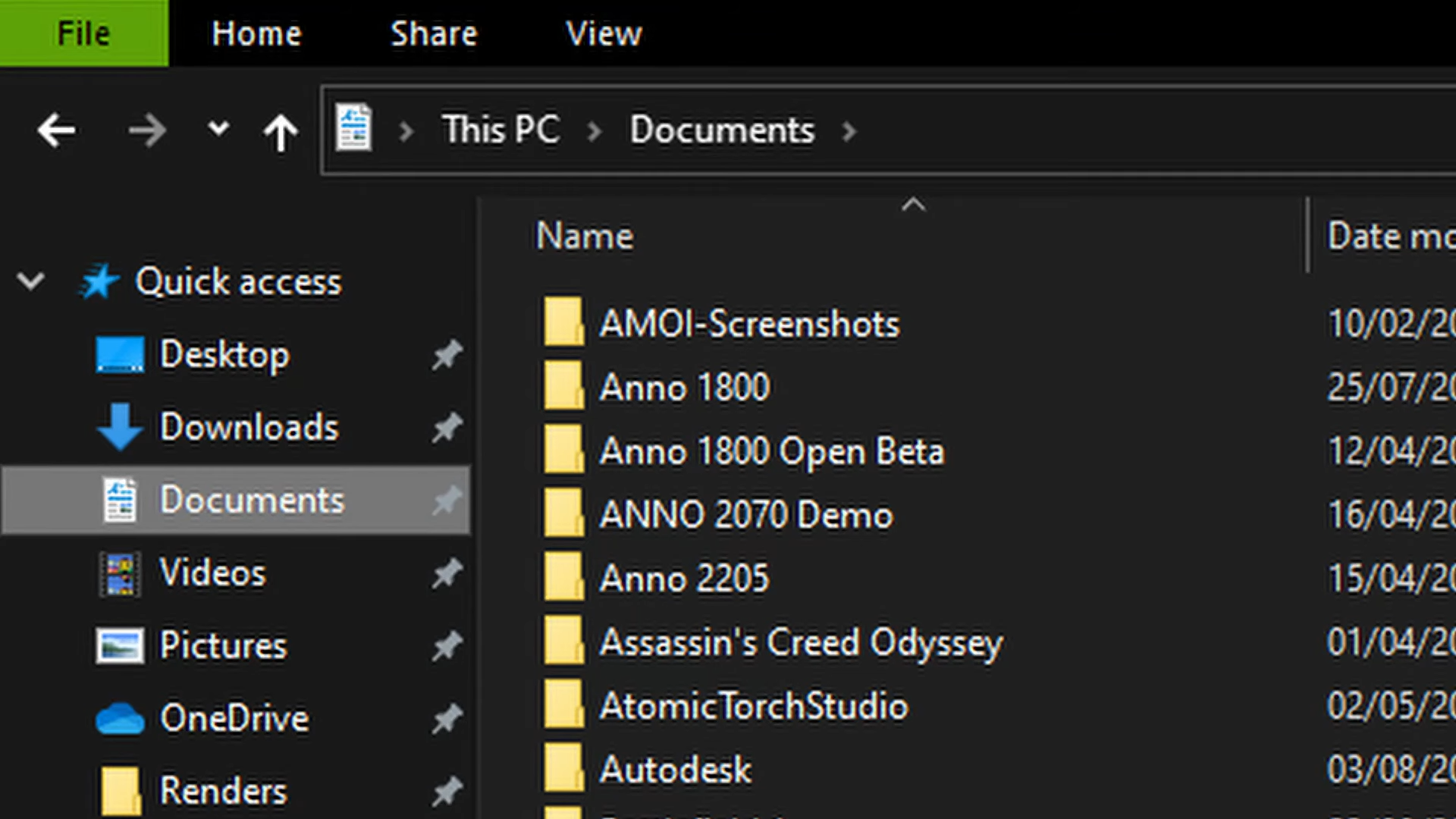
The PC players who play utilizing the mouse and keyboard face an issue that creates problems in aiming. And a perfect solution for this purpose is something several players have been looking for, particularly since after update 3 of Battlefield 2042. If you are also facing the same issue, this guide will provide you with…
-
How to Customize Weapon & Camo in Battlefield 2042
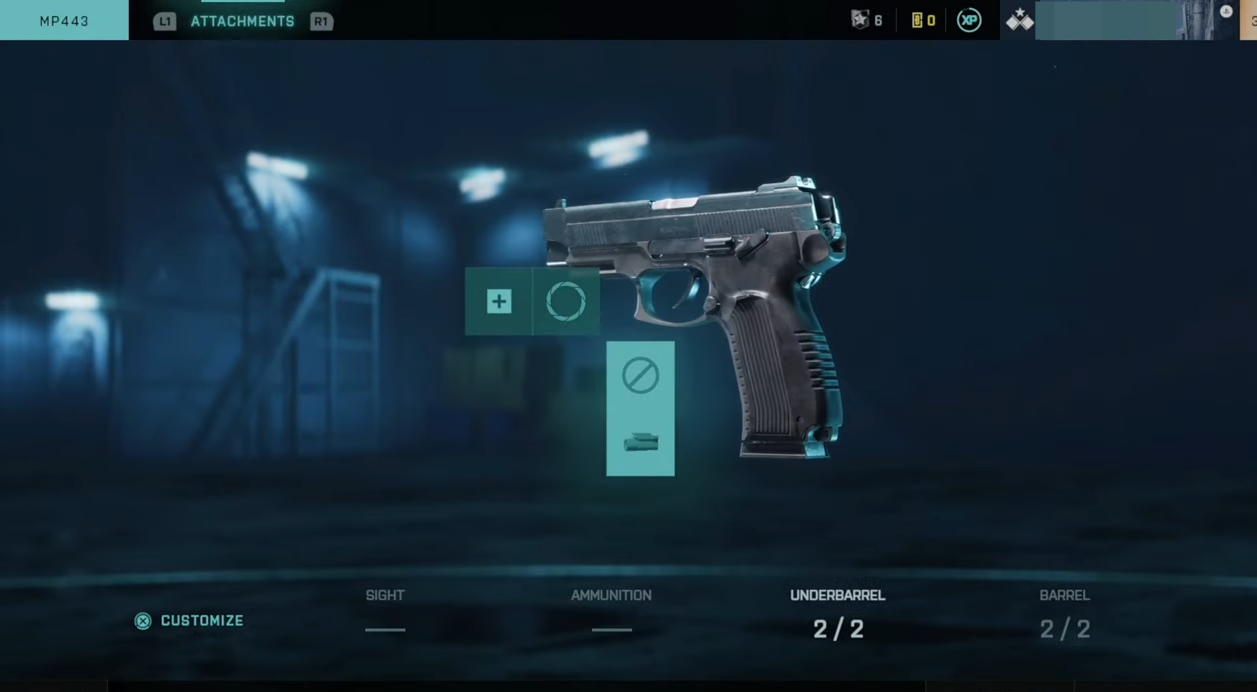
This guide will let you know how to customize Weapon & Camo in Battlefield 2042 on PS4, PS5, Xbox, and PC. You will need to go to the home screen of Battlefield 2042, press the R1 button and go to My Classes. Press the Triangle button on the bottom to view the different classes for…
-
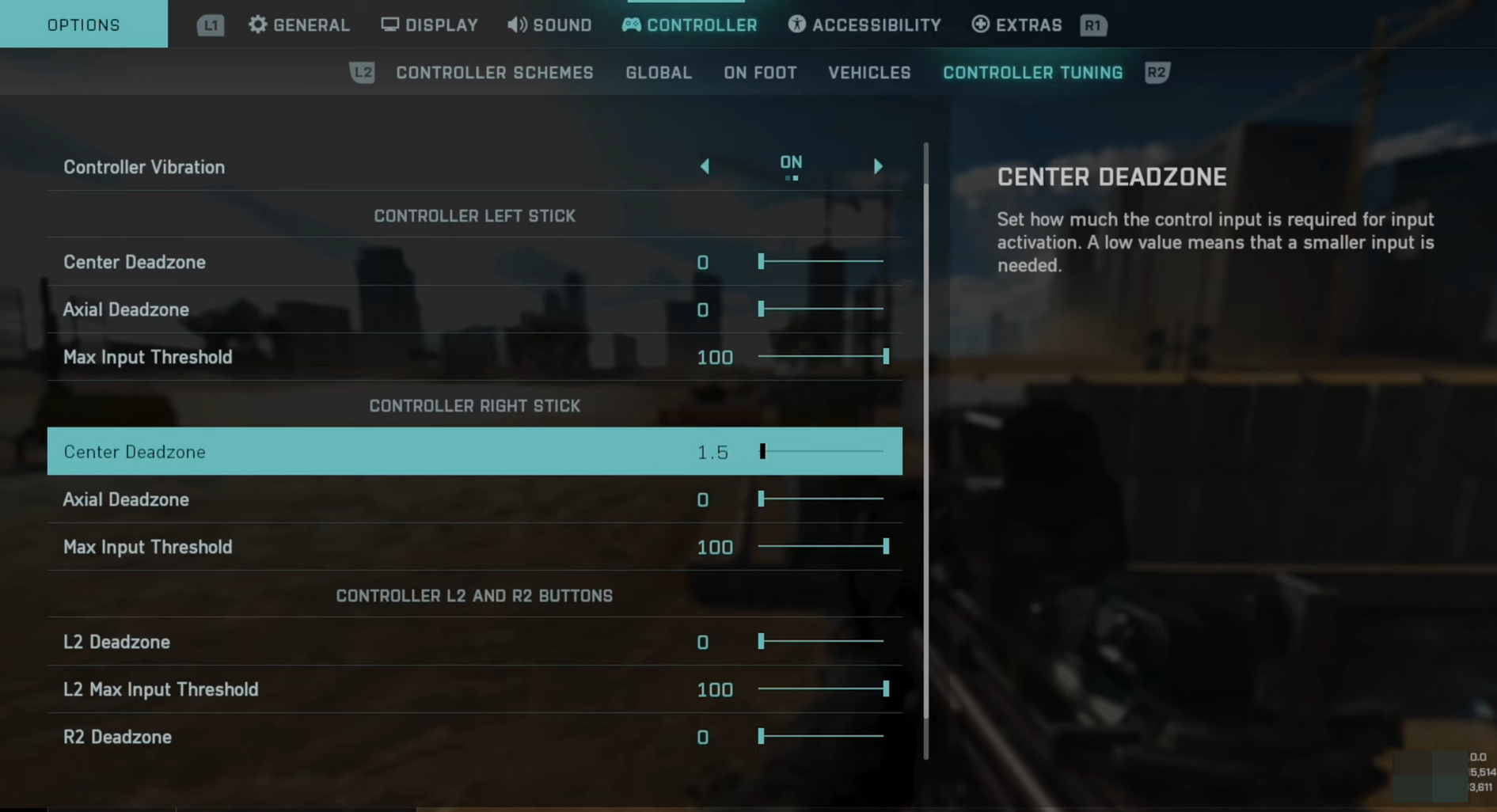
How to FIX Stick Drift & Adjust Deadzone Controller in Battlefield 2042
In this guide, you will find how to eliminate stick drift and change your dead zones in Battlefield 2042. Go through the guide and follow the simple steps to do so. Adjust dead zones If you change your dead zones, it will help to eliminate stick drift. Step 1: Press options, go to settings and…
-
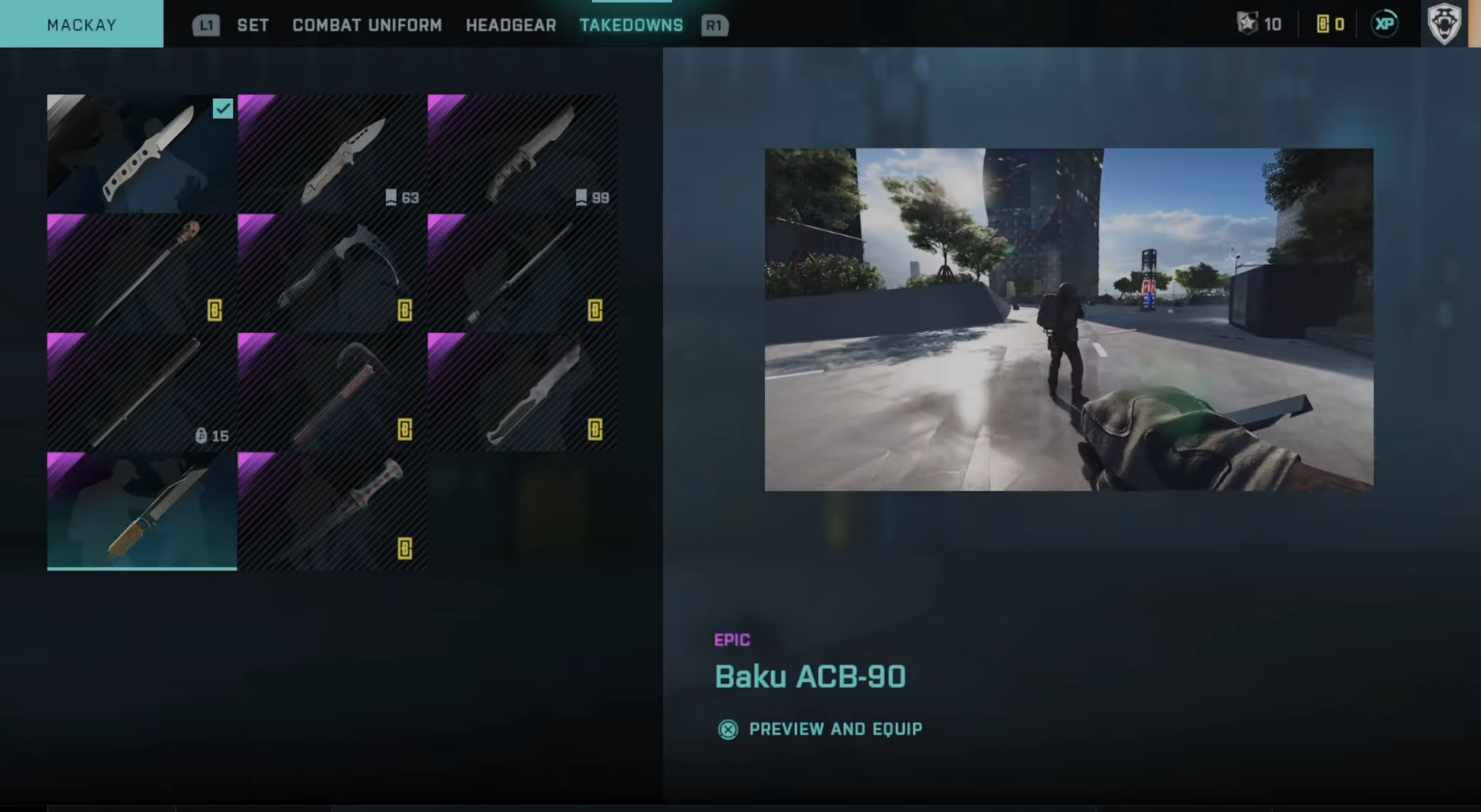
How to Change Operator Skin & Finishing Move in Battlefield 2042
This guide will show how to change your operator skin and the finishing move in Battlefield 2042. To customize your operator, you must go to the Classes tab. You will find your operator right there. After that, press the Square button on the operator and go to this specific operator’s skin. Choose a skin on…
-
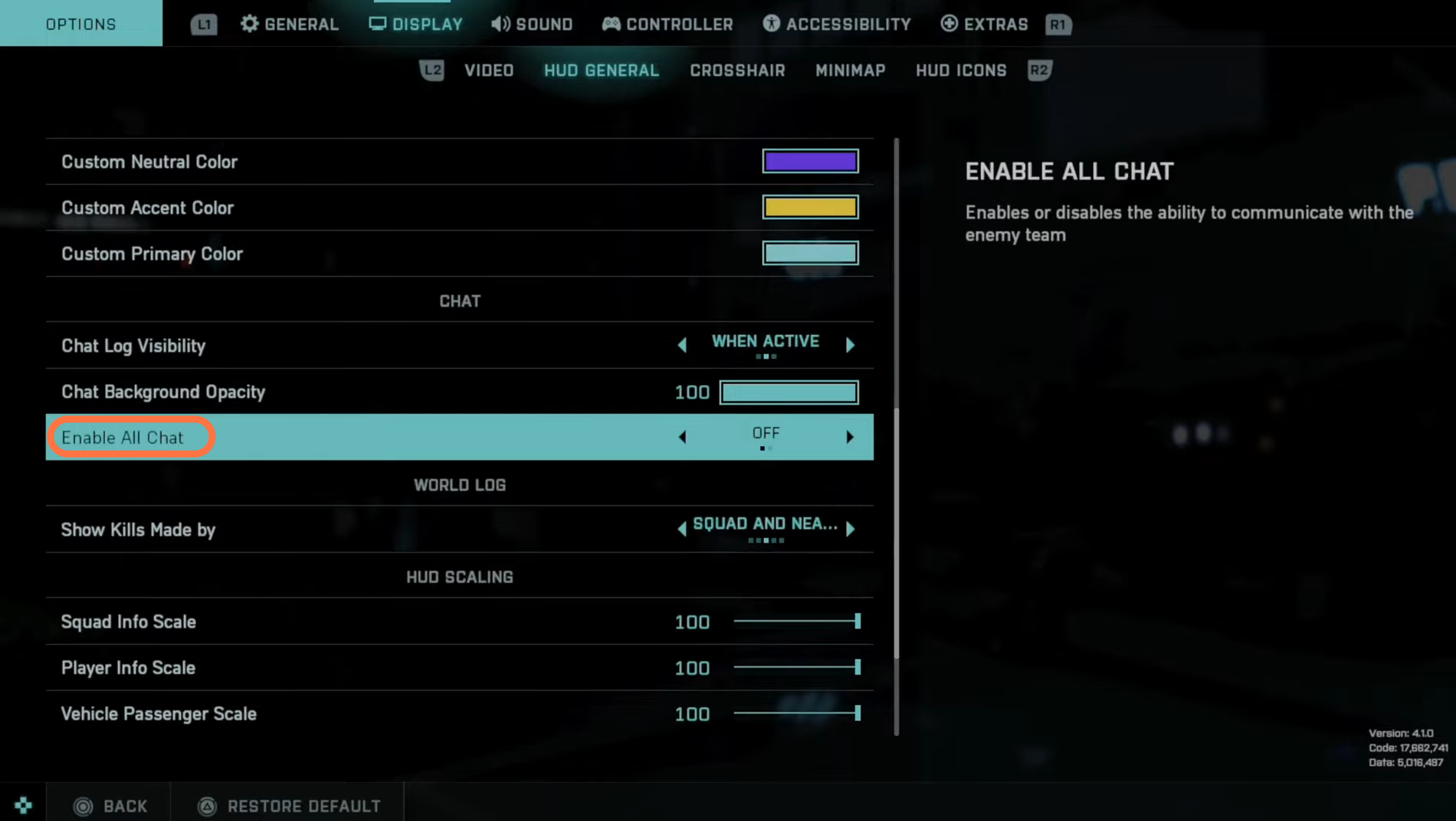
How to Turn On All Chat in Battlefield 2042
If you are looking to turn on and enable all chat in Battlefield 2042 so you can talk to the entire Lobby, then you have come to the right place. This guide will let you know how to do so. Access HUD General In this section, we will walk you through the steps to access…
-
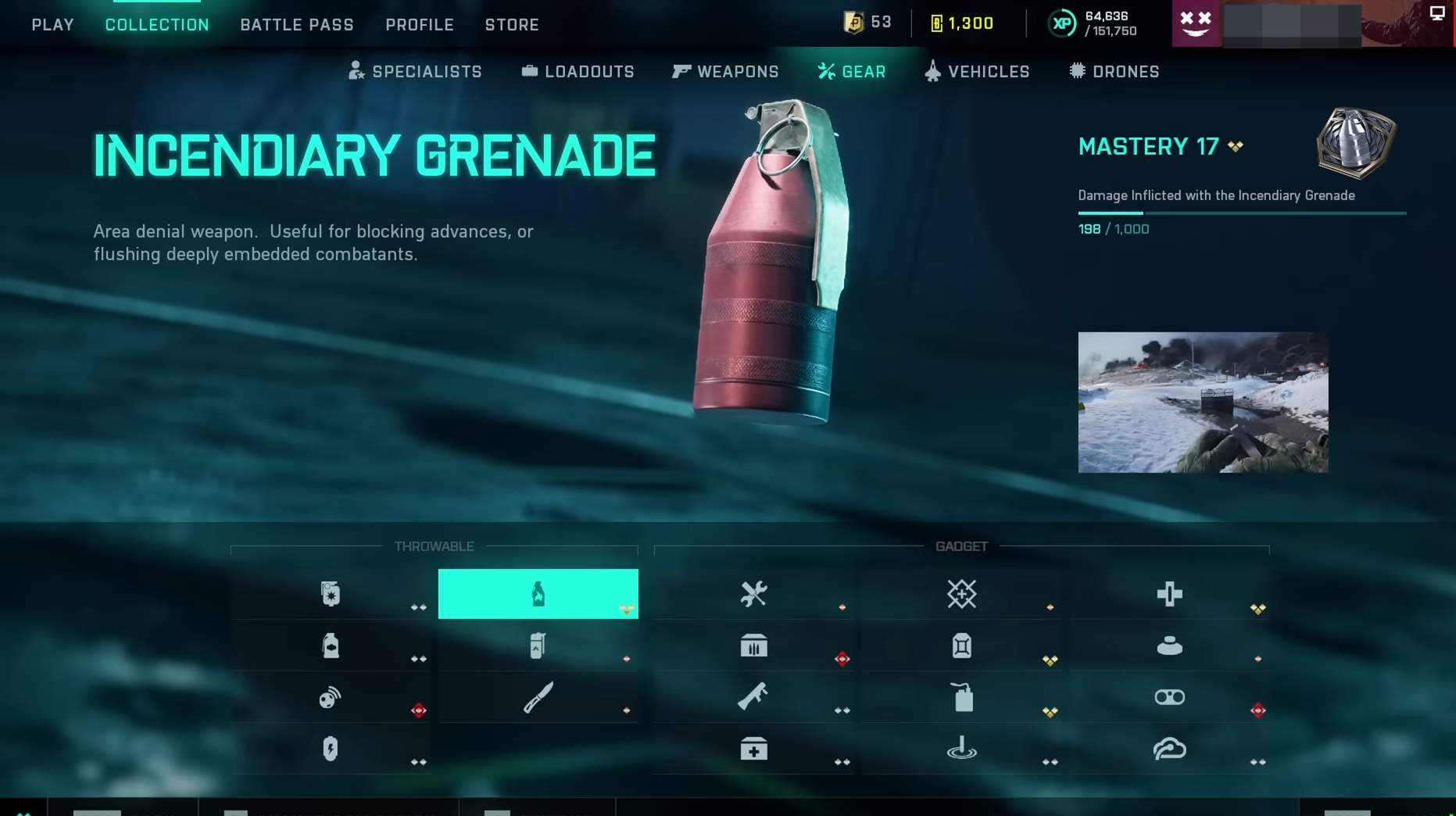
35+ Gadget Tips for Battlefield 2042
In this guide, you will find 35+ gadget tips for Battlefield 2042 that you should know. Frag Grenade The first gadget is the Frag Grenade. You can throw enemy grenades back, giving you more time to react. When a grenade lands near you, look at it and press X on Xbox, E on PC, or…
-
How to Fix and Avoid the ADS Bug in Battlefield 2042
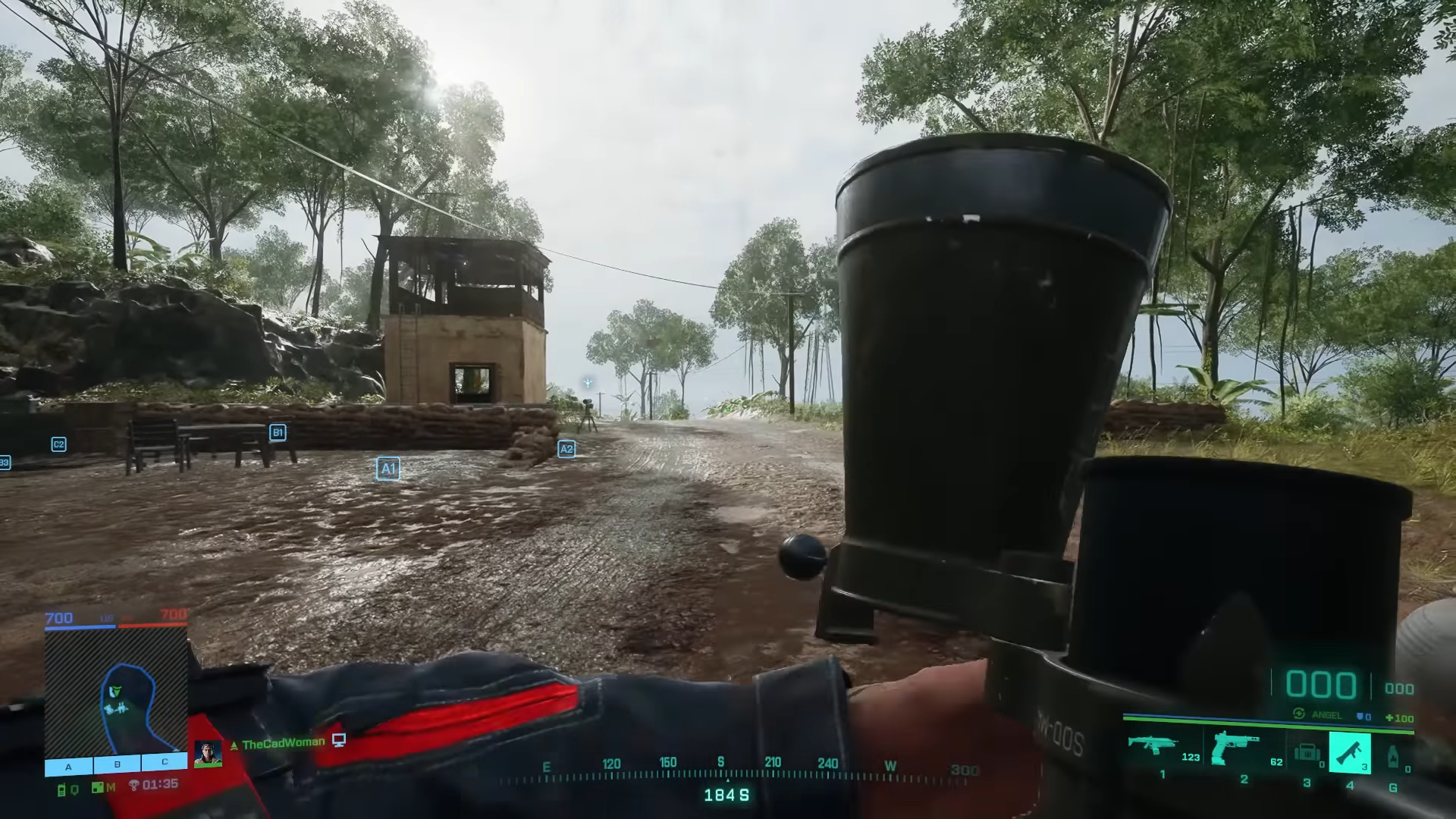
This guide will let you know how to fix and avoid the ADS Bug in Battlefield 2042. The ADS Bug And Possible Way Outs To Fix It The short ADS bug and the aim down-sights bug are familiar to the players since they are found in the game from the very beginning of this game.…
-
How to Change Enemy & Team Colors With Hud Settings in Battlefield 2042
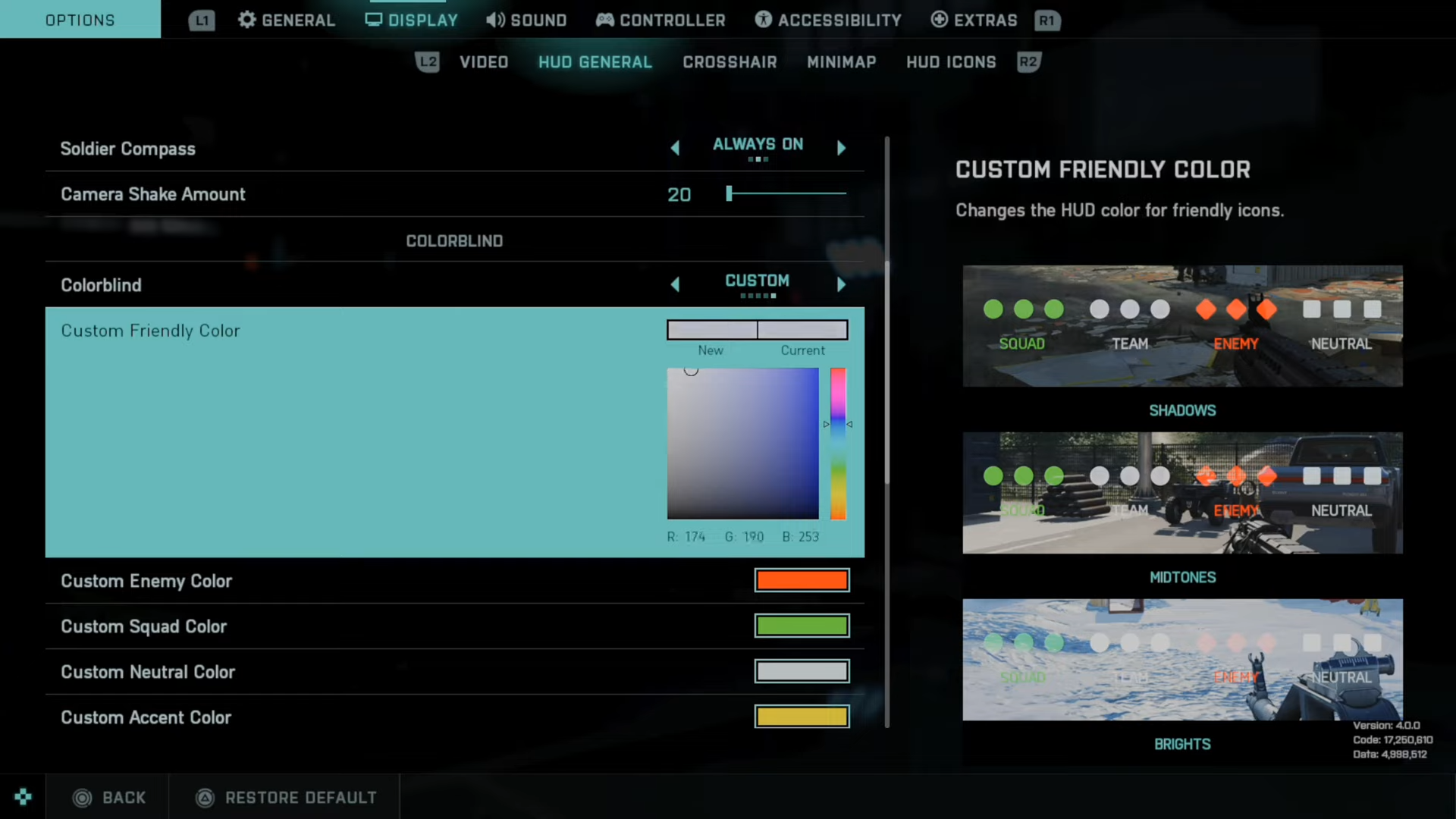
This guide will let you know how to change enemy and team colors with HUD settings in Battlefield 2042. You need to follow all steps in the guide to do so. First, press Options and tab on over to Display by pressing the R1 button. Now press R2, go to HUD general, and go to…
-
How to See Latency, Ping, and Packet Loss in Battlefield 2042
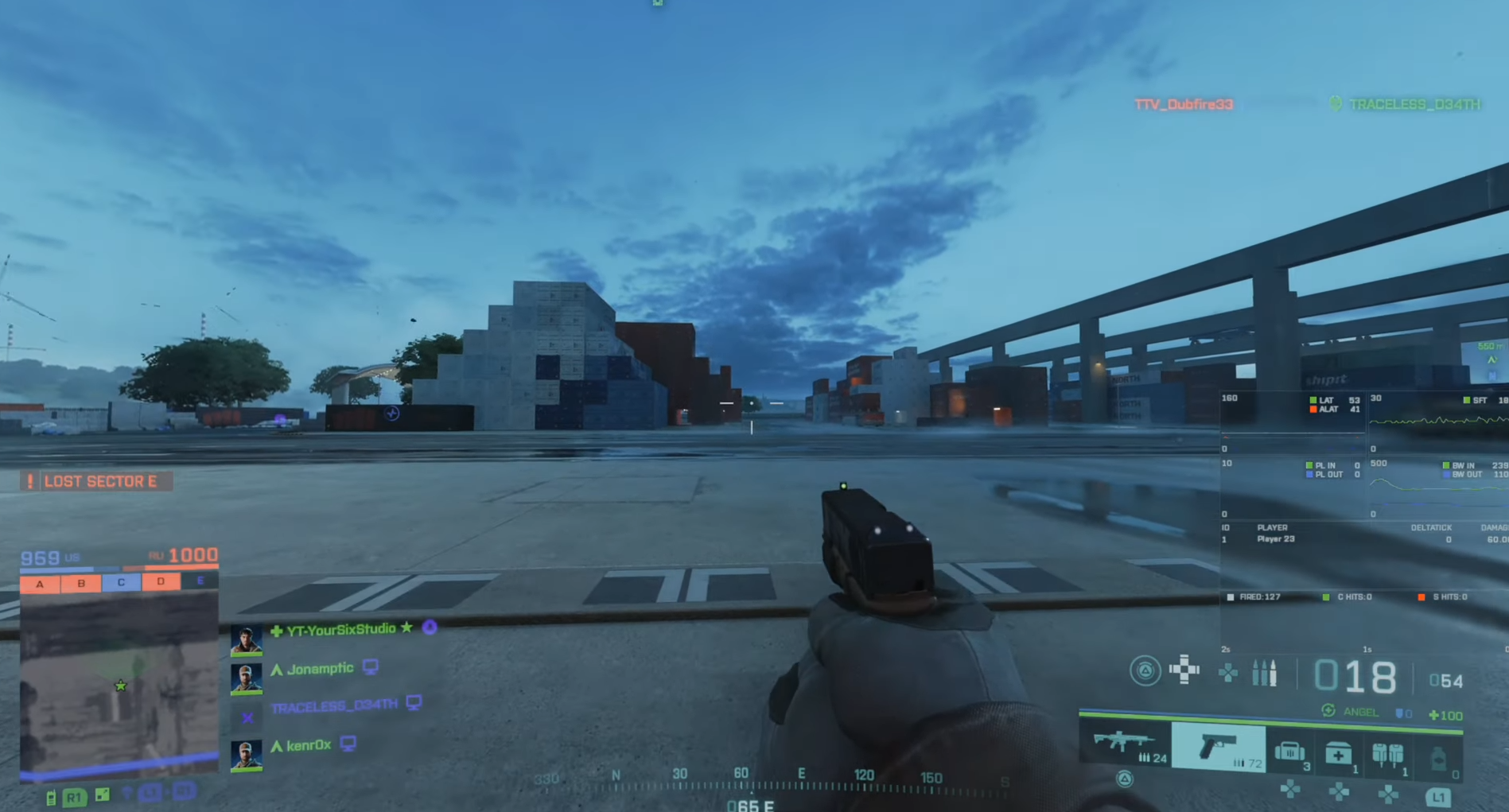
In this guide, you will find how to show the latency, PING, and Packet Loss in Battlefield 2042 with a graph. You will need to press Options and go to settings, tap on the General tab and go to Network using R2. Go to the Show Network performance Bar and set it to Always, then…
-
How to See Server Browser & Join Custom Game in Battlefield 2042
This guide will let you know how to find the server browser in Battlefield 2042 for custom games. If you want to play a custom game, you must scroll down to Portal, select X on it, and then tap on Browse. It will open up the entire server browser, go to the All tab, and…